






Hikrobot Machine Vision Software User Manual
3. Optional: Click
color.
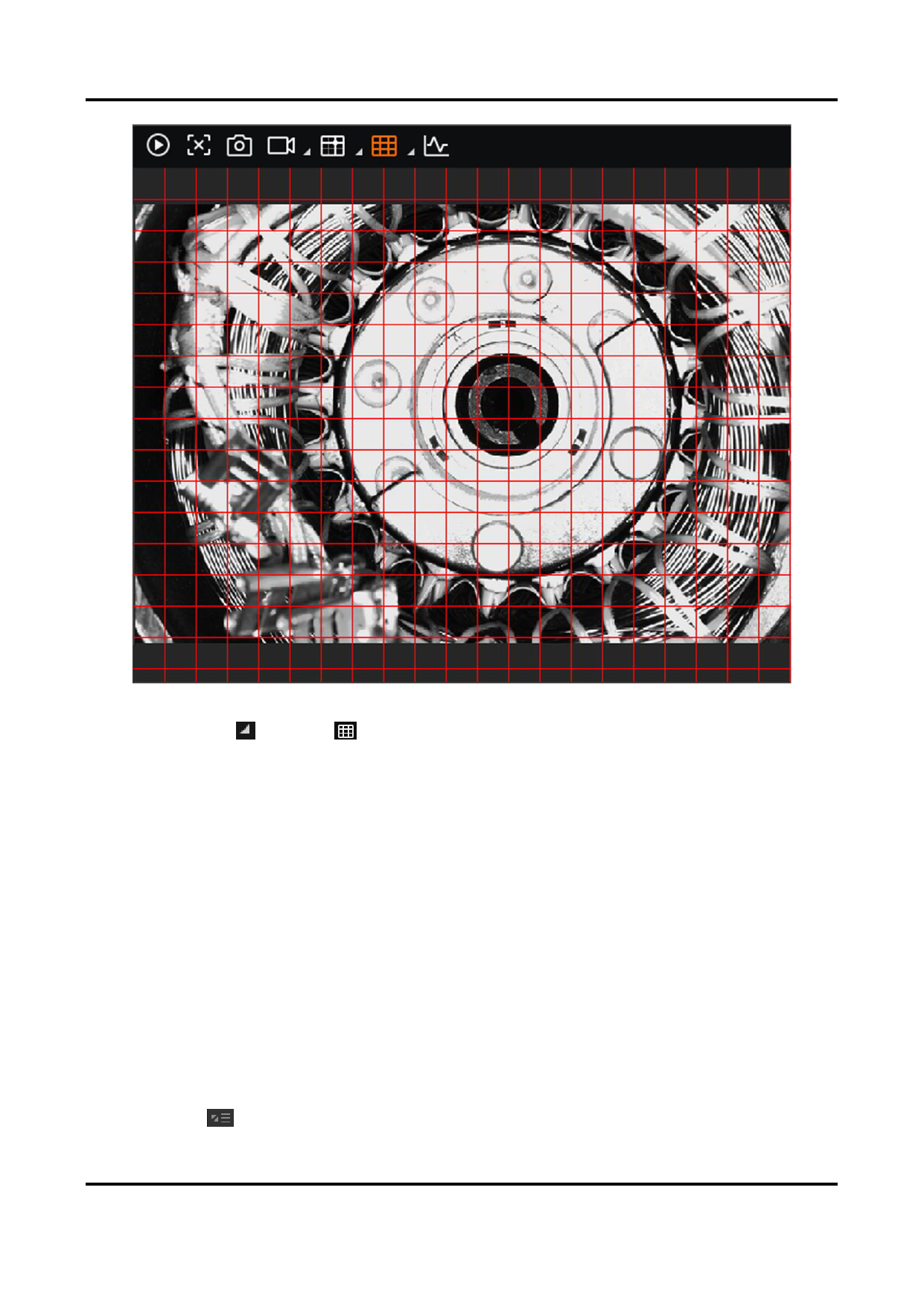
Figure 6-10 Grids Displayed on Image
(beside ) to configure grid parameters, including grid spacing and
Grid Spacing
Set the grid spacing value. You can set the value to 30, 60, or 90. You can also
customize a value as required. The larger the value, the more scattered the grids will
be.
6.9 View Acquisition Status
During acquisition or live view, you can view the acquisition status of the camera(s),
including the acquisition rate, image number, bandwidth, resolution, errors, packets lost
and display rate, etc.
View Acquisition Status in 1-Window Mode
During acquisition or live view (in 1-Window mode), a status bar appears at the bottom of
the display window to display in real time the acquisition status of the selected camera.
You can click in the lower-left corner to select status parameters (the selected ones
94


























































































































































