






Hikrobot Machine Vision Software User Manual
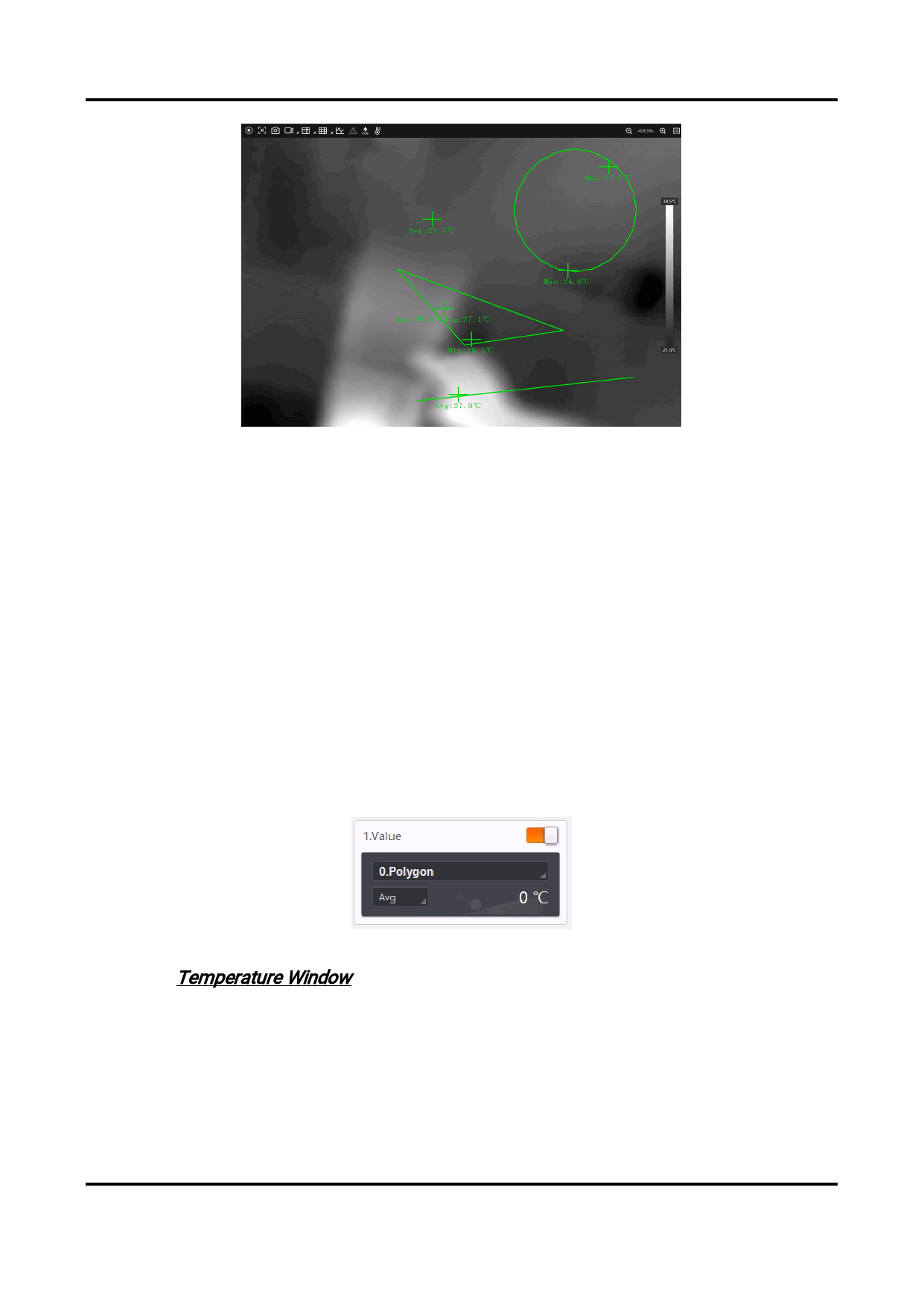
Figure 6-21 Temperature Bar
Region Information Overlay
Select a overlay mode for the region information from the followings.
● None: Disable region information overlay. No information is displayed when the
camera acquires images or when the images are saved.
● Camera: Overlay information of the temperature screening regions to the camera,
so that the information will be displayed when the camera acquires images and
when the images are saved.
● Client: Overlay information of the temperature screening regions to the Client, so
that the information will be displayed when the camera acquires images, but not
when the images are saved.
Temperature Window
You can set up to 4 displays of temperature values and 1 display of the temperature
curve to be displayed on the Temperature Window. For each display, you can select a
temperature screening region and a type of statistics as shown below.
Figure 6-22 Temperature Window Settings
Refer to Temperature Window for how the display outcome looks like.
109


























































































































































