






Hikrobot Machine Vision Software User Manual
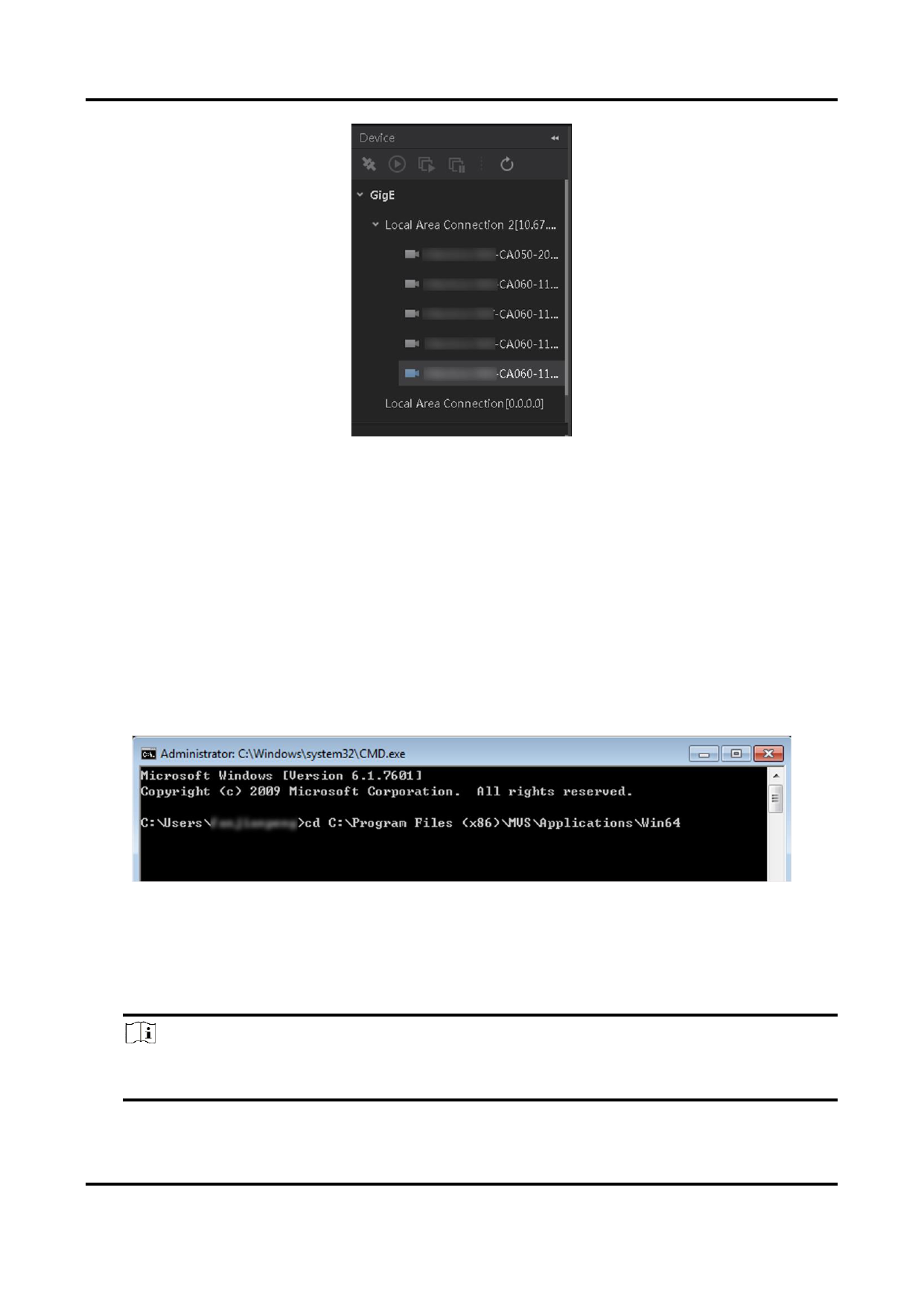
Figure 4-1 Local Camera Enumeration
Connect Camera by Command
You can use CMD commands to run the Software and connect cameras to it.
Steps
1. Go to Start → CMD.
2. Enter "cd" and "the directory of MVS.exe".
Example
If the directory of MVS.exe is "C:\Program Files (x86)\MVS\Applications\Win64", you
should enter "cd /d C:\Program Files (x86)\MVS\Applications\Win64".
Figure 4-2 Connect Camera by CMD
3. Press the Enter key.
4. Connect the camera to the client software in the following four ways:
– Connect by Camera IP Address: Enter "MVS.exe/IP xx.xx.xx.xx".
Note
Connection by IP address is not supported by USB3 Vision camera, Camera Link
camera, and CoaXPress camera.
30


























































































































































