






Hikrobot Machine Vision Software User Manual
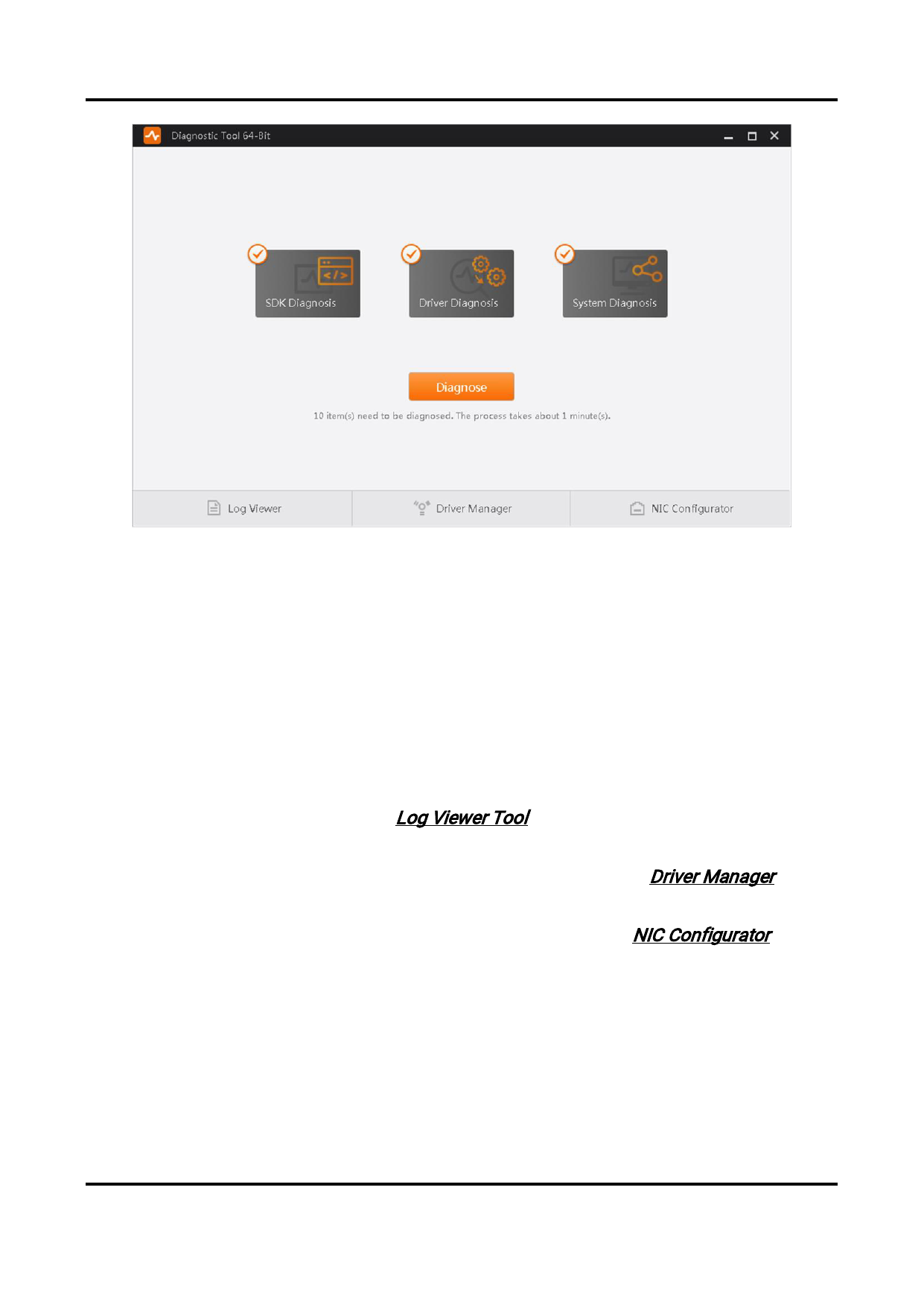
Figure 7-10 Diagnostic Tool
You can select SDK Diagnosis, Driver Diagnosis, or (and) System Diagnosis, and then click
Diagnose to start diagnosing.
SDK Diagnosis
Diagnose the secondary development environment.
Driver Diagnosis, System Diagnosis
Diagnose the Software running environment.
While diagnosing, you can also click the tool(s) at the bottom of the page to help the
diagnostics work.
Log Viewer
View the SDK logs. For details, see Log Viewer Tool.
Driver Manager
Manage the GigE Vision driver and the USB driver. For details, see Driver Manager.
NIC Configurator
Configure the PC's network adapter parameters. For details, seeNIC Configurator.
When diagnosis ends, the exception number of each type of the diagnosis results (Serious,
Fatal, or Normal) will be displayed, and all the exceptions will be displayed by different
categories. You can view and handle each one of them respectively.
129


























































































































































