






Hikrobot Machine Vision Software User Manual
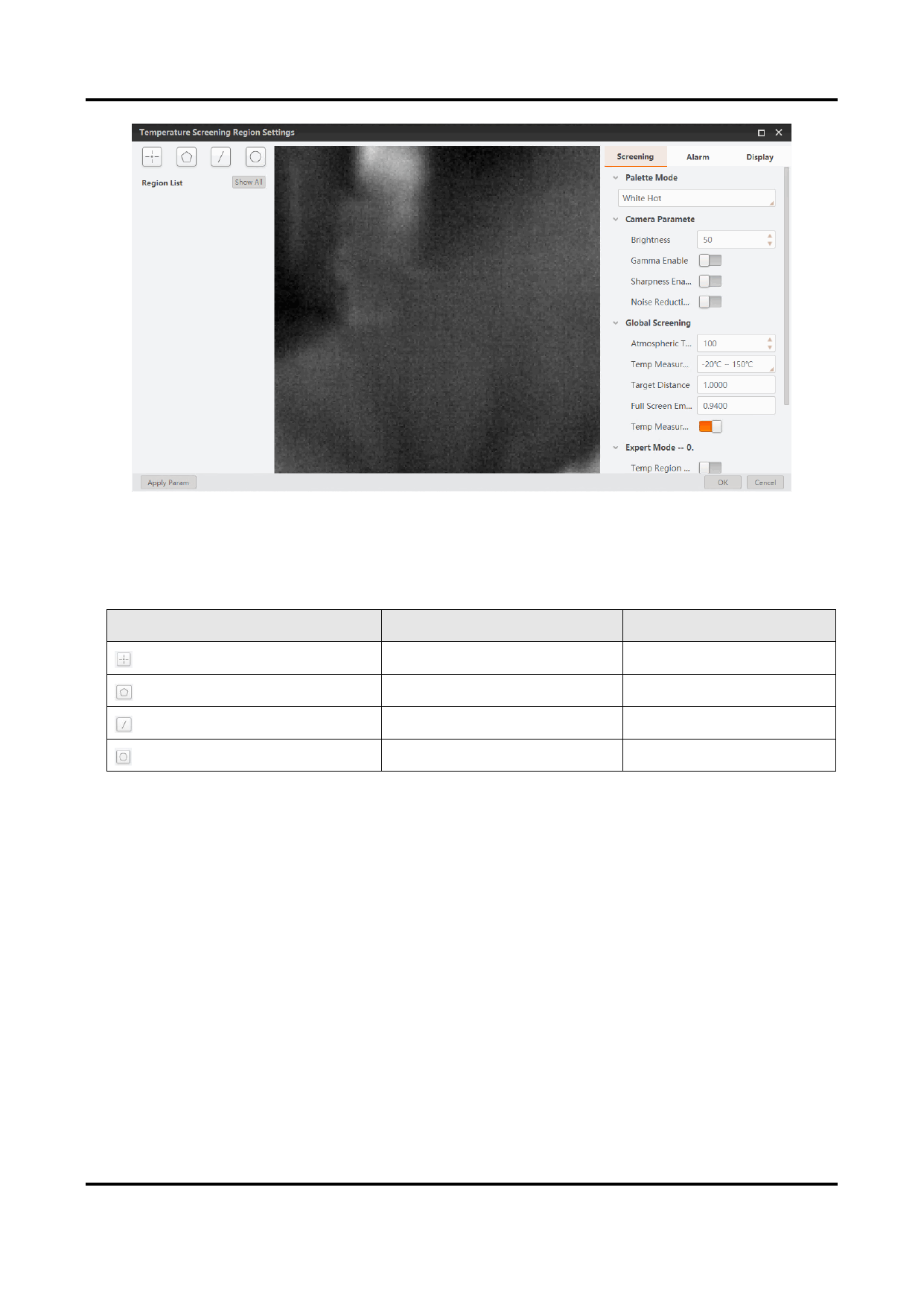
Figure 6-18 Temperature Screening Region Settings Window
3. On the top left of the configuration window, select a type of temperature screening
region according to the table below.
Table 6-2 Temperature Screening Region Type
Icon
Region Type
Maximum No. Allowed
Point
10
Polygon
10
Line
1
Circle
1
The corresponding type of region will be added to Region List in the format "index.Type"
(e.g., 0.Point). For each region type, the index starts with 0 and increases by one each
time.
103


























































































































































