






Hikrobot Machine Vision Software User Manual
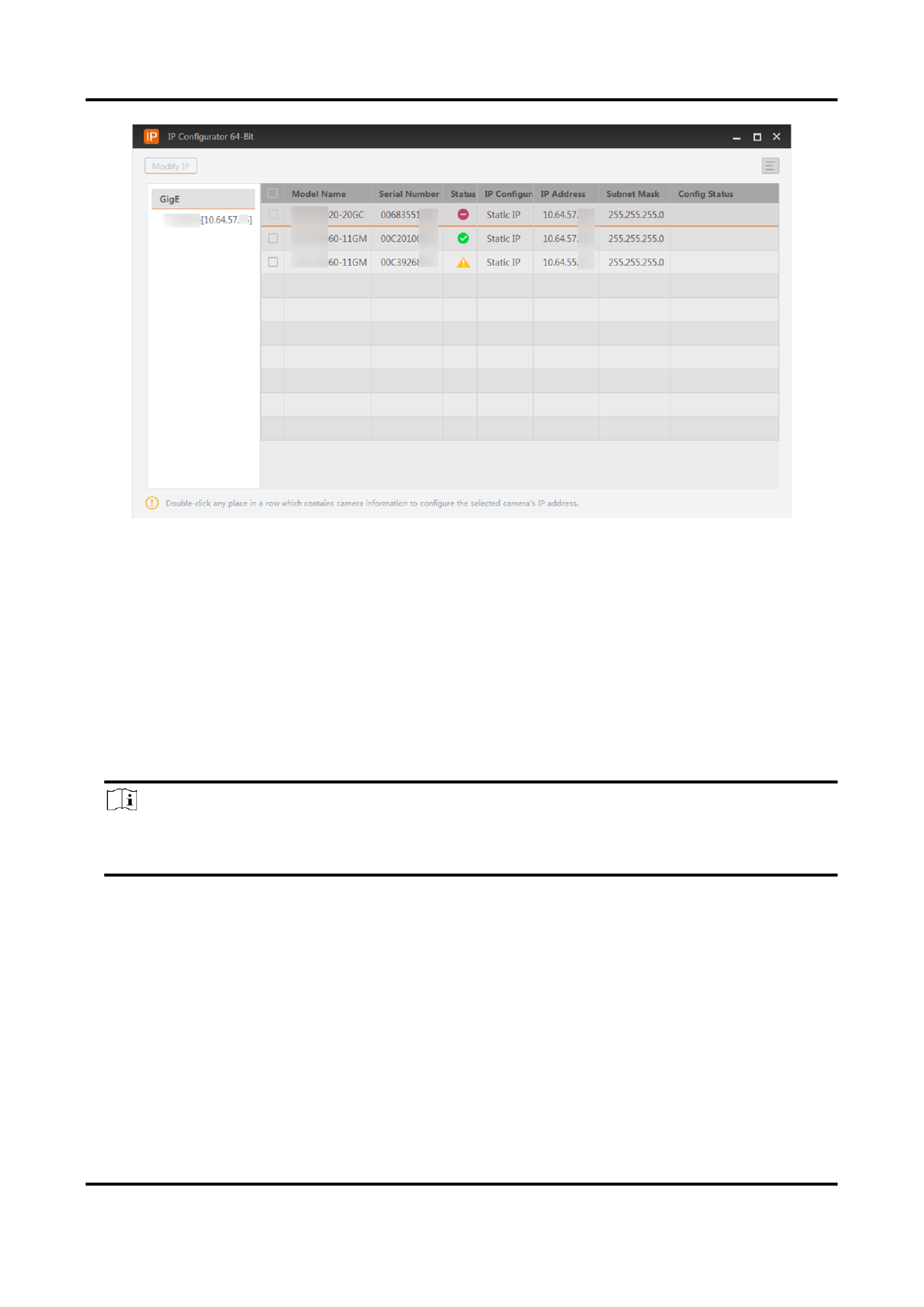
Figure 7-1 IP Configurator
7.1.1 Edit IP Address of a Single Camera
You can modify the IP address of a single camera if the camera status is Free or
Unreachable.
Steps
1. Select a network interface.
2. Double-click any place in the camera row to open the Modify IP Address window.
3. Select the Static IP, DHCP, or LLA as the IP type.
Note
You can change the IP type only when the camera status is Free. And if you change the
IP type, the camera will be reset to its power up state.
Static IP
For setting the IP type as Static IP, you can modify the IP address, subnet mask, and
default gateway.
DHCP
The camera is set to automatically obtain an IP address. This means that the IP
address will dynamically change (within a range) every time the camera or computer
is restarted.
114


























































































































































