






Hikrobot Machine Vision Software User Manual
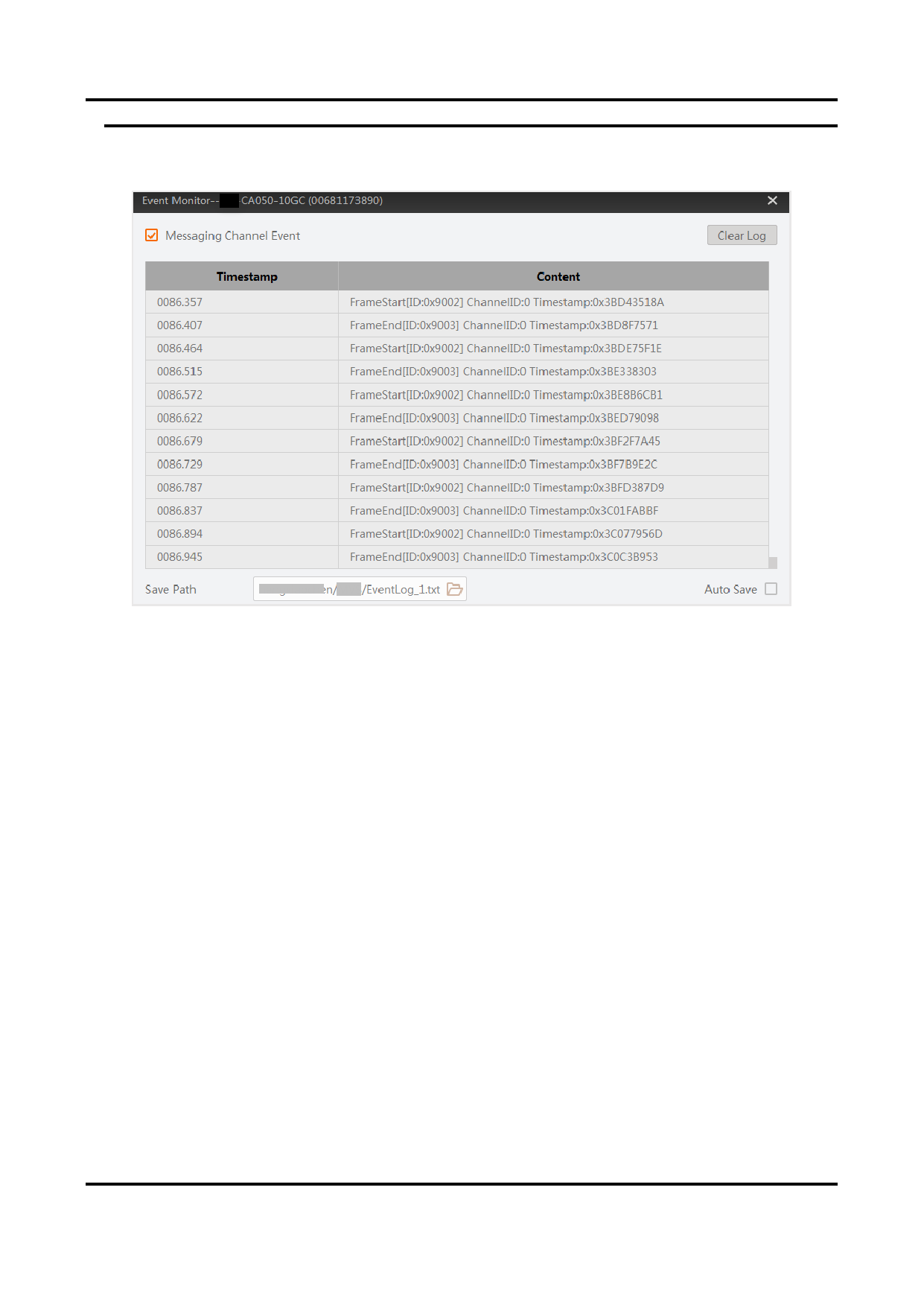
Figure 4-9 Event Monitor
8. Optional: Click Clear Log at the upper-right side of the window to clear all the events
displayed before.
4.6 Add a Virtual Camera
Virtual Camera is a tool designed for scenarios where constructing a real setup of camera
environment is not feasible. It can simulate cameras and help to simplify tests during
development stage.
Steps
1. Click Tool → Virtual Camera to open the Virtual Camera window.
2. On the Virtual Camera window, select and add the camera models you want to simulate.
46


























































































































































