






Hikrobot Machine Vision Software User Manual
Note
For details about image zoom (or digital zoom), see More Functions.
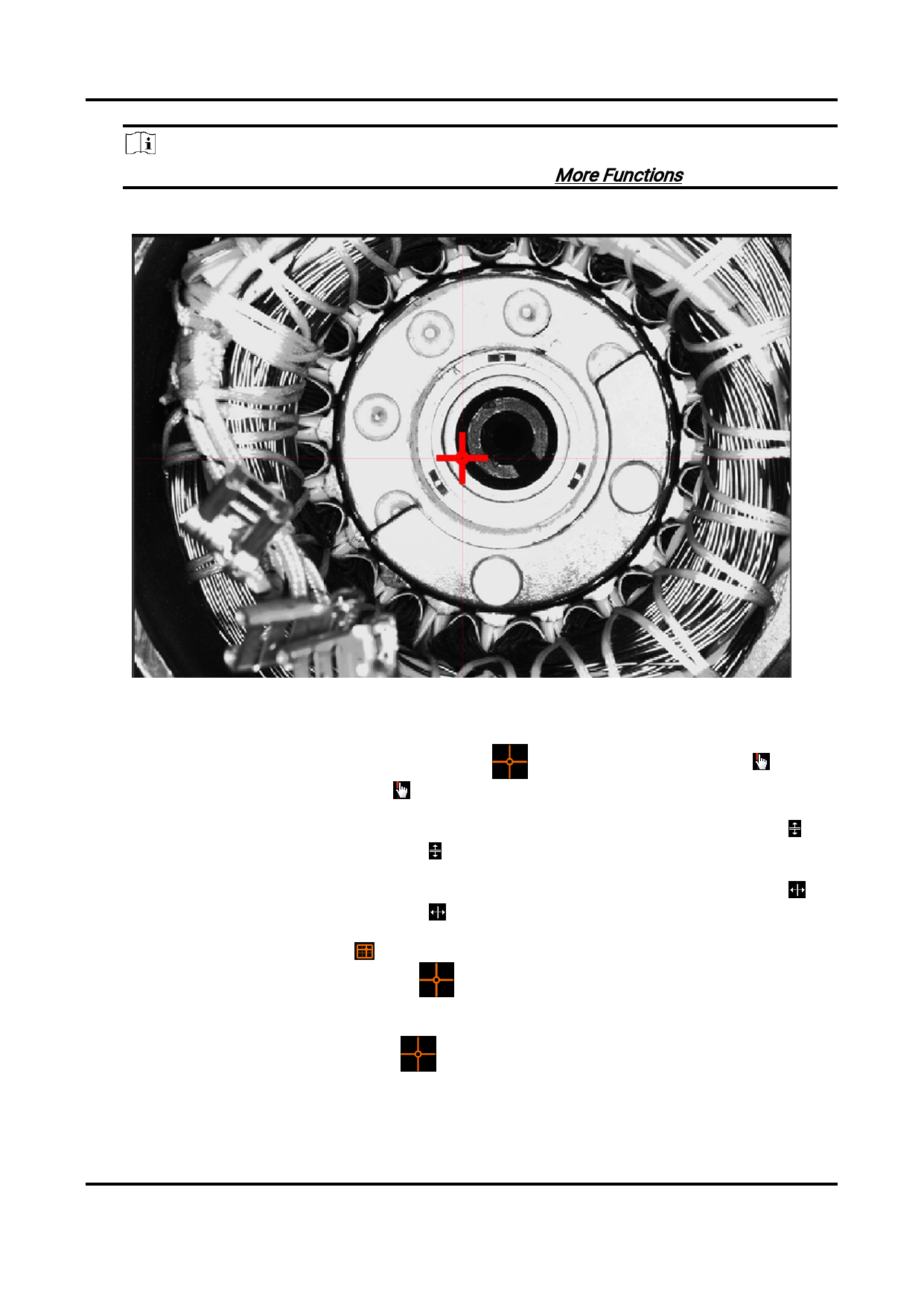
Figure 6-9 Cross Line
5. Optional: Manually adjust the cross line.
Adjust Center of the Hover the cursor over
until the cursor turns into
Cross Line
then drag to adjust the center of the cross line.
, and
Adjust X Axis of
Cross Line
Click the X axis of the cross line until the cursor turns into ,
and then drag to adjust the X axis.
Adjust Y Axis of
Cross Line
Click the Y axis of the cross line until the cursor turns into ,
and then drag to adjust the Y axis.
Hide Cross Line
Click to hide the cross line.
Or right-click , and then click Hide Cross Line to hide the
cross line.
Lock Cross Line
Right-click
line.
, and then click Lock Cross Line to lock the cross
92


























































































































































