






Hikrobot Machine Vision Software User Manual
Function
Description
Image Rotation
Right-click the image and then click Rotate Left or Rotate
Right to rotate the image to the left or to the right
respectively.
Note
Image rotation is not supported by local images and local
videos.
View Settings
Adjust the image quality of the live video by setting the
display mode, filtering mode, vertical synchronization
mode, and rendering engine. See View for details.
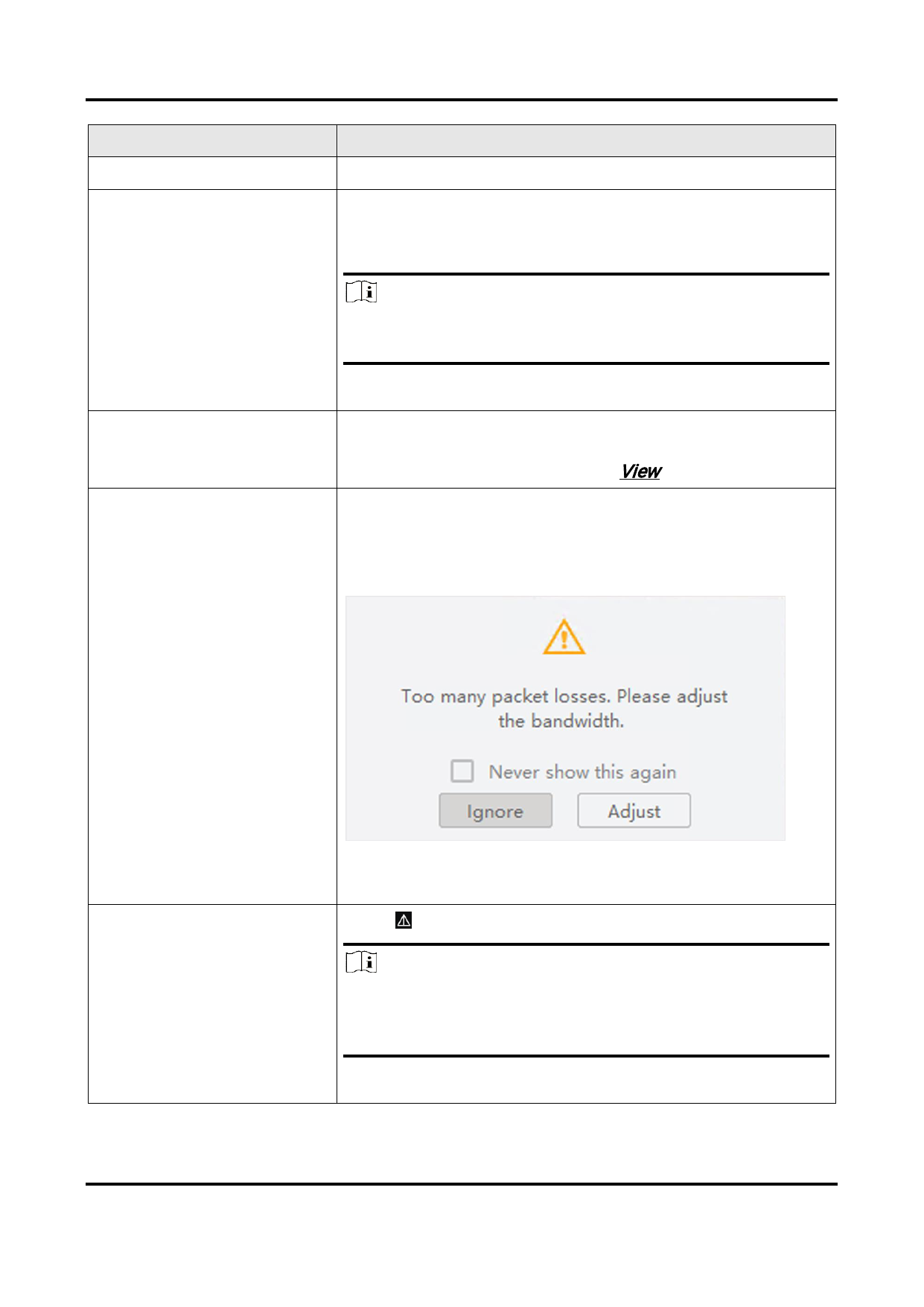
During image data acquisition, if excessive packet losses
occurs, a prompt will pop up to remind you to adjust
bandwidth. In this case, you can tap Adjust to adjust the
bandwidth so as to alleviate packet losses.
Adjust Band Width
e 6-23 Excessive Packet Losses Prompt
Figur
Check Image Sharpness
Click to show the sharpness indicator.
Note
Only available for Mono-8 pixel format in 1-Window
division mode.
111


























































































































































