






Hikrobot Machine Vision Software User Manual
4.1.2 Status of GigE Vision Camera
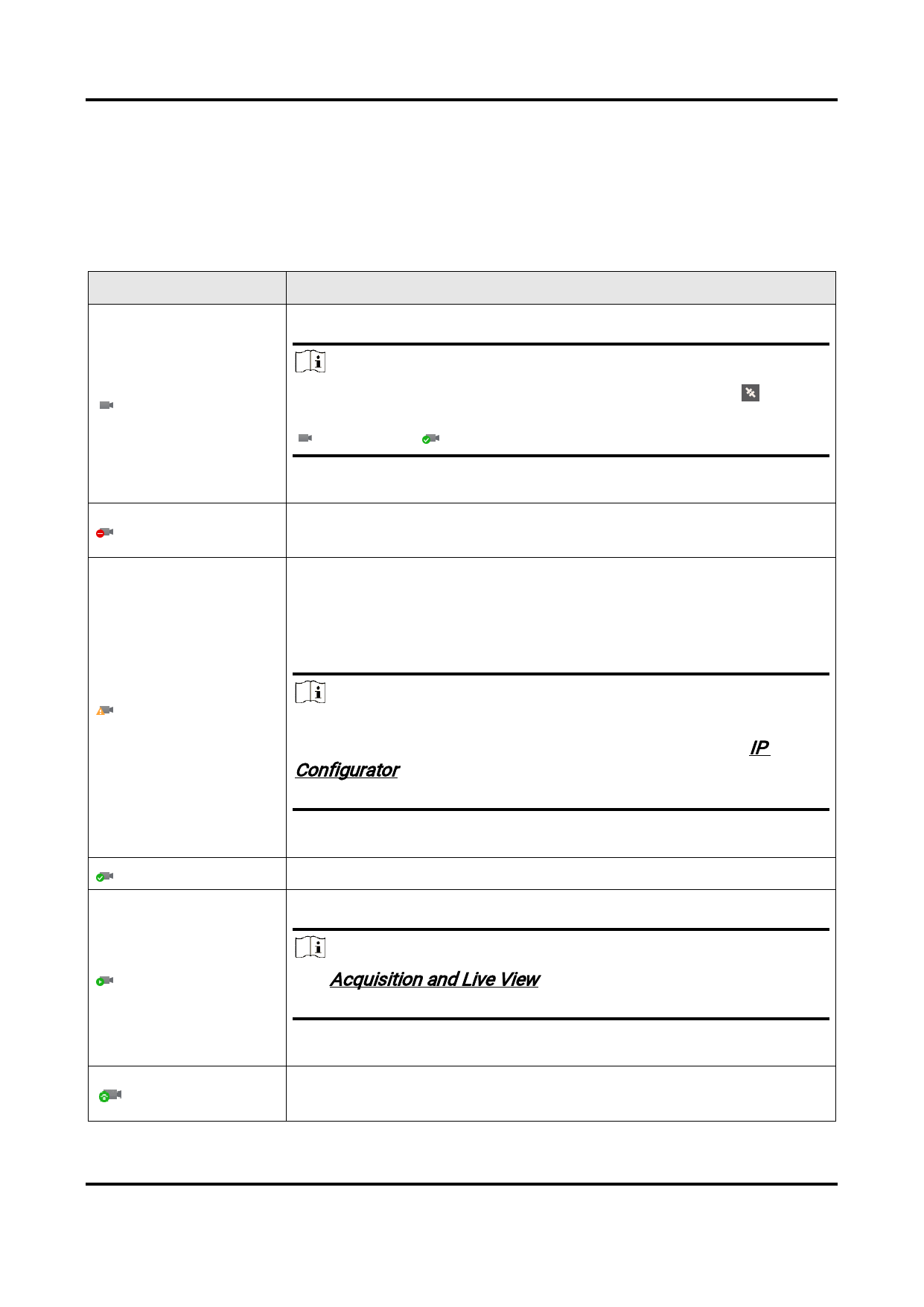
The Software provides multiple icons to represent different status of GigE Vision cameras.
The following table shows the descriptions of the status of the GigE Vision camera on the
device list.
Table 4-1 Status Description
Camera Status
Description
Available and disconnected.
Note
You can double-click the camera or select it and click on the
control toolbar to connect it to the Software. Once connected,
changes to .
Not available. Another Software or process is accessing the
camera.
The camera is on the same subnet with the PC on which the
Software runs, but NOT in the same network segment.
You should configure its IP address to the same network
segment before you can connect and use the camera.
Note
You can double-click the camera or click Tool → IP
Configurator to configure the camera's IP address. See IP
Configurator for details about how to configure camera IP
address.
Connected.
The camera is acquiring streams.
Note
See Acquisition and Live View for details about how to start
acquisition.
Multicast of the camera is enabled on another Software. And the
camera is connected to the current Software.
33


























































































































































