






Hikrobot Machine Vision Software User Manual
Note
For points, only Avg (mean value) is available.
6. Optional: Select a region from the list and click to delete it if needed.
7. On the bottom left of the configuration window, click Apply Param to save your settings.
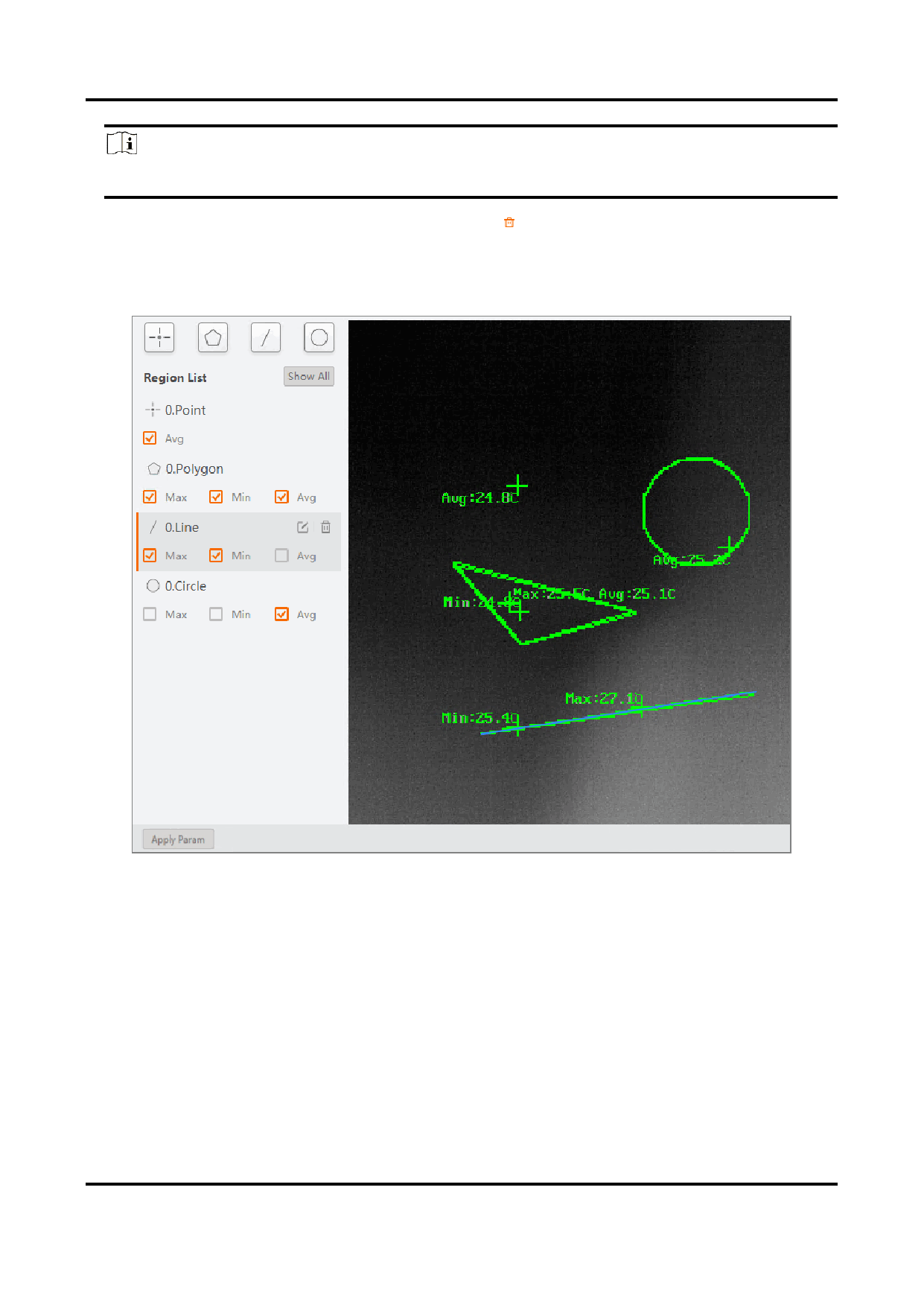
The regions you have drawn and their corresponding real-time statistics will be
displayed on the live view window.
Figure 6-20 Temperature Screening Regions and Statistics
8. Optional: Click Show All to display all the regions you have drawn on the live view
window.
105


























































































































































