






Hikrobot Machine Vision Software User Manual
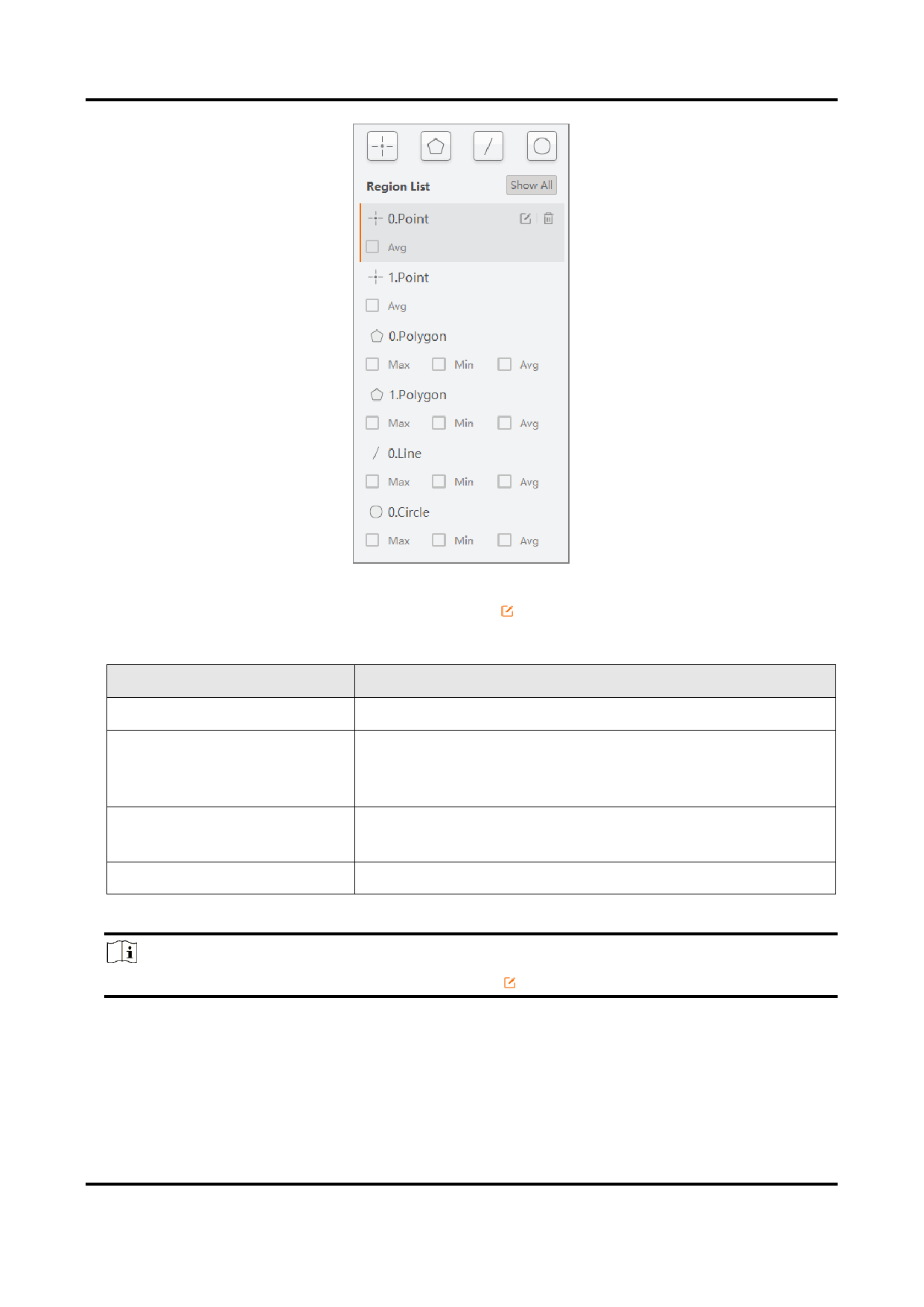
Figure 6-19 Example of Region List
4. From the list, select a region to be drawn, click , and draw on the live view window
following the instructions below.
Region Type
Point
Polygon
Line
Circle
Drawing Instruction
Click to draw a point.
Click to draw the first vertex of the polygon, move your
cursor and click again to draw more vertices as needed,
and double-click to finish drawing.
Click to draw one end of the line, move your cursor, and
click to draw the other one.
Click, hold, and drag to draw a circle.
Note
If needed, after a region is drawn, you can click
to draw again.
5. For each region, select Max, Min, or Avg as needed to display the maximum value,
minimum value, and mean value respectively for the regions drawn.
104


























































































































































