






Hikrobot Machine Vision Software User Manual
6.13 More Functions
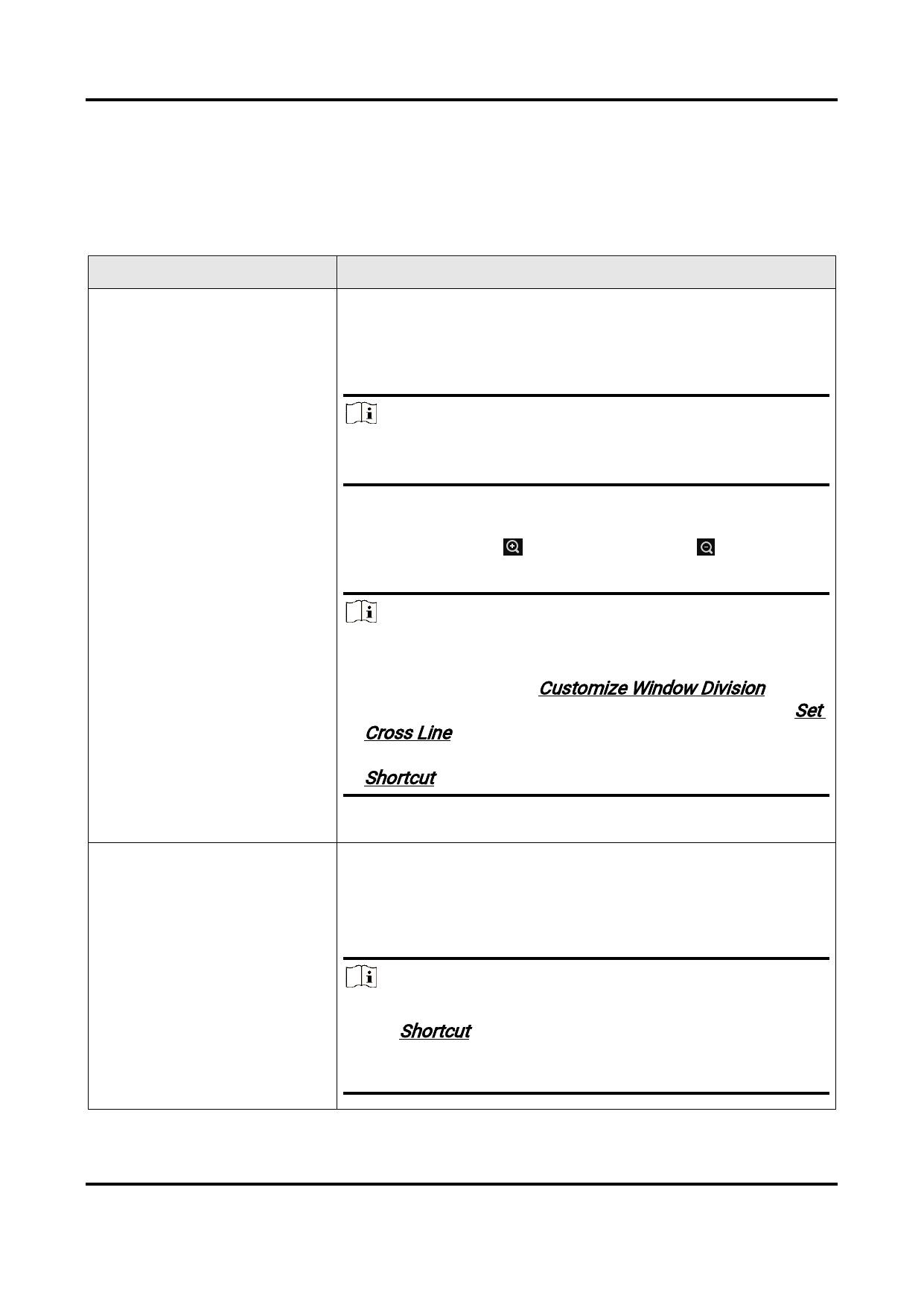
The Software provides additional functions for live view, such as digital zoom and image
rotation.
Table 6-3 Function Description
Function
Description
Right-click the image to open the right-click menu and
then click Zoom in/Zoom out, or move the cursor to the
image and scroll the mouse wheel to zoom in or zoom out
the image.
Note
This operation is not available for local images and local
videos.
Image Zooming
You can also click
out.
to zoom in, or click
to zoom
Note
● After zooming in the live view image, you can drag the
image to view more details. For details about how to set
window division, see Customize Window Division.
● You can also use cross line for image zooming. See Set
Cross Line for details.
● You can set keyboard shortcut for image zooming. See
Shortcut for details.
Fit to Window/Actual Size
Right-click the image, and then click Fit to Window to fit
the size of the image to that of the display window.
Right-click the image, and then click Actual Size to restore
the image to its original size (original resolution).
Note
● You can set keyboard shortcuts for the two operations.
See Shortcut for details.
● The two operations are not supported by local images
and local videos.
110


























































































































































