






the fineness to a certain extent.
Maximum Black: The maximum black value determines the maximum amount of black used in color separation.
Black Width: Increasing the black width control slider will increase the amount of black used.
Black Curve:Indicates the proportion of K in the four colors when generating K.
File Size: Setting the size of the generated ICC file.
After the measurement chart is completed, click to create the ICC. After success, the curve production is completed.
04 Six-Color Curve Production
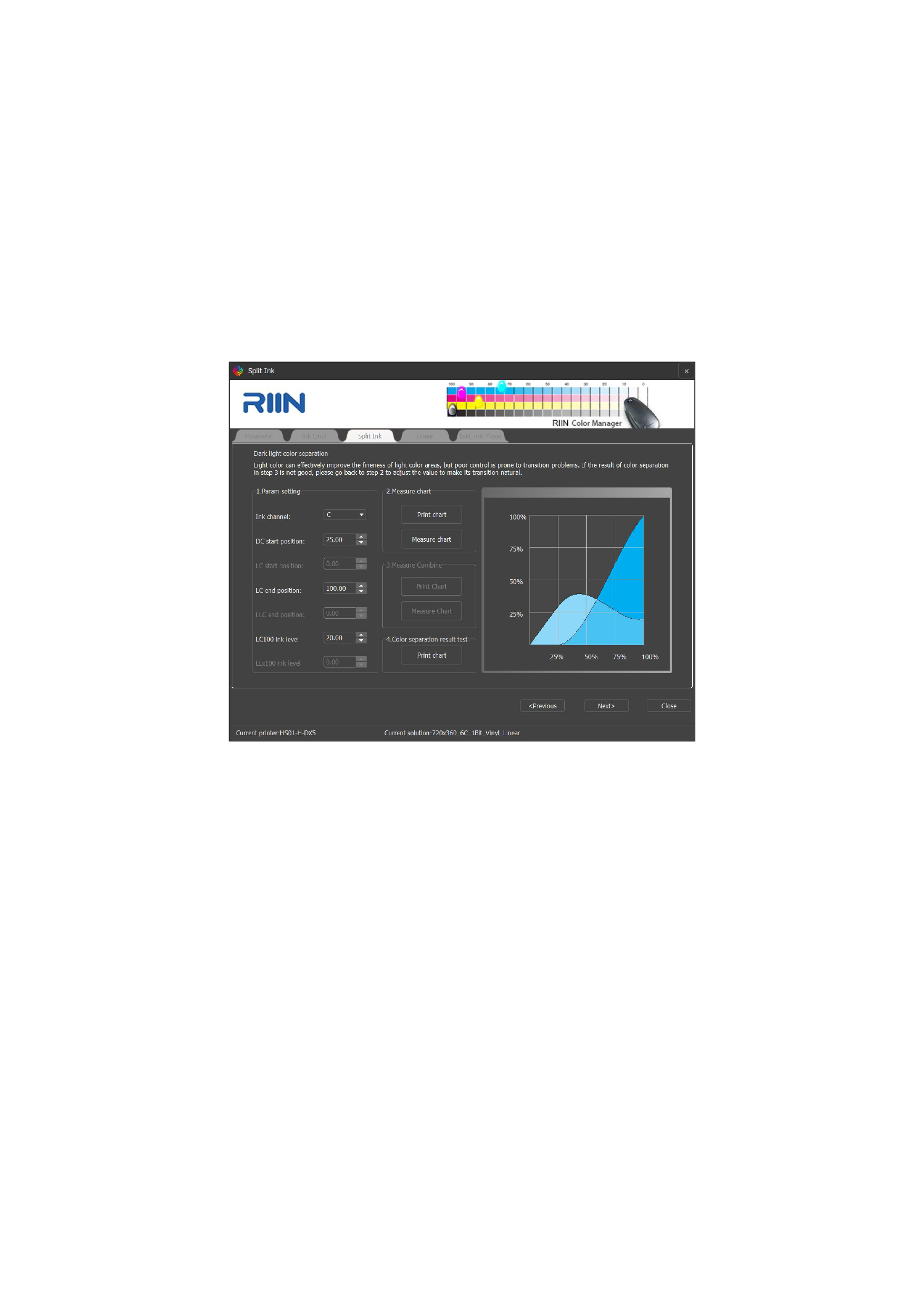
Select CMYKLcLm in the color mode in the new curve, and then proceed to the light and dark color ratio interface.
1.Light and Dark Color Ratio Settings
When setting the light and dark color parameters, selecting C adjusts the light and dark colors of Lc ink and C ink, and the same
applies to selecting M.
1)Dark Color Start Position: The position where the dark color part starts to print ink. The later the position, the more delicate the
printing effect, but transition problems may occur, that is, the gray balance will appear like a rainbow stripe. Generally, the value is
set between 25-35, and problems may occur above 35. (Remember to modify C and M at the same time).
2)Light Color End: The end position of the light color, which generally does not need to be modified and is defaulted to 100.
3)Calibration:
Print the chart:click to measure the data, and then calibrate the equipment, and scan the corresponding printed transition chart
according to the prompt.
Measuring the Chart: The nozzle is in good condition without ink breakage or ink splashing. When the ink carrier is a car sticker
or photo paper, use alcohol and a dust-free cloth to wipe off the dust and fingerprint marks on it, and print the calibration chart in
a one-way, large feathering manner to avoid adverse effects on the scanning result.
The ICC curve production process refers to the previous description.
62






























































