






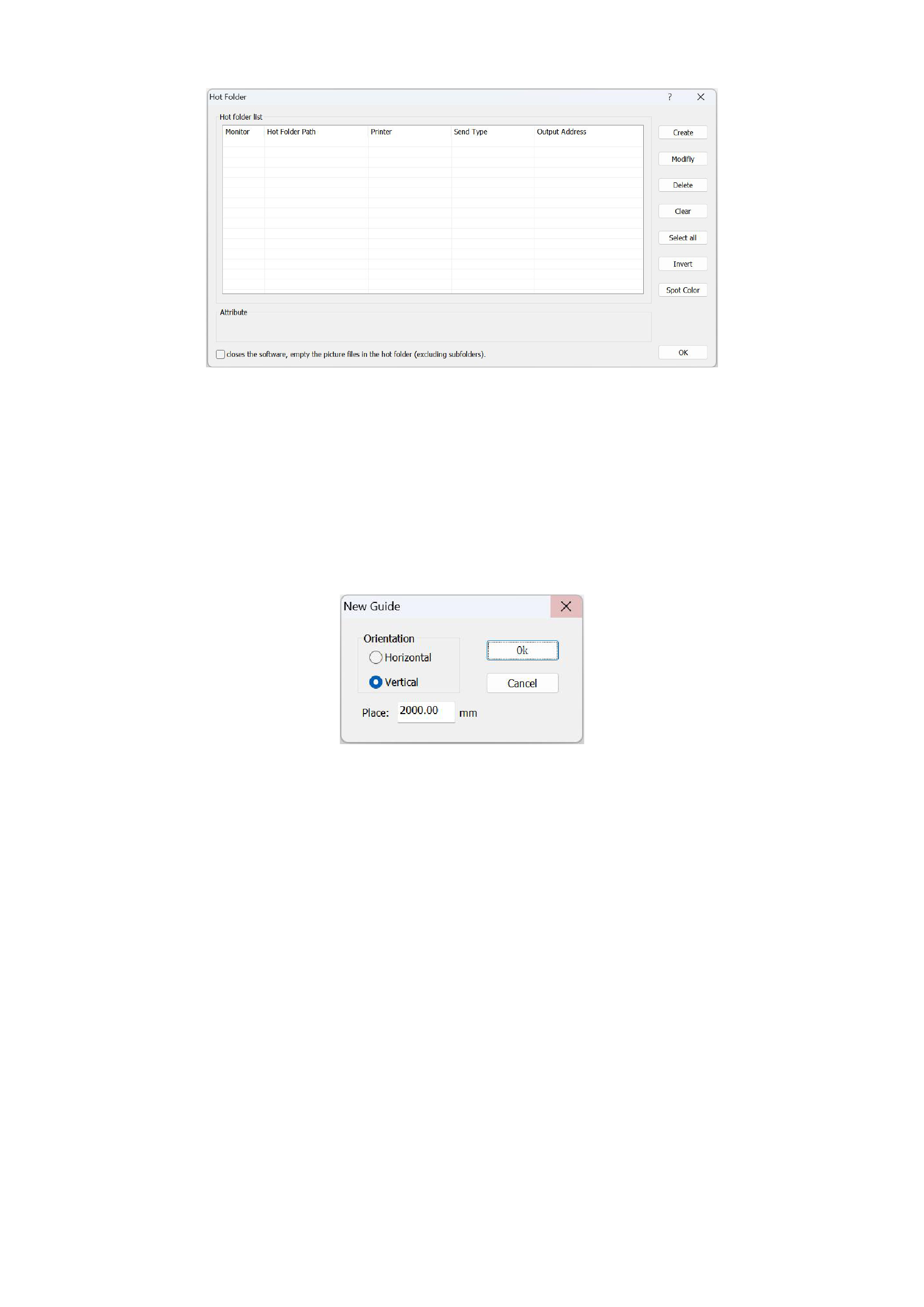
If you have any questions, you can click the question mark in the upper right corner of the interface to view the usage method
of the hot folder.
06 Guide Line Settings
1. New Guide
If you have detailed requirements for the position of the guide line, you can set the parameters of the guide line, including the
orientation and position of the guide line.
2. Clean Guide
If you no longer need to use the guide lines, you can click to clear the guide lines.
Advanced Functions
Advanced functions are features that are not available in the standard version. If you need certain advanced functions, you can
contact the RIIN staff for version upgrade.
01 Cutting Tools
1. Image Trace Edge
The image edge tracing function is used as an auxiliary function in cutting and trimming. After tracing the edges of a selected
image, a thin edge line will be drawn on the edge of the image, and by exporting the PLT, you can obtain the overall cutting contour
of the image. You can select [Image Trace Edge] in the [Tools] of the menu bar to use this function.
36






























































