






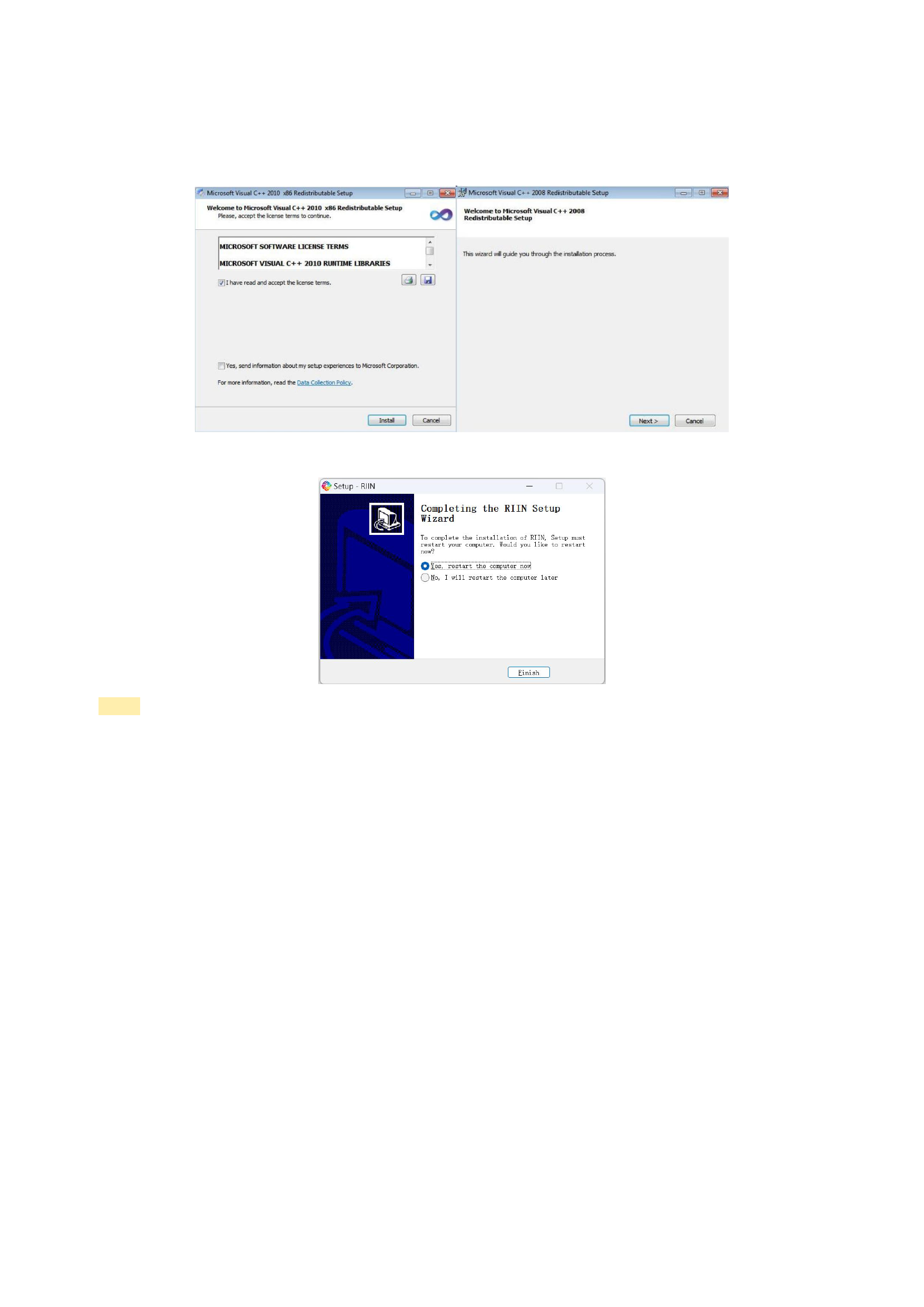
3. Install the C++ Environment
After the above operations are completed, the C++ environment installation guide will automatically pop up. Follow the
prompts and click the default [Next] to proceed with the installation.
4. Installation Complete
Notes:
The content displayed on the installation interface of different versions of RIIN software may vary slightly, but the
installation steps are generally the same.
If you do not succeed in installing the software on your first attempt, it is recommended that you uninstall the
previously installed RIIN software before attempting the installation again.
When using the software, please use the resolution recommended by your operating system. Other resolutions are not
recommended.
5. Launch the RIIN software
There are two ways to open it:
1)Double - click the RIIN icon on the desktop.
2) Search for [RIIN] in the computer's [Start] menu, find RIIN.exe, and click to open.
6






























































