






Click [Yes] to clear the cache, and click [No] not to clear the cache. Clearing the cache here means clearing the temporary files
stored in the folder named Jobs.
03 Error Compensation
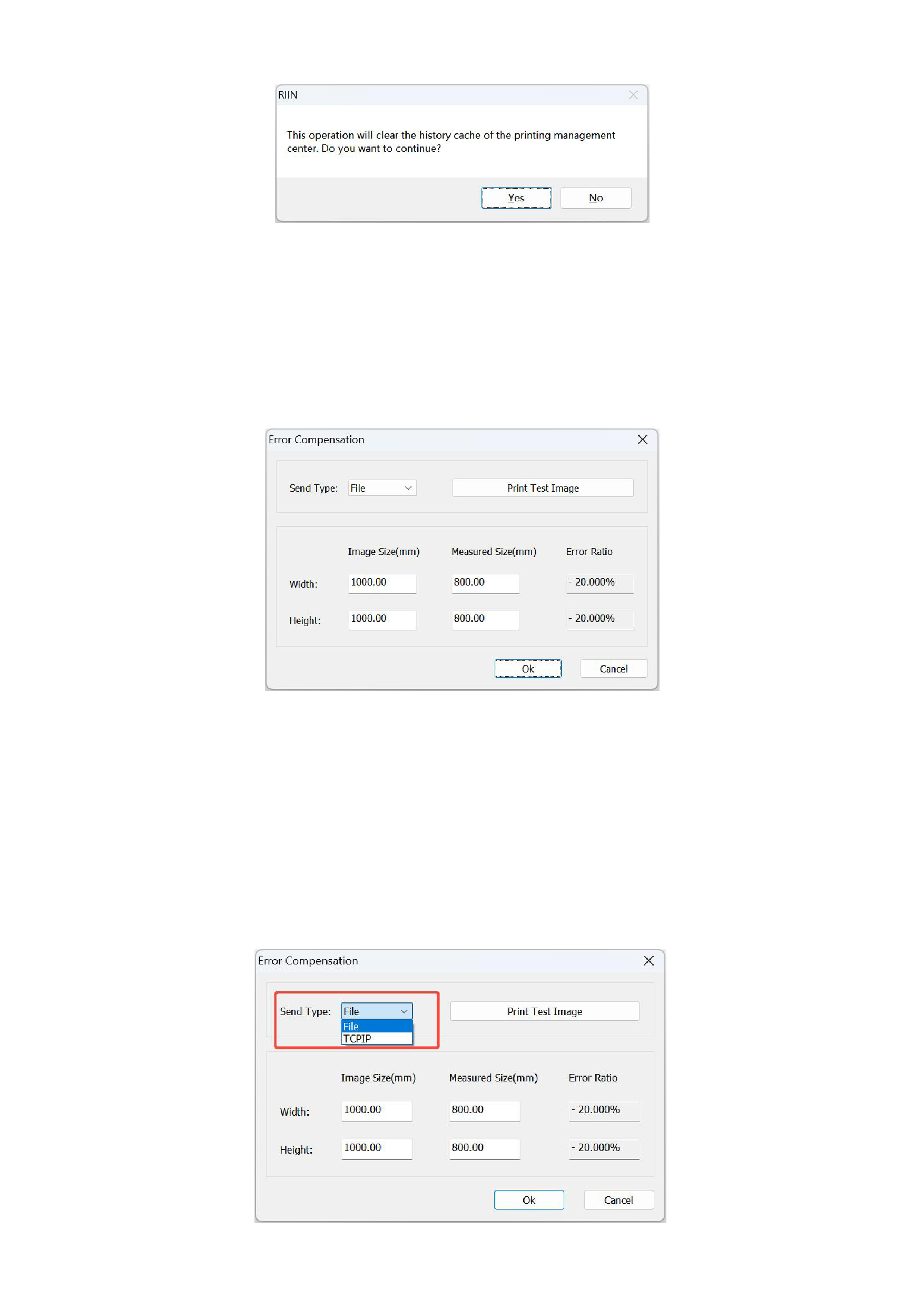
When there is a deviation between the actual picture size printed by the machine and the theoretical size, you will use the size
error compensation function. Click the [Tools] button in the menu bar and select [Error Compensation], and the following
interface will appear:
This function has two usage methods, one is to use the default test image, and the other is to independently select a test image.
1)Using the default test image
The default test image is a rectangular image with a right-angled border, which is convenient for users to measure the actual
size. The steps for using it are as follows:
Select the way to print the test image. If you select the file, the corresponding printing file will be generated, and then it will be
loaded and printed through the printing control software. If you select the network, you need to connect to the printing control
software to print while processing.
33






























































