






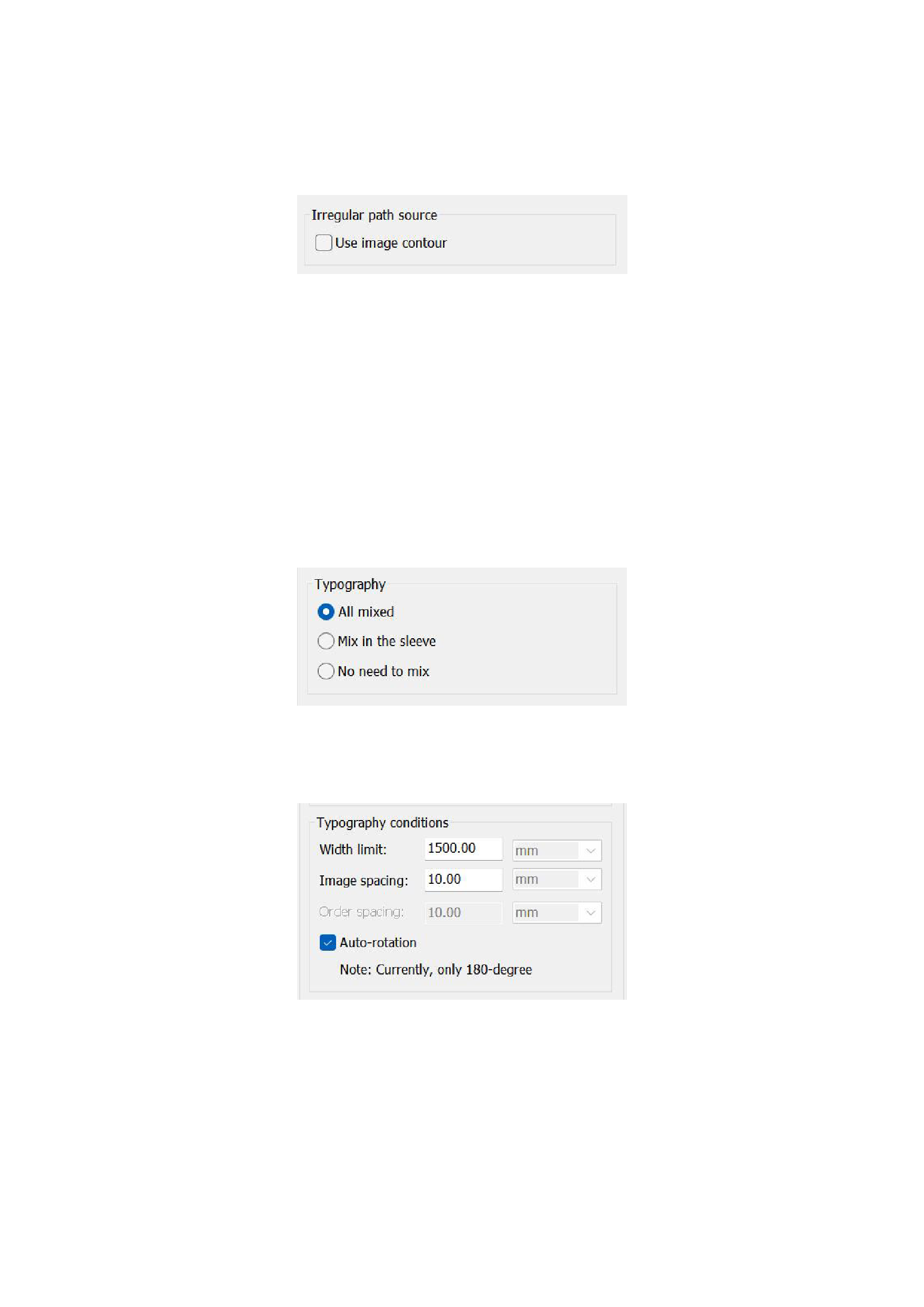
1)Irregular path source
You can choose whether to automatically extract the image contour. If not checked, typesetting will be done according to the
rectangular frame of the image; if checked, the irregular contour in the image will be automatically extracted.
2)Typography
You can choose three different typesetting methods:
All mixed : Whether it is the images in the folder or the separately imported image files, all are mixed together for
typesetting.
Mix in the sleeve : Images within the same folder are mixed and typeset, and different folders are typeset in an orderly
manner.
No need to mix:Images in the folder and separately imported images are arranged in rows one by one.
3)Typography conditions
You can limit the width of the typesetting canvas and input the image spacing and sleeve spacing.
4)Termination Conditions
You confirm the termination conditions of typesetting by setting the utilization rate or time consumption of the irregular
material-saving typesetting.
51






























































