






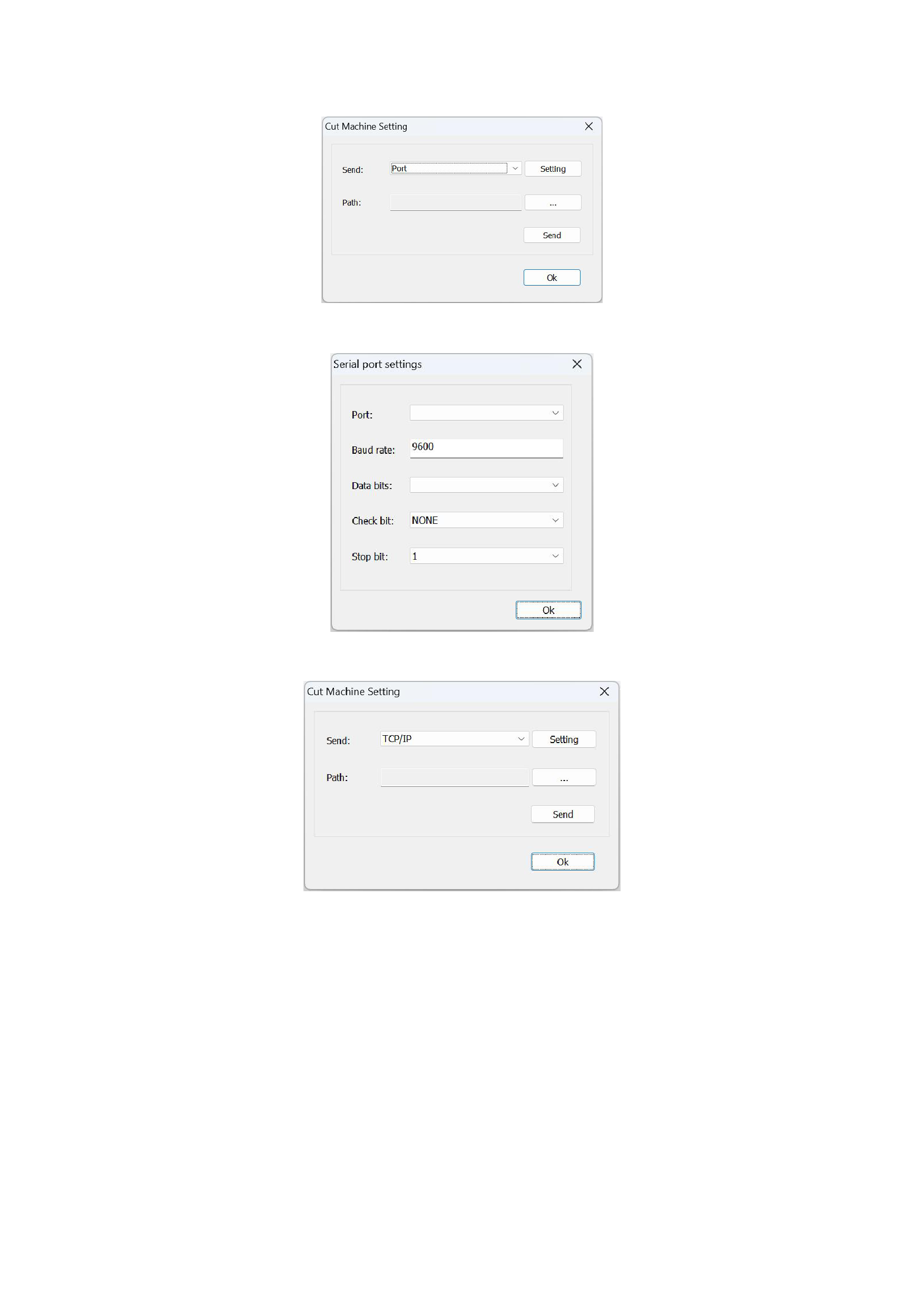
You can choose two methods, [Port] or [TCP/IP], to send to the cutter, and click [Setting] to set the corresponding parameters.
Send to the cutter through the [Port].
Send to the cutter through the [TCP/IP].
2)Select the PLT file you want to send.
3)Click the [Send] button to send the file.
6. Layout Markers Setting
1)Full Mark: This is used so that the cutting machine can detect whether the plate or paper movement has deviated, enabling
correct cutting.
2)Branch Mark: When printed materials are arranged in rectangles and need to be cut by portion, the row mark is recognized
for cutting. Support for checking on both left and right sides is provided, and the customer can choose the left side, the right side, or
both sides.
40






























































