






confirmation of the replacement color value.
4)After the settings are completed, click [Apply], and you can view the thumbnail of the color-replaced image in the preview
interface.
5)After it meets your requirements, click [OK], and the image on the canvas will be the color-replaced image.
Precautions:
The color replace only takes effect when bound to specific printing with ICC curves.
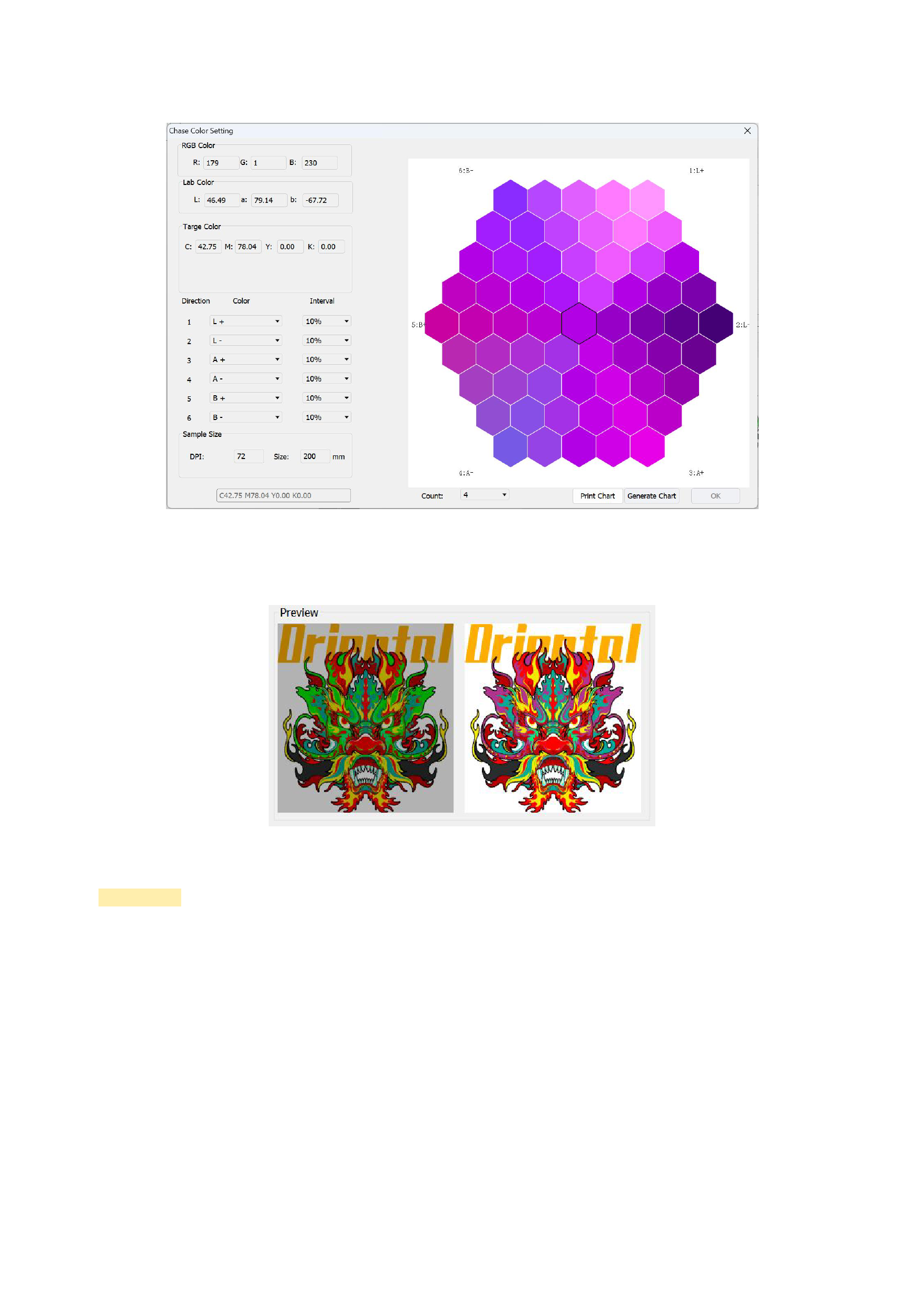
04 Chase Color Setting
Click the [Chase Color Setting] in the [Tools] of the menu bar, and the following interface will appear:
44






























































