






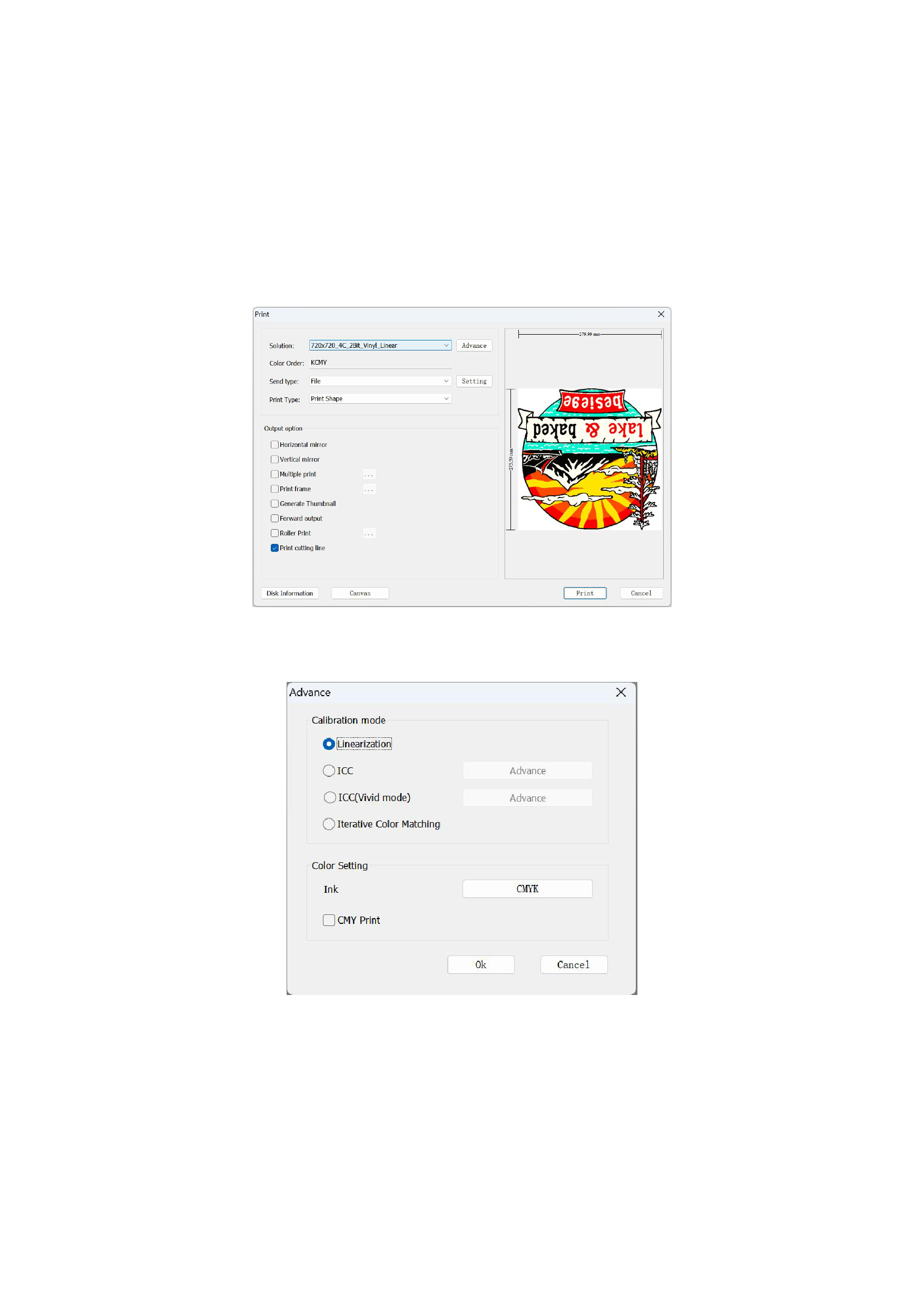
Printing Advanced Settings
Advanced settings are supplementary to the basic printing settings, and the following functions and settings are frequently used
in actual use.
01 Output option
1. Print Cutting Line
The prerequisite for checking Print Cutting Line is that the cutting line has already been set in the [Tools] menu bar.
02 Advanced Printing Scheme Settings
Click the [Advance] button on the print confirmation interface, and the following dialog box pops up:
1)Linearization
If you want to use the linearized output printing effect, you can check Linearization.
2)ICC
If the curve of your printing scheme contains ICC information and you need to print images with ICC enabled, you need to
check to enable ICC here, and there are corresponding ICC reference sources to choose from in the ICC advanced setting interface.
53






























































