






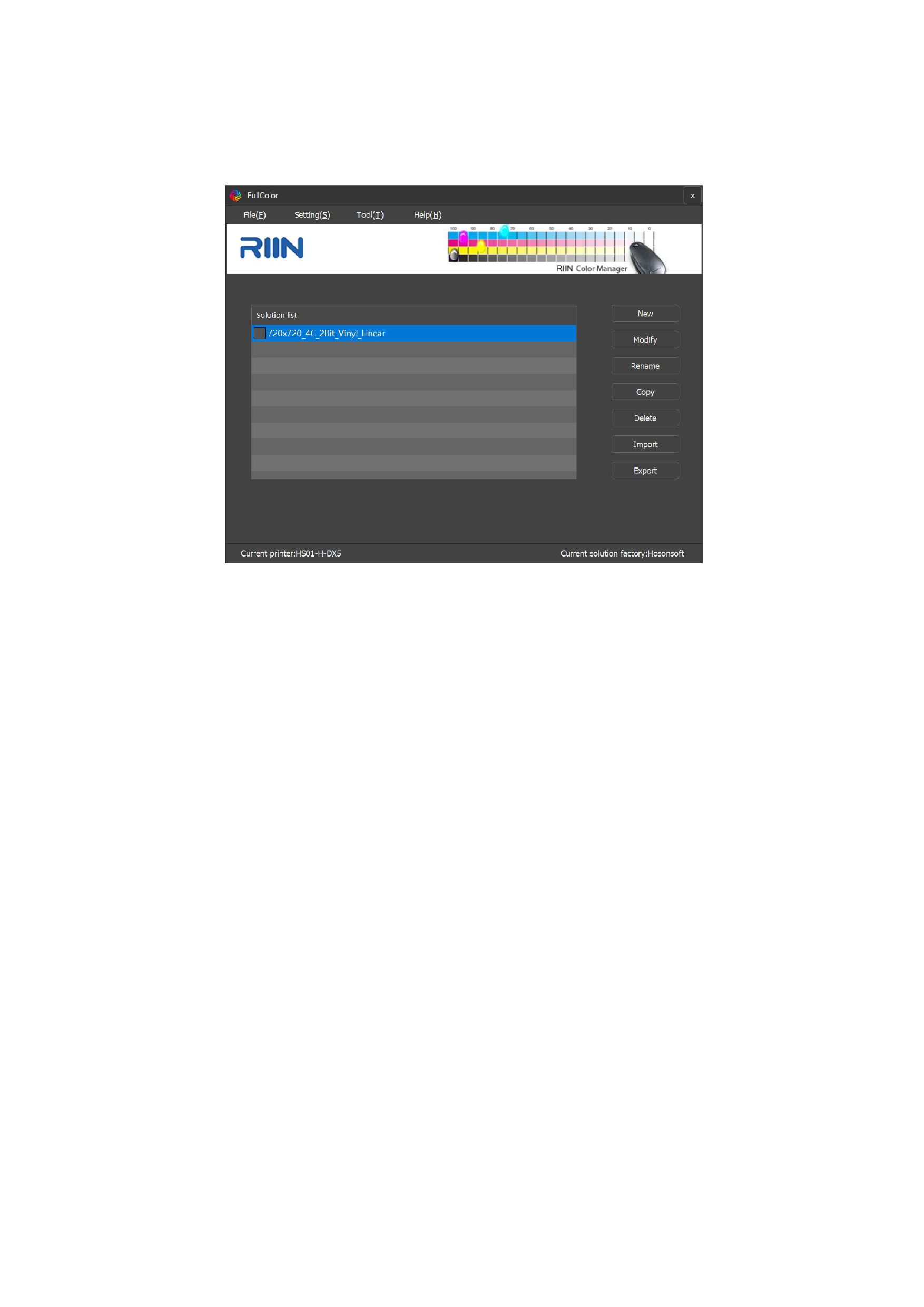
Color Manager
01 Entering Color Management
Select the [Color Manager] option in the [RIIN Menu Bar] to enter the color management interface:
1.File
You can perform operations on curves such as creating new ones, modifying, renaming, copying, deleting, importing, and
exporting curves.
2.Setting
1)Print Setting:It supports controlling the output method of test charts that need to be printed during the curve-making process,
including file printing (the chart is saved as PRN data and the machine calls for printing) and network printing (the chart file is sent
directly to the print queue for printing without PRN data).
2)Driver Setting:You can separately add the printing precision of the printer and adjust the default color order of the printer to
match the precision and color order of the printer you are using.
3)Language:You can switch between Chinese and English on the interface when making curves.
3.Tool
1 ) Gamut Viewer : You need to activate the license for your computer first to use it normally (contact the RIIN team for
activation). The gamut viewer can import measured txt color table data or generated ICC files to view the printer's gamut. You can
also compare the gamut differences between two printers simultaneously.
2 ) Measure : It supports generating test charts to collect the printer's gamut (TIFF color table files and TXT files will be
generated in the save path). After importing the TXT file generated when generating the test chart into the corresponding instrument,
normal measurement can be performed.
3)InkSaver:Re-process the ICC file, replacing the CMY channel data with K channel data to reduce the overall ink volume.
56






























































