






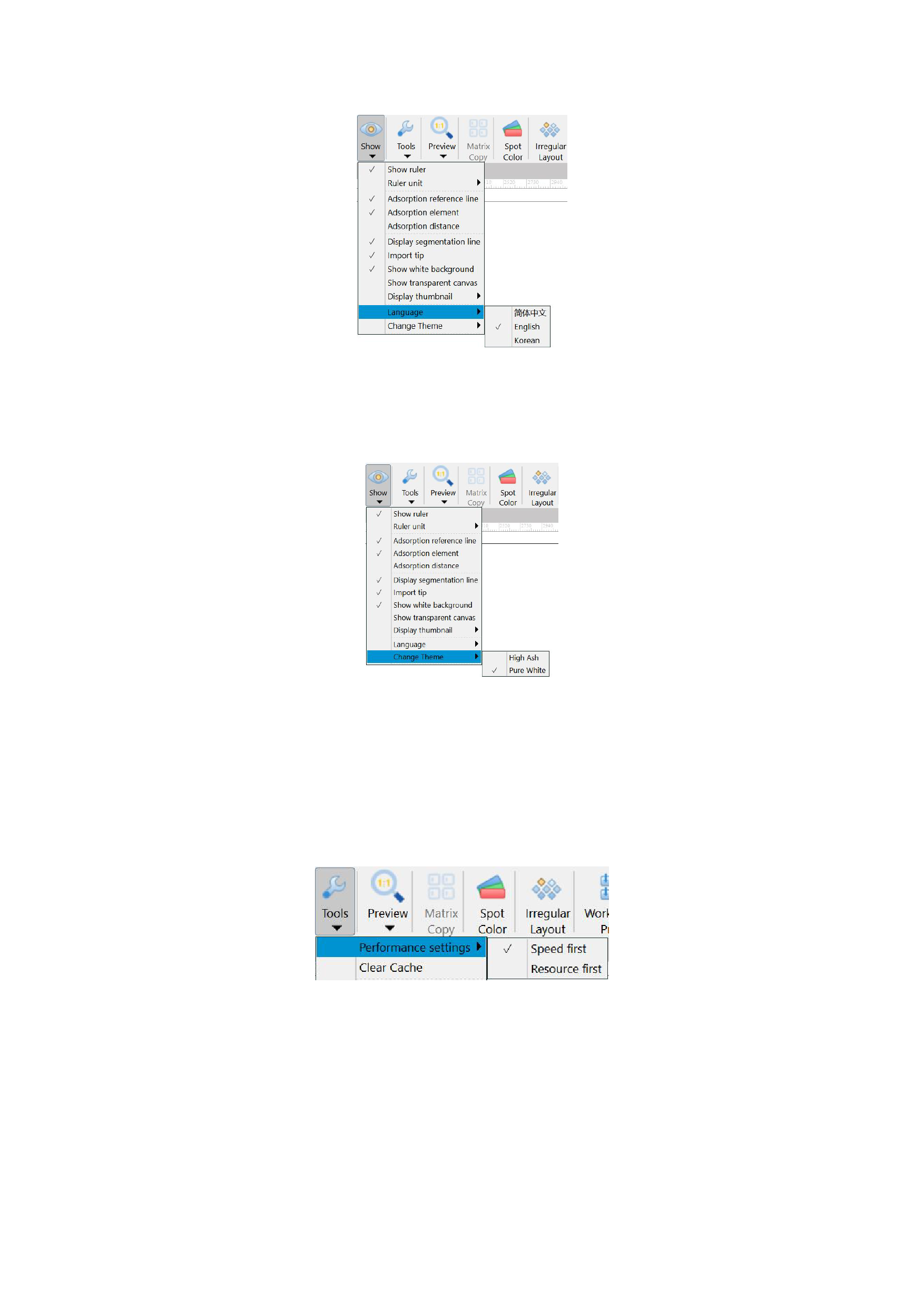
language in the [Show] button in the menu bar, as shown in the following figure:
8. Change Theme
If you have a preference for the software's theme, RIIN offers two themes, [High Ash] and [Pure White], for you to choose
from.
Tools
01 Performance Settings
When using the software for RIP tasks, when you need to complete the RIP task as soon as possible and do not need to save
CPU and memory of the computer, you can select the [Speed first] option; when you need to run multiple software and perform RIP
tasks simultaneously, you can select the [Resource first] option.
02 Clear Cache
Sometimes you may feel that the software runs slower after long-term use, which may be due to the generation of a relatively
large number of cache files during the use process.
You can try clicking the [Clear Cache] button in the [Tools], and the following interface will appear:
32






























































