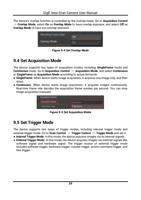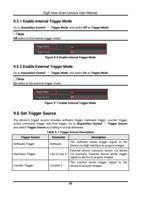
GigE Area Scan Camera User Manual
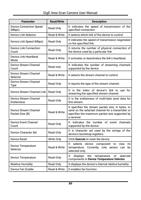
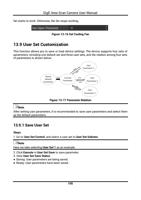
Trigger Source
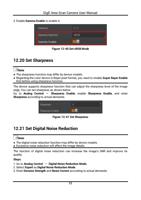
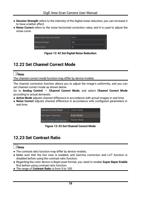
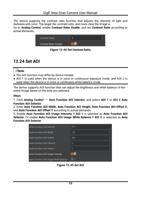
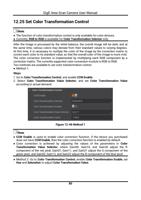
Action Command Trigger
Free Trigger
Parameter
Action 1
Anyway
Description
The action command sends trigger signal to
the device to acquire images.
The device can receive software trigger and
hardware trigger to acquire images.
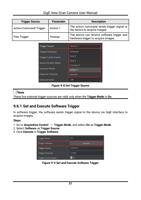
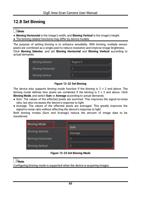
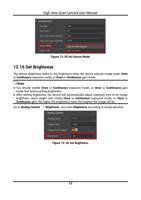
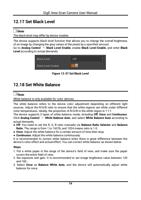
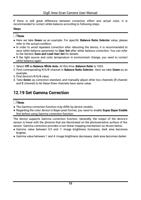
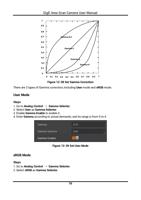
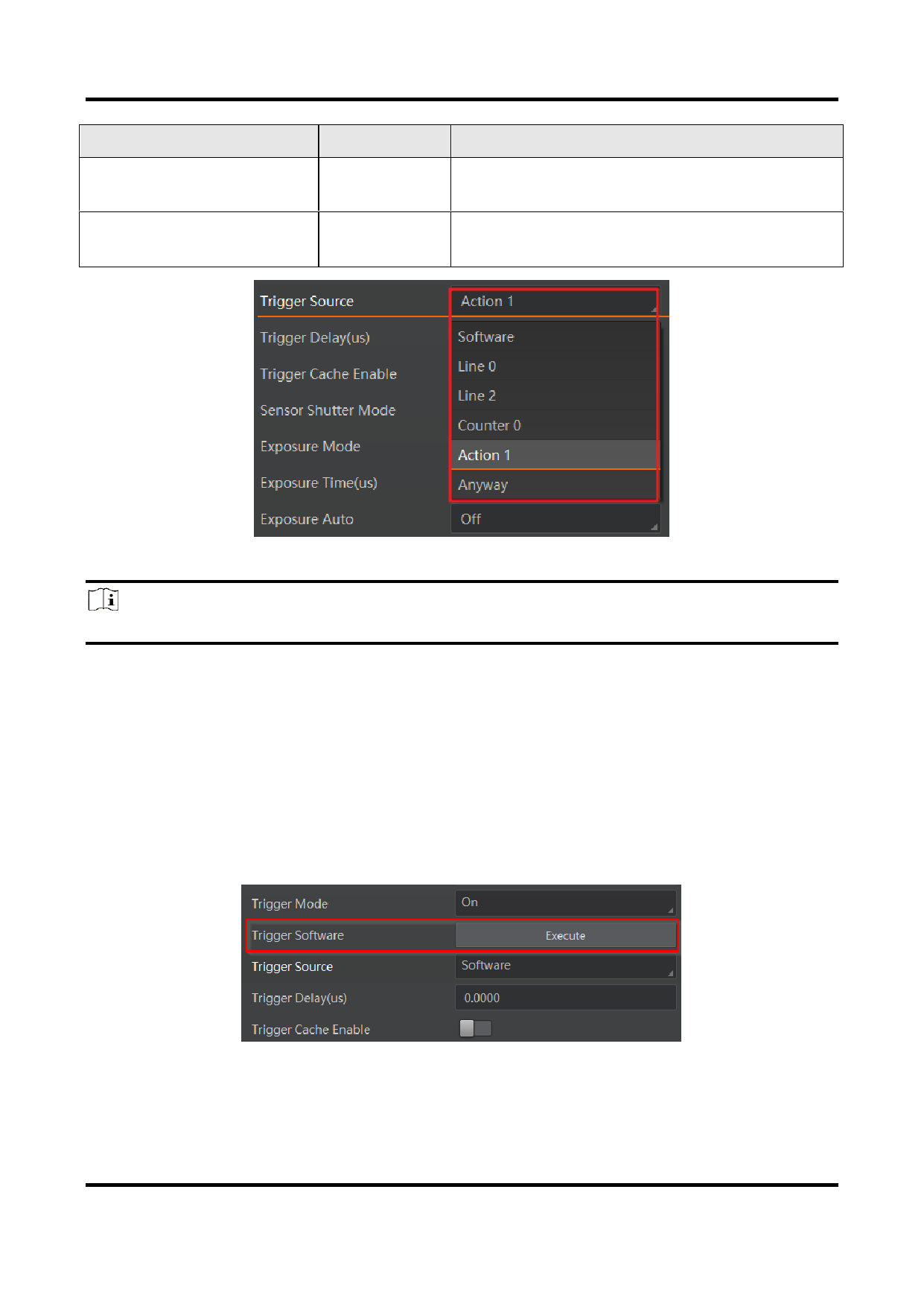
Figure 9-8 Set Trigger Source
Note
These five external trigger sources are valid only when the Trigger Mode is On.
9.6.1 Set and Execute Software Trigger
In software trigger, the software sends trigger signal to the device via GigE interface to
acquire images.
Steps
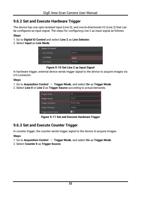
1. Go to Acquisition Control → Trigger Mode, and select On as Trigger Mode.
2. Select Software as Trigger Source.
3. Click Execute in Trigger Software.
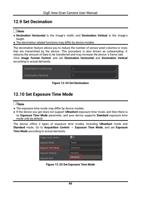
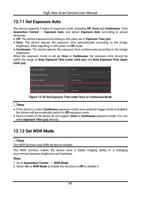
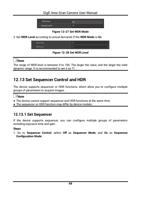
Figure 9-9 Set and Execute Software Trigger
31