GigE Area Scan Camera User Manual
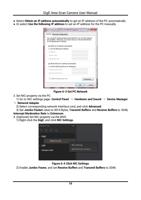
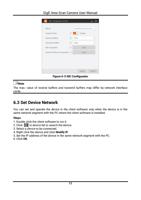
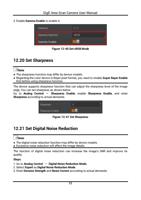
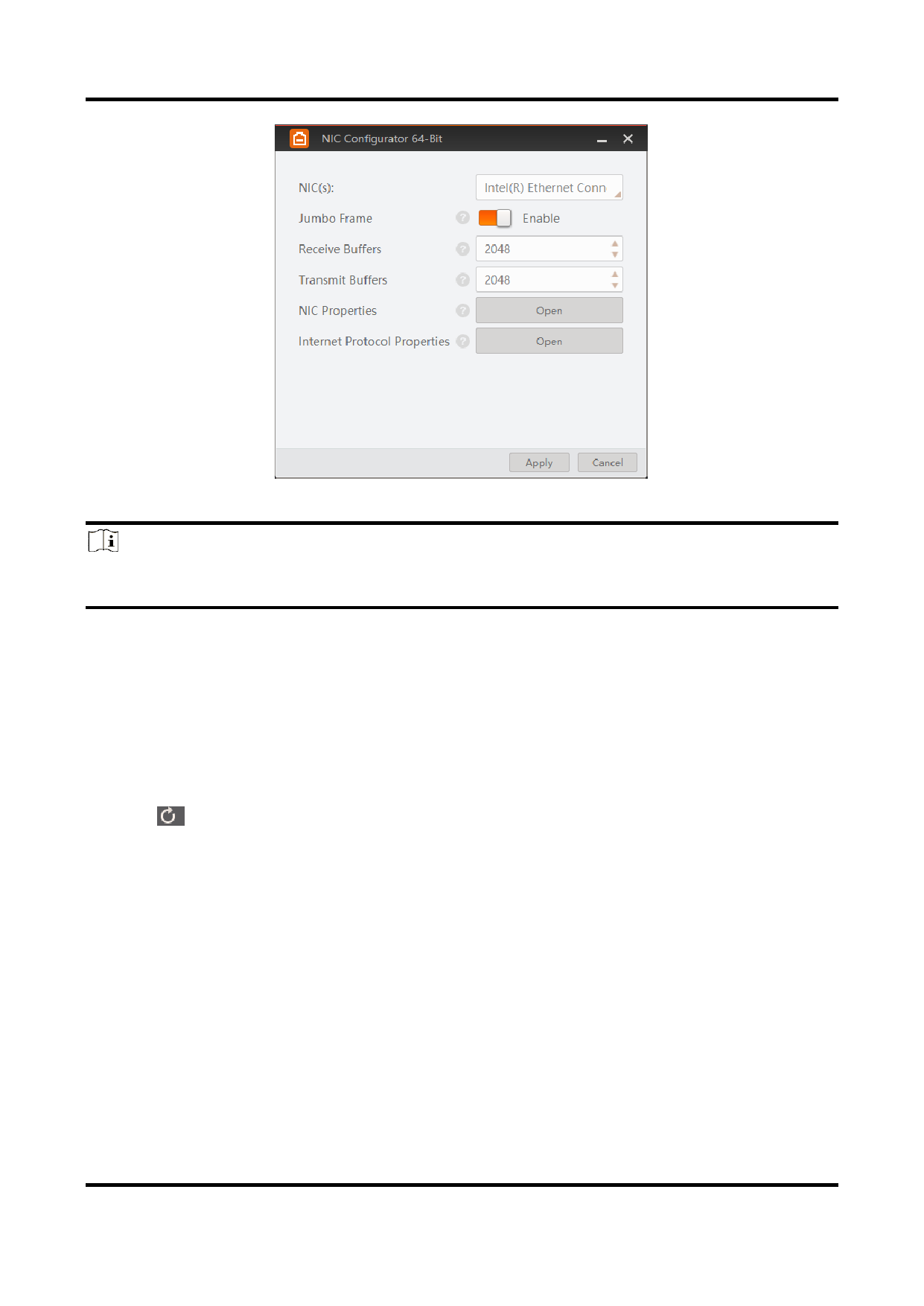
Figure 6-5 NIC Configurator
Note
The max. value of receive buffers and transmit buffers may differ by network interface
cards.
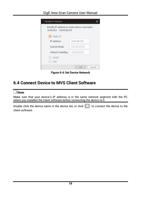
6.3 Set Device Network
You can set and operate the device in the client software only when the device is in the
same network segment with the PC where the client software is installed.
Steps
1. Double click the client software to run it.
2. Click in device list to search the device.
3. Select a device to be connected.
4. Right click the device and click Modify IP.
5. Set the IP address of the device in the same network segment with the PC.
6. Click OK.
17