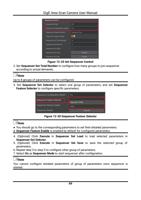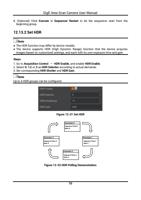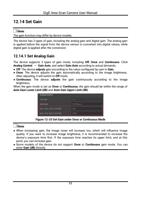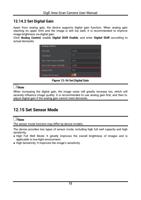
GigE Area Scan Camera User Manual
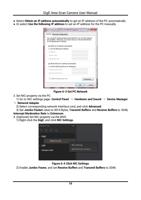
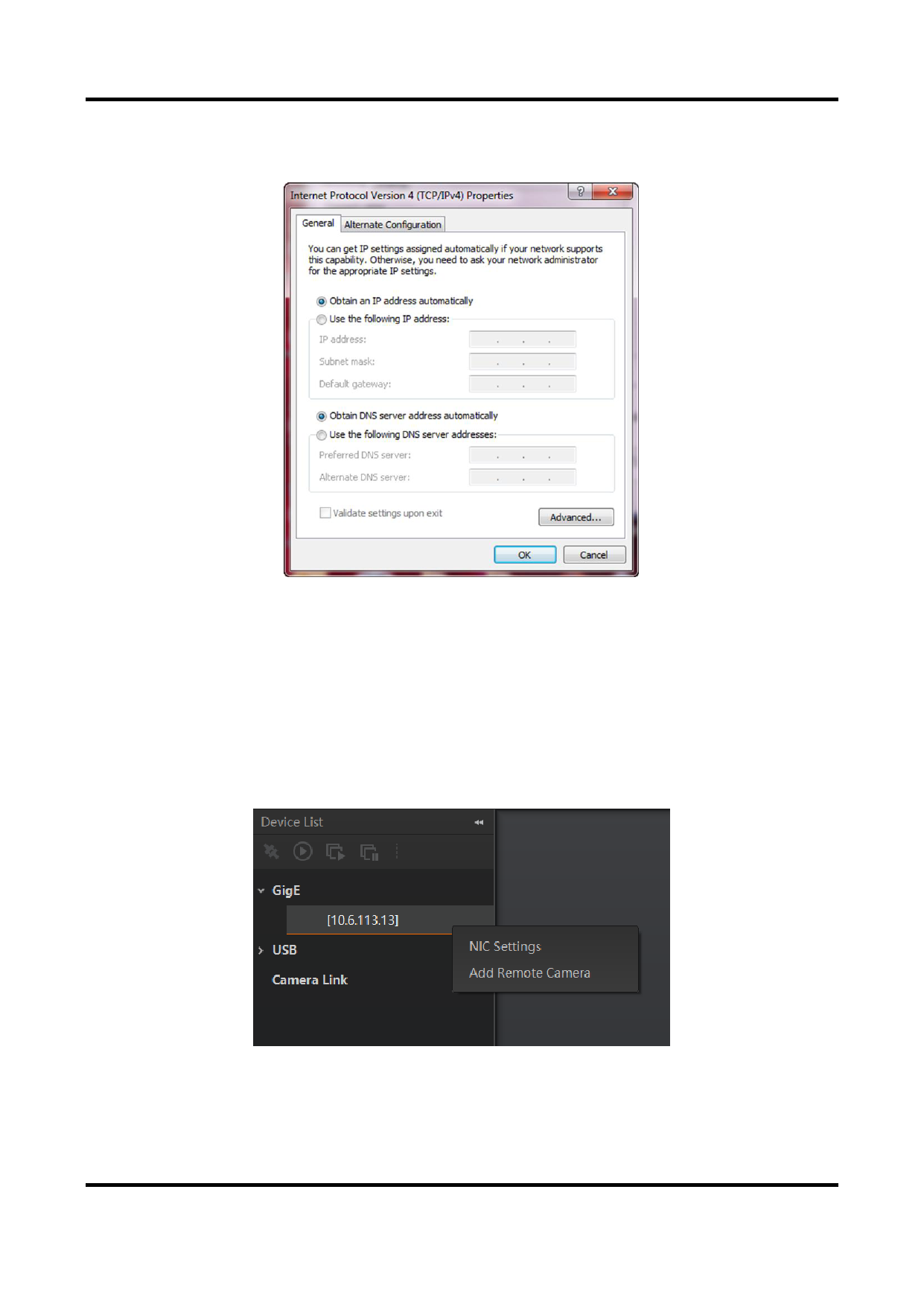
● Select Obtain an IP address automatically to get an IP address of the PC automatically.
● Or select Use the following IP address to set an IP address for the PC manually.
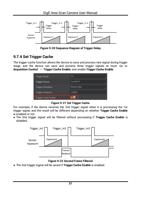
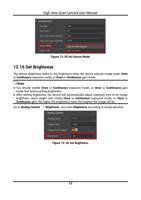
Figure 6-3 Set PC Network
3. Set NIC property via the PC.
1) Go to NIC settings page: Control Panel → Hardware and Sound → Device Manager
→ Network Adapter.
2) Select corresponding network interface card, and click Advanced.
3) Set Jumbo Packet value to 9014 Bytes, Transmit Buffers and Receive Buffers to 2048,
Interrupt Moderation Rate to Extremum.
4. (Optional) Set NIC property via the MVS.
1) Right click the GigE, and click NIC Settings.
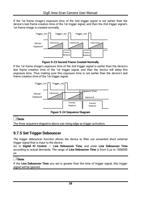
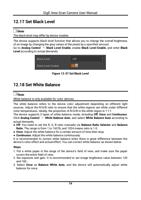
Figure 6-4 Click NIC Settings
2) Enable Jumbo Frame, and set Receive Buffers and Transmit Buffers to 2048.
16