GigE Area Scan Camera User Manual
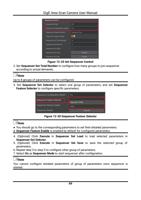
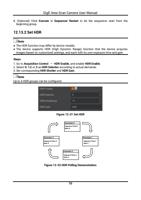
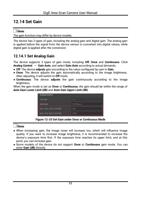
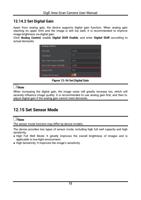
Note
● If the real-time frame rate is smaller than the value you set, the device acquires images
by the real-time frame rate.
● If the real-time frame rate is larger than the value you set, the device acquires images by
the value you set.
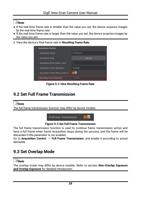
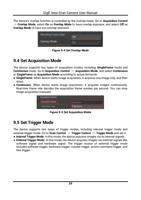
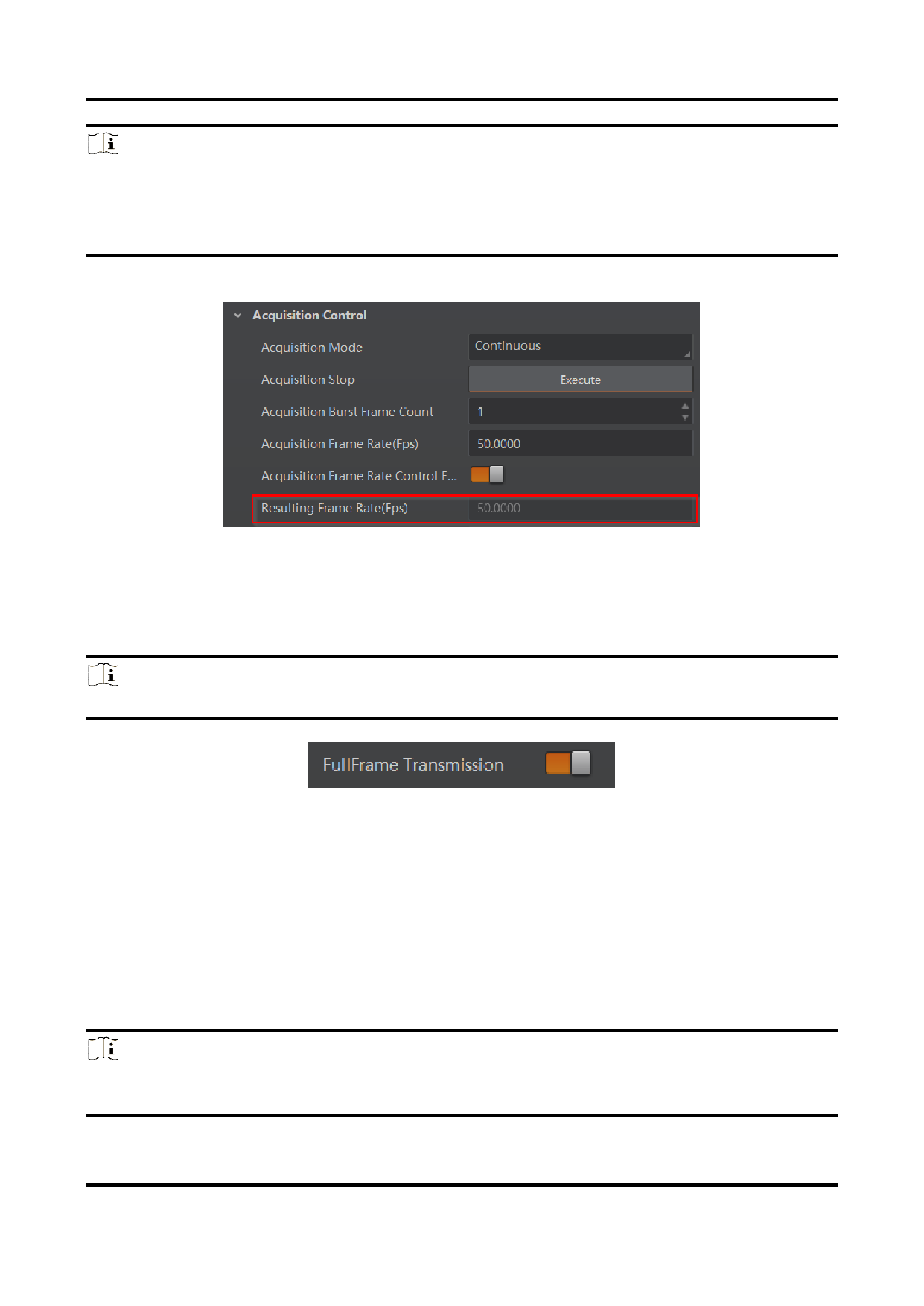
3. View the device’s final frame rate in Resulting Frame Rate.
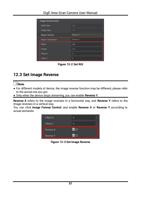
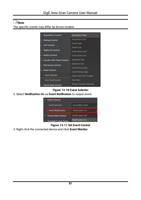
Figure 9-2 View Resulting Frame Rate
9.2 Set Full Frame Transmission
Note
The full frame transmission function may differ by device models.
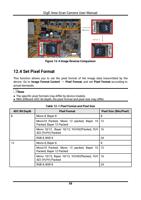
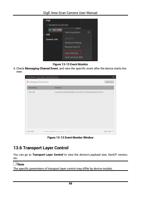
Figure 9-3 Set Full Frame Transmission
The full frame transmission function is used to continue frame transmission action and
have a full frame when frame acquisition stops during the process, and the frame will be
discarded if this parameter is not enabled.
Go to Acquisition Control → Full Frame Transmission, and enable it according to actual
demands.
9.3 Set Overlap Mode
Note
The overlap mode may differ by device models. Refer to section Non-Overlap Exposure
and Overlap Exposure for detailed introduction.
28