GigE Area Scan Camera User Manual
Chapter 5 Installation
5.1 Installation Preparation
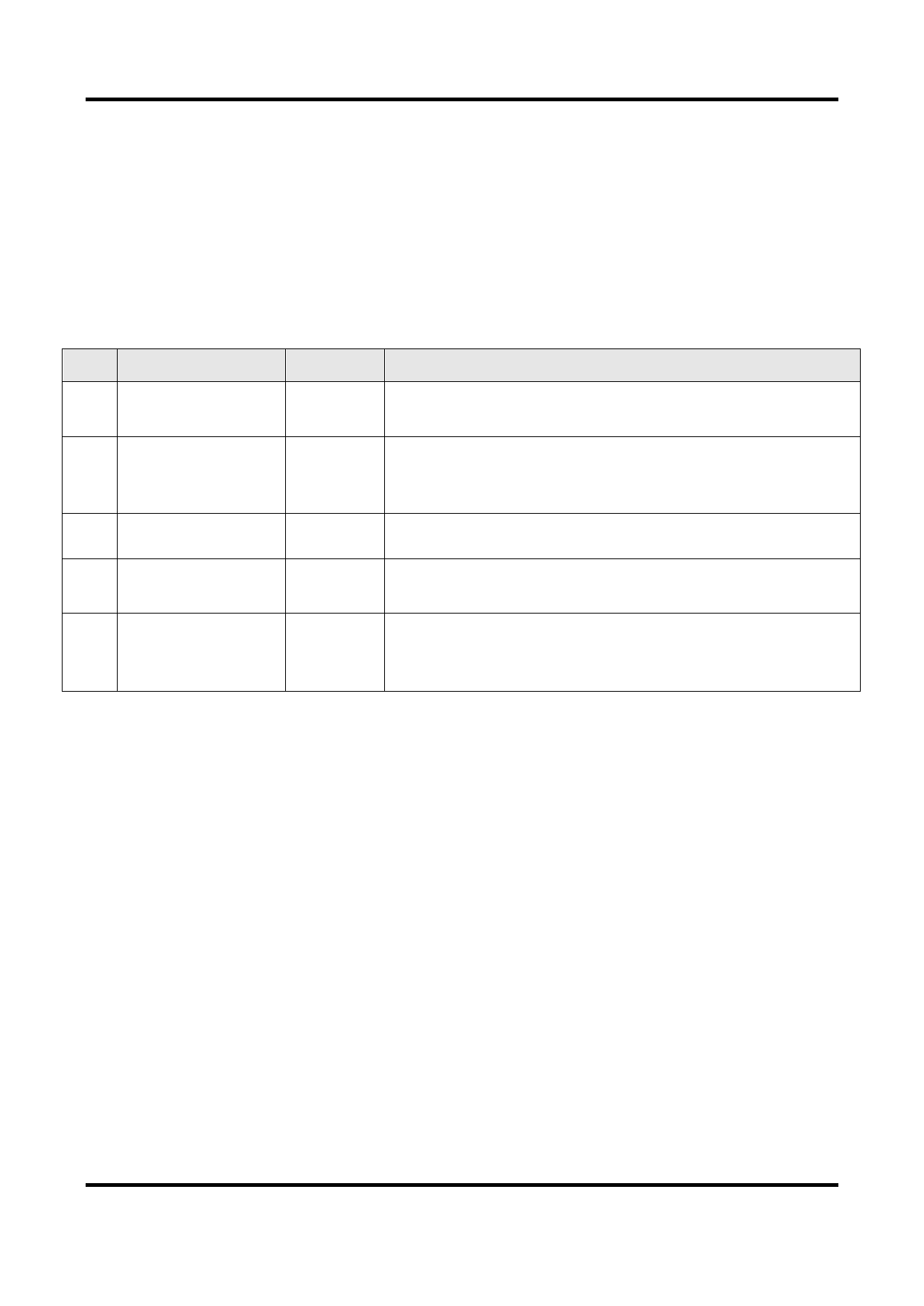
You need to prepare following accessories before device installation.
Table 5-1 Accessories
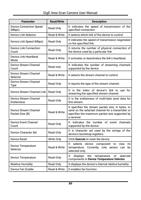
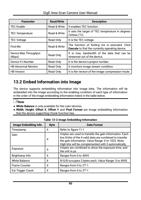
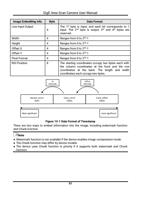
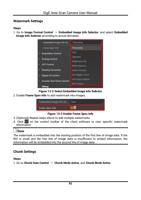
No.
Name
Quantity
Description
1
Power
Cable
and
I/O 1
It refers to the 6-pin or 12-pin power and I/O cable. You
need to purchase separately.
2 DC Power Supply 1
3 Network Cable 1
4 Lens
1
You should select suitable power adapter or switch
power supply according to the device power supply and
consumption. You need to purchase separately.
It refers to CAT-5e network cable or above. You need to
purchase separately.
It refers to the lens that is suitable for the device. You
need to purchase separately.
5 Lens Adapter
1
If the lens you used does not match with lens mount of
the device, you need to use a lens adapter. You need to
purchase separately.
5.2 Install Device
Before You Start
● Make sure that the device in package is in good condition and all assembly parts are
included.
● Make sure that all related devices are powered off during the installation.
Steps
1. Fix the device to the installation position.
2. Install the lens to the device.
3. Use a proper network cable to connect device with a GigE switch or a network interface
card.
4. Select a power supply method:
● Direct power supply: Use the 6-pin or 12-pin power and I/O cable to connect device to a
proper power adapter.
● PoE (Power over Ethernet): For the device that supports PoE, use a network cable to
connect the device to a switch that supports PoE or a network interface card.
13