






Shanghai Fangling Computer Software co., Ltd
6.3 G code format control file
In order to facilitate users of different control systems to configure the
generated code, “G code format control file” is added. Users can modify the
current control file or add ini control file that meets the current system requirements
according to the format description of the existing control file.
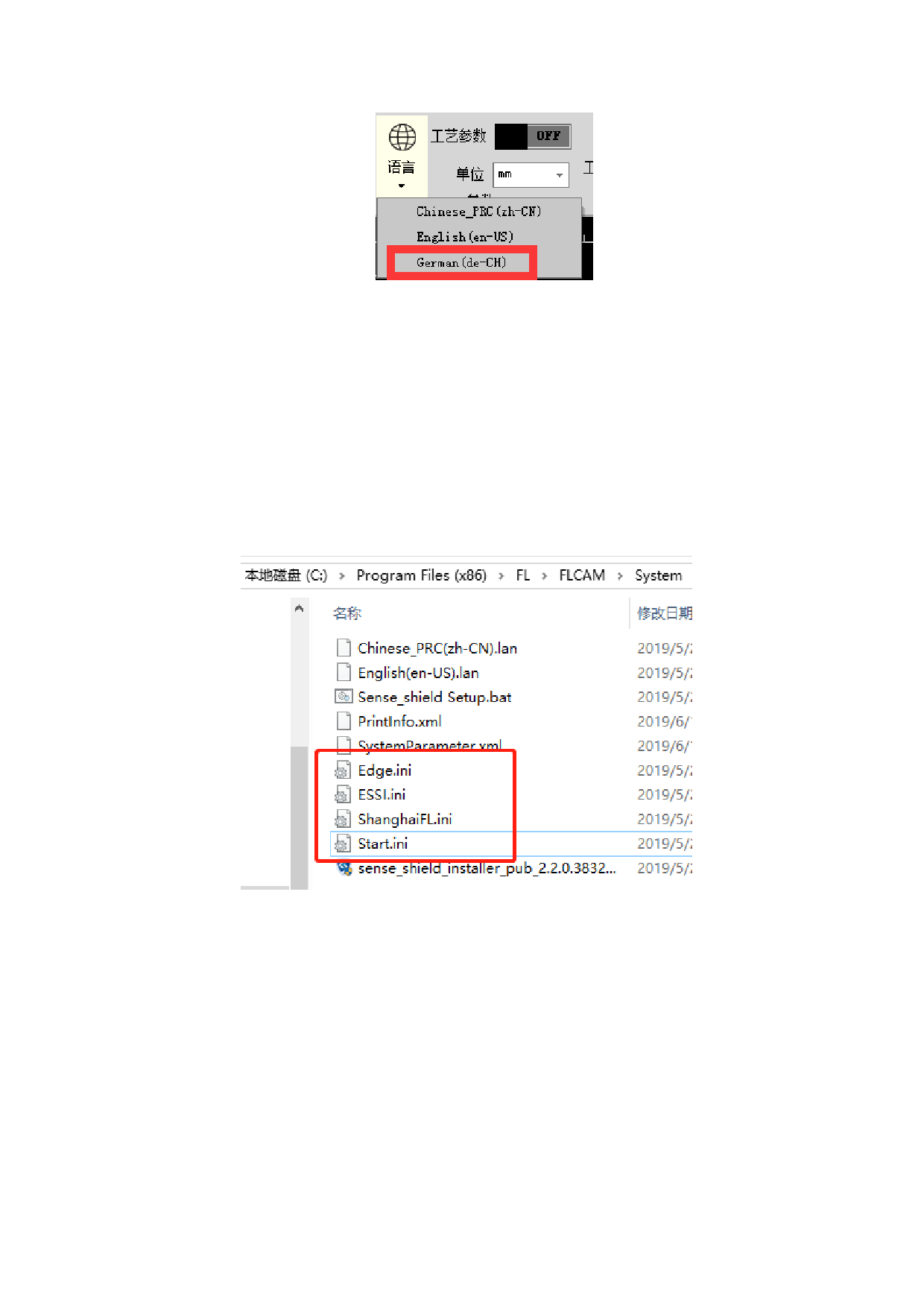
After the installation of FLCAM, there are four kinds of code control ini files
under the System folder of the installation directory.
The default path is “C:\Program Files (x86)\FL\FLCAM\System”.
If the current control system is not in the above four built-in ranges, you can
copy any of the ini files, modify them, rename them and put them in the above path.
The following points should be noted when modifying ini files:
Do not modify the part of equal sign and the content before it of each control
code.
For example:
The current required line interpolation instruction is G1, then change the
“G01=G01” in index 3 to “G01=G1” in the ini file, and do not change the red bold
paragraph.
If the segment that are not needed, users can delete the content after equals sign
of the current field instead of deleting the entire segment.
For example:
88






































































































