






Shanghai Fangling Computer Software co., Ltd
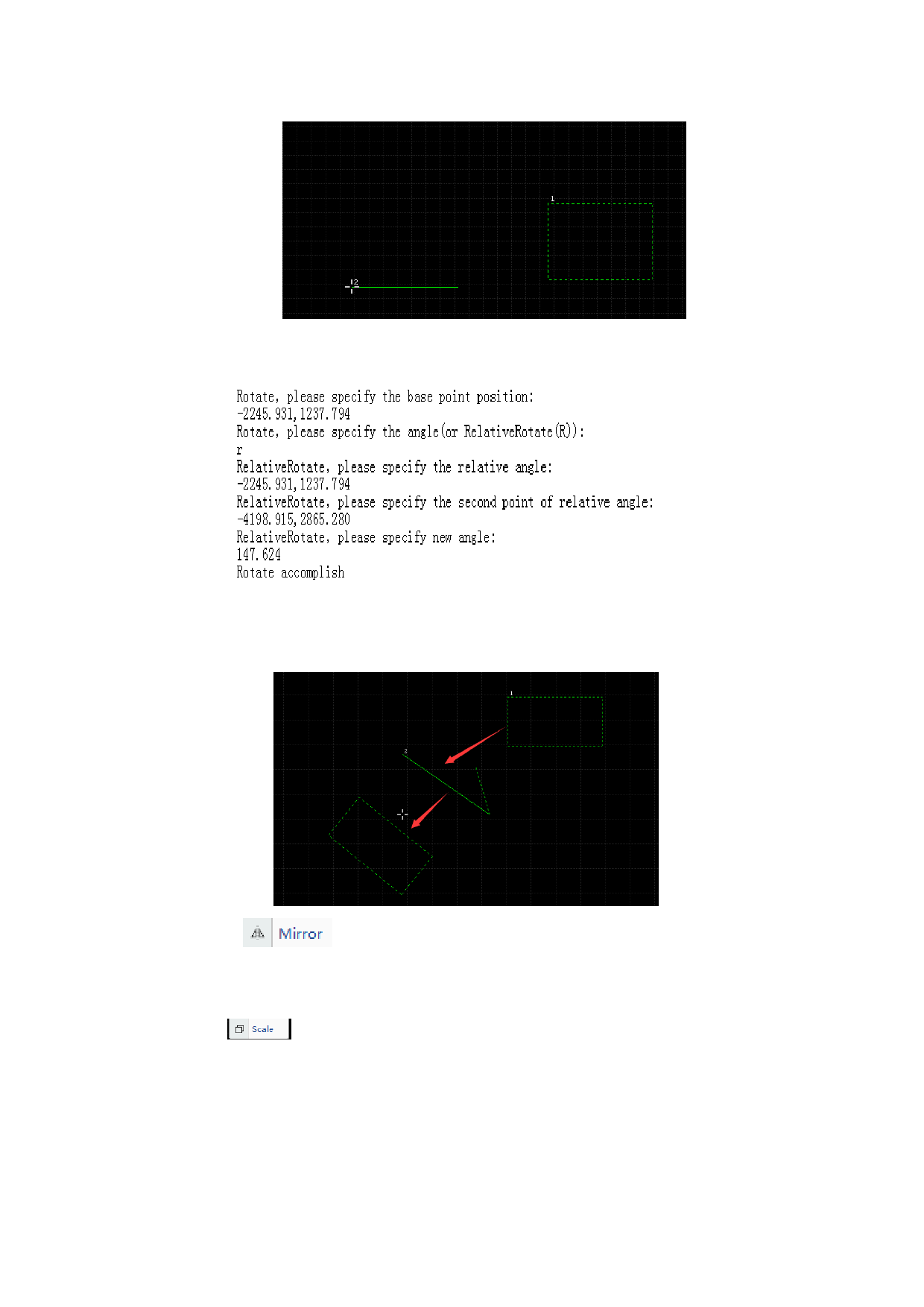
1.Choose the rectangle and set the base point position. Users can specify the angle or
choose relative rotate.
2. If choose the relative rotate, users can input “R” and press Enter to confirm. The
set the relative angle according to the log information.
3. Drag the mouse to rotate the part to get the rotated part.
Mirror
: There is a mirror option in “ Transformation” button,
first select the graph to be mirrored, after clicking mirroring button, select the base
point to be mirrored in drawing field, then slide mouse to mirror.
Scale
: There is a zooming option in “Transformation” button, first
select graph to be zoomed, after clicking zooming button, select base point to be
zoomed, then slide mouse to zoom. You can also input ratio of zooming in input box.
54






































































































