






Shanghai Fangling Computer Software co., Ltd
2.2.5Graph transformation
There is a “Transformation” button
Move, Rotate, Mirror and Scale.
. Graph transformation includes
Move
: click translation option under “Transformation”, select base
point of translation in drawing field, then select end point of translation in a direction,
then graph is translated. You can also select to drag graph to translate.
Rotate
click rotation option under “Transformation”, select
rotation point in drawing field, or input base point into below input box. Then mouse
slide or input angle of rotation in input box.
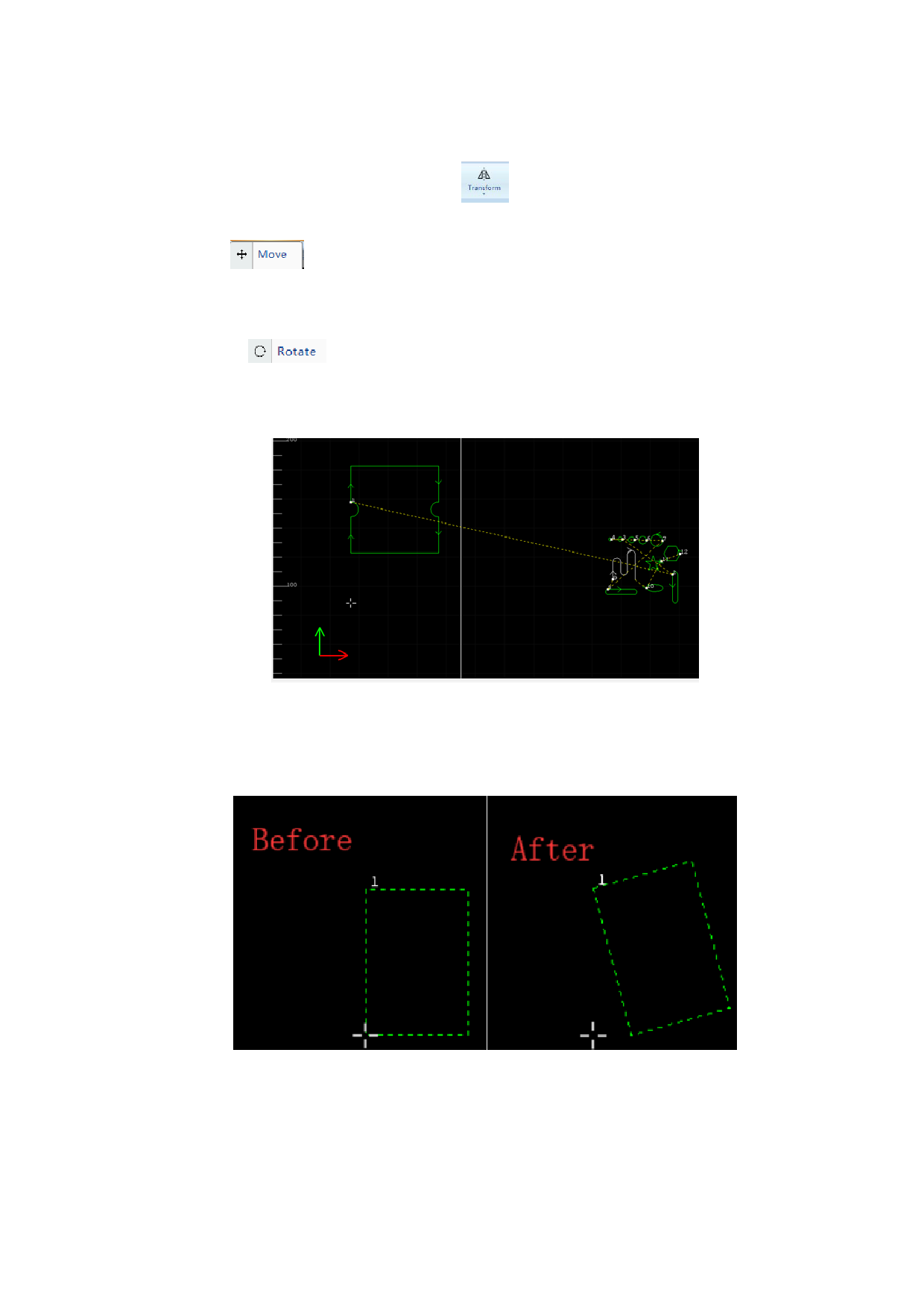
Rapidly rotate the selected shapes:Choose the part and press “Shift”, then
drag the mouse. The part will rotate once at 15°.
Relative rotate: the part can rotate according to the relative position.
Case: the following rectangle will be rotated according to the relative line.
53






































































































