






Shanghai Fangling Computer Software co., Ltd
2.1.2.3 Split micro joint
After selecting graph, click “split micro joint
under
micro connection option. Then select position to be exploded on outer contour,
left-click the segments, and the selected position will be exploded.
2.1.3Bridging
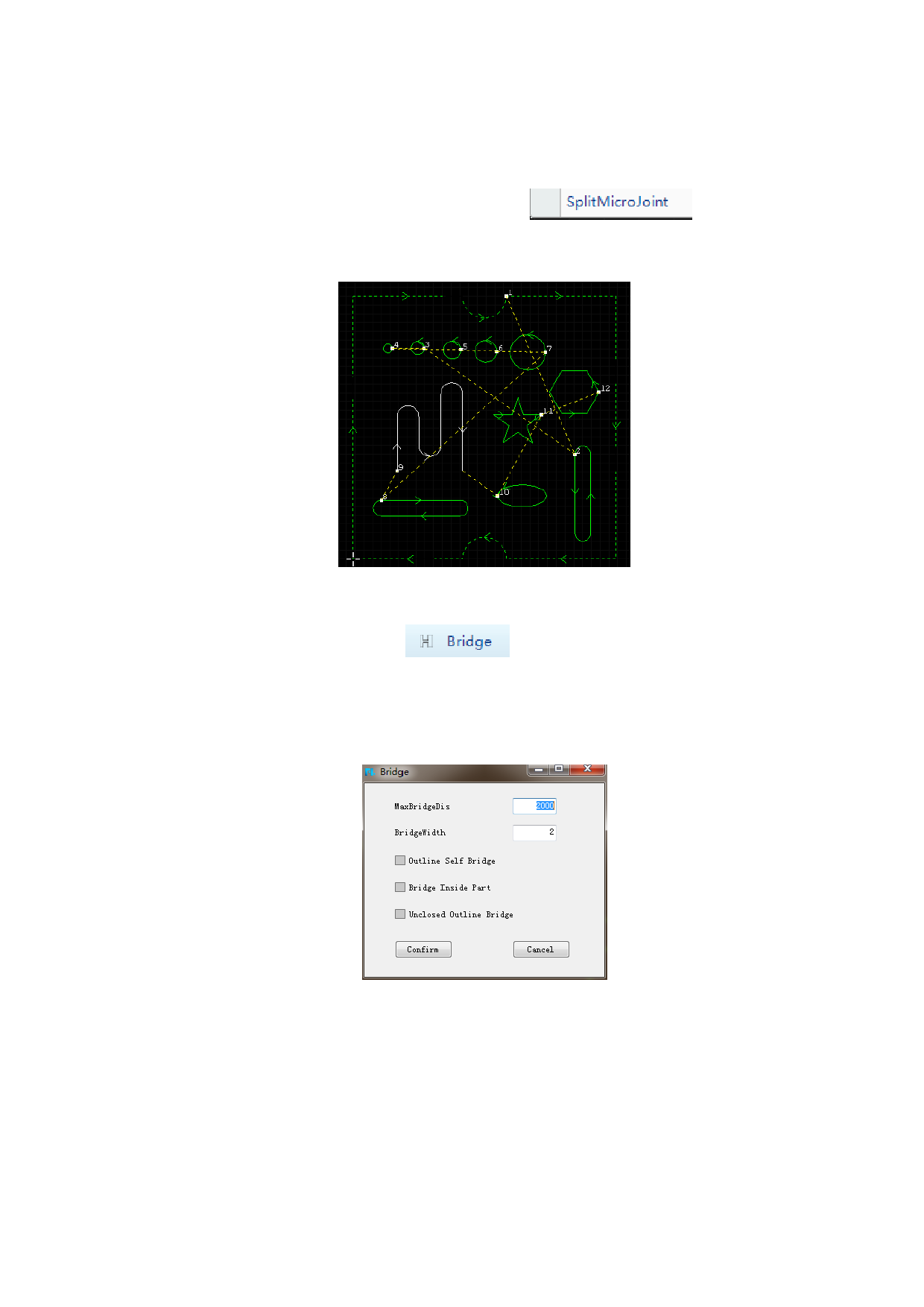
There is a “Bridging” button
under common toolbar. After
clicking the button, click to select two graphs to be bridged, and the software will
bridge the two graphs. The advanced bridge parameter can be chosen according to
the cutting demands (Professional edition support): Outline Self Bridge、Bridge
inside part、Unclosed Outline Bridge.
Note:
1. If bridging is not successful, check whether spacing between bridged
graphs is larger than set distance.
2. Bridging can operate multiple graphs.
3. Bridging is irreversible, namely, bridging operation cannot be canceled.
As shown in the following figure is the effect of graph bridging:
36






































































































