






Shanghai Fangling Computer Software co., Ltd
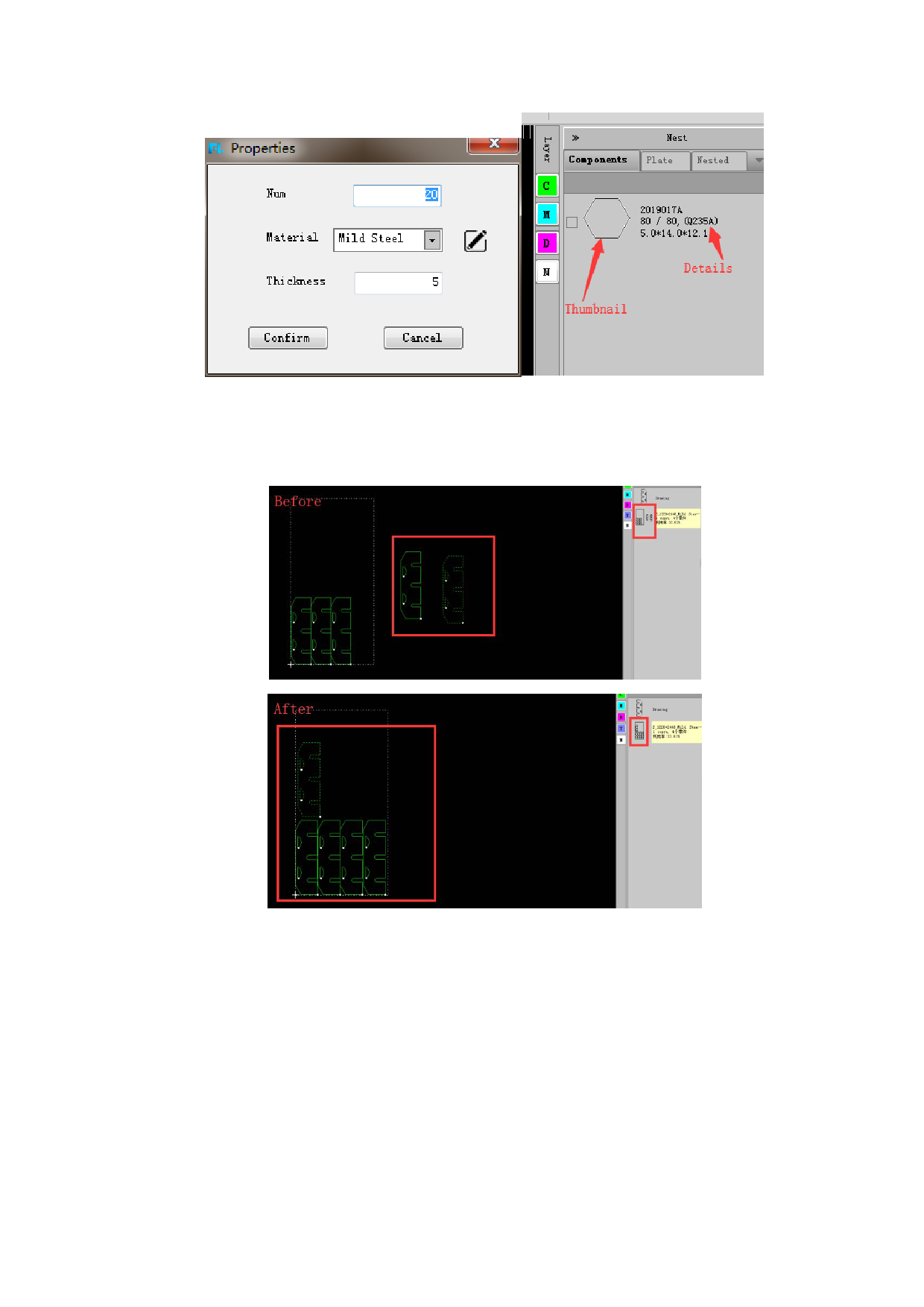
Part information displayed in the part browser includes thumbnail, name of the
part, quantity of the part to be nested, total number of the part and size of the part.
Apply: Manually add parts (copy, array, drag and drop, etc.) to “Nested”
results. As shown below:
1.6.2.2 Add parts from local
Right-click in the parts browser on the right side of the software, and select
“Import” in the pop-up interface to import parts that have been saved locally, as
shown below:
17






































































































