






Shanghai Fangling Computer Software co., Ltd
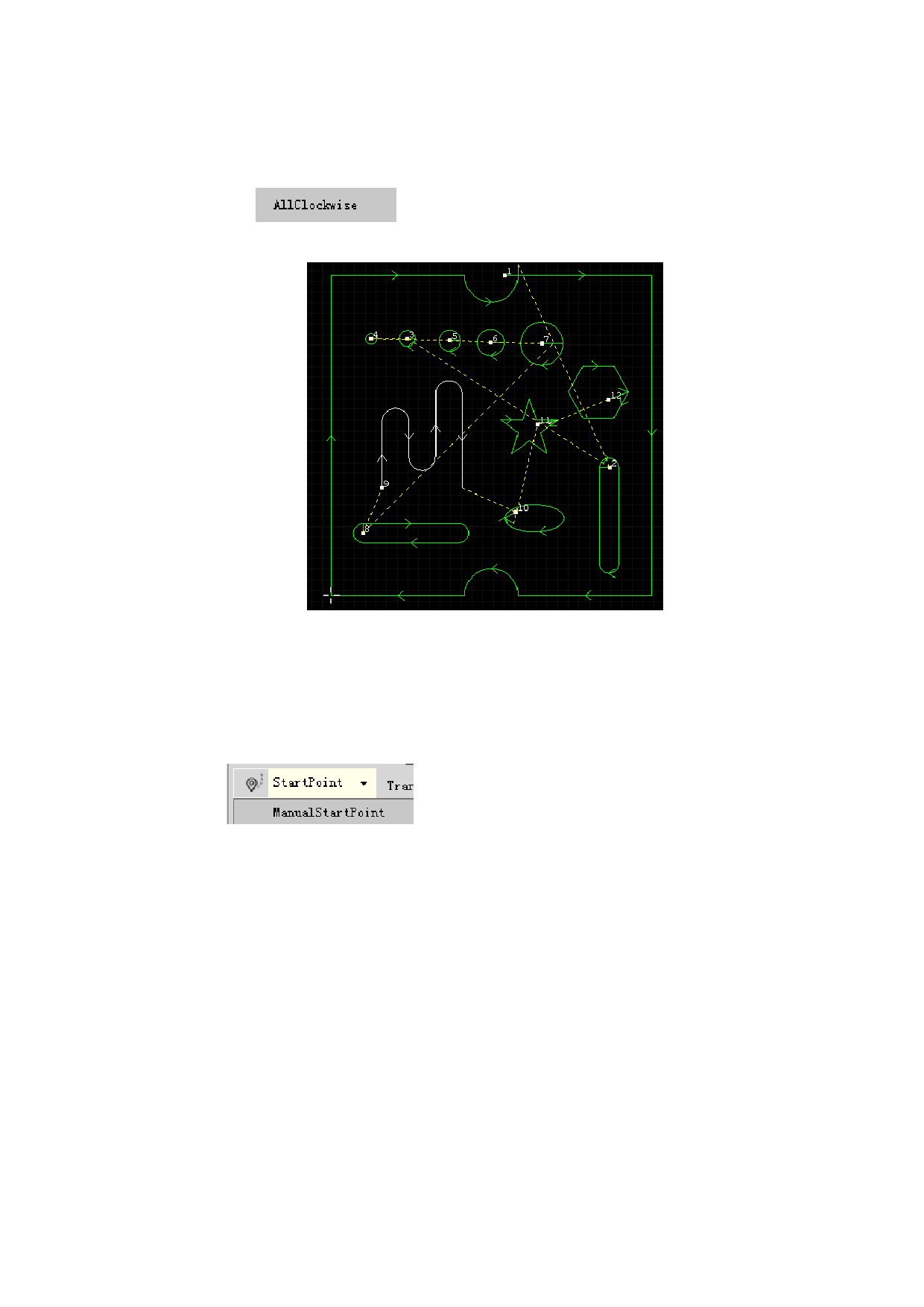
2.2.1.6 All Clockwise
There is
under “Direction” button. It only needs to click to
change direction of selected figure to clockwise.
2.2.2Start Point
2.2.2.1 Manual start point
Click
button, if selected point is on graphic line, then
the point becomes the start point of contour, otherwise the point will be used as
origin of lead in and next assigned point is used as cutting point of the contour.
As shown in below figure, position of start point is put outside the outer
contour.
48






































































































