






Shanghai Fangling Computer Software co., Ltd
IV Nesting
4.1Components
4.1.1Set to components
Select the graph and can set it to component.
4.1.2Split components
Select the graph and can split component.
4.2Auto nesting
4.2.1Add part
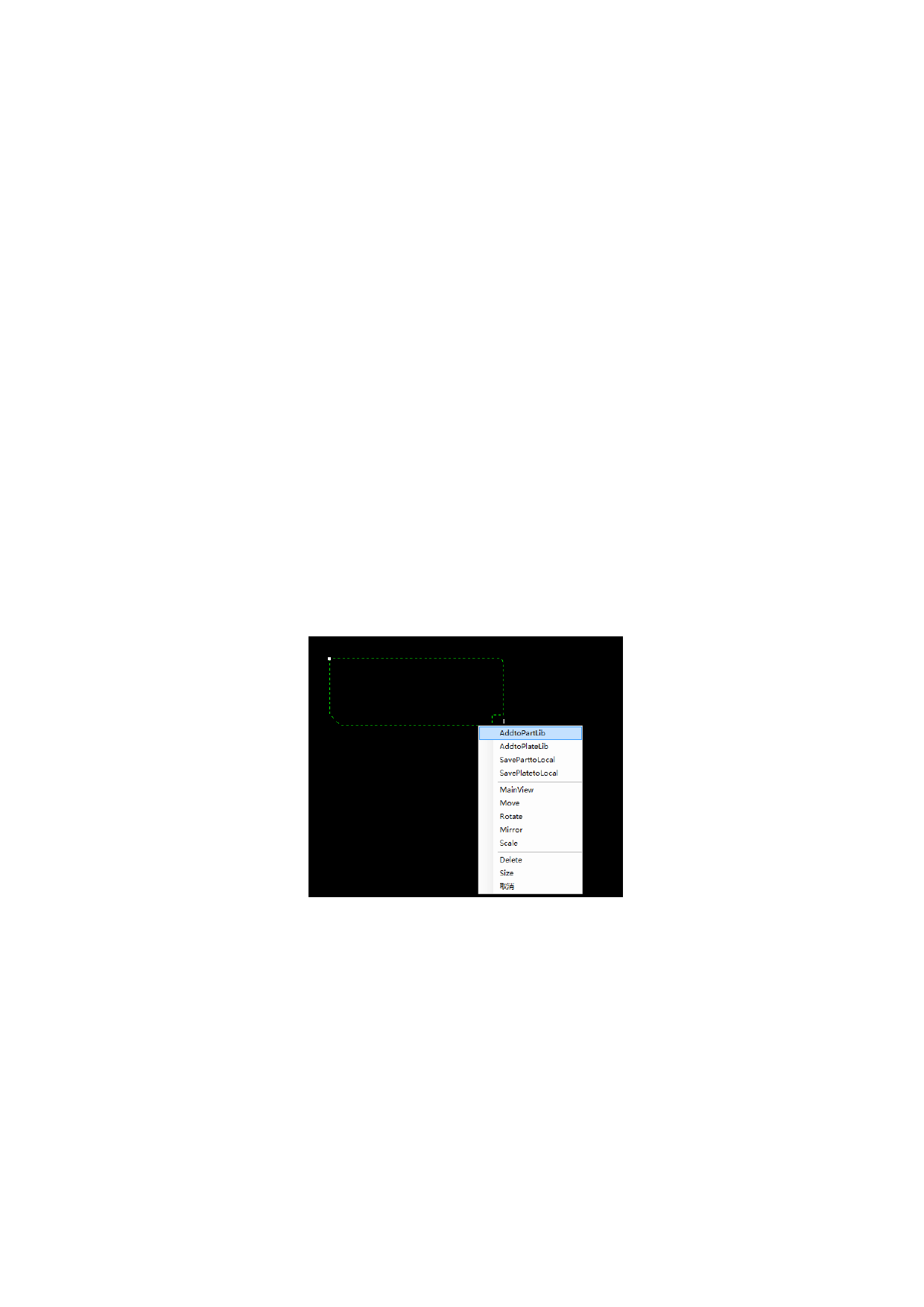
Before auto nesting, you need to add parts to part library.
Select the parts need to nest and right-click to add to part library. As shown
below:
Then the following dialog box appears. You can set parameters: part quantity,
material and thickness. At the same time, users can set the leads mode: no change、
clear the parts original leads、reset leads by current parameters.
70






































































































