






Shanghai Fangling Computer Software co., Ltd
Picture 2
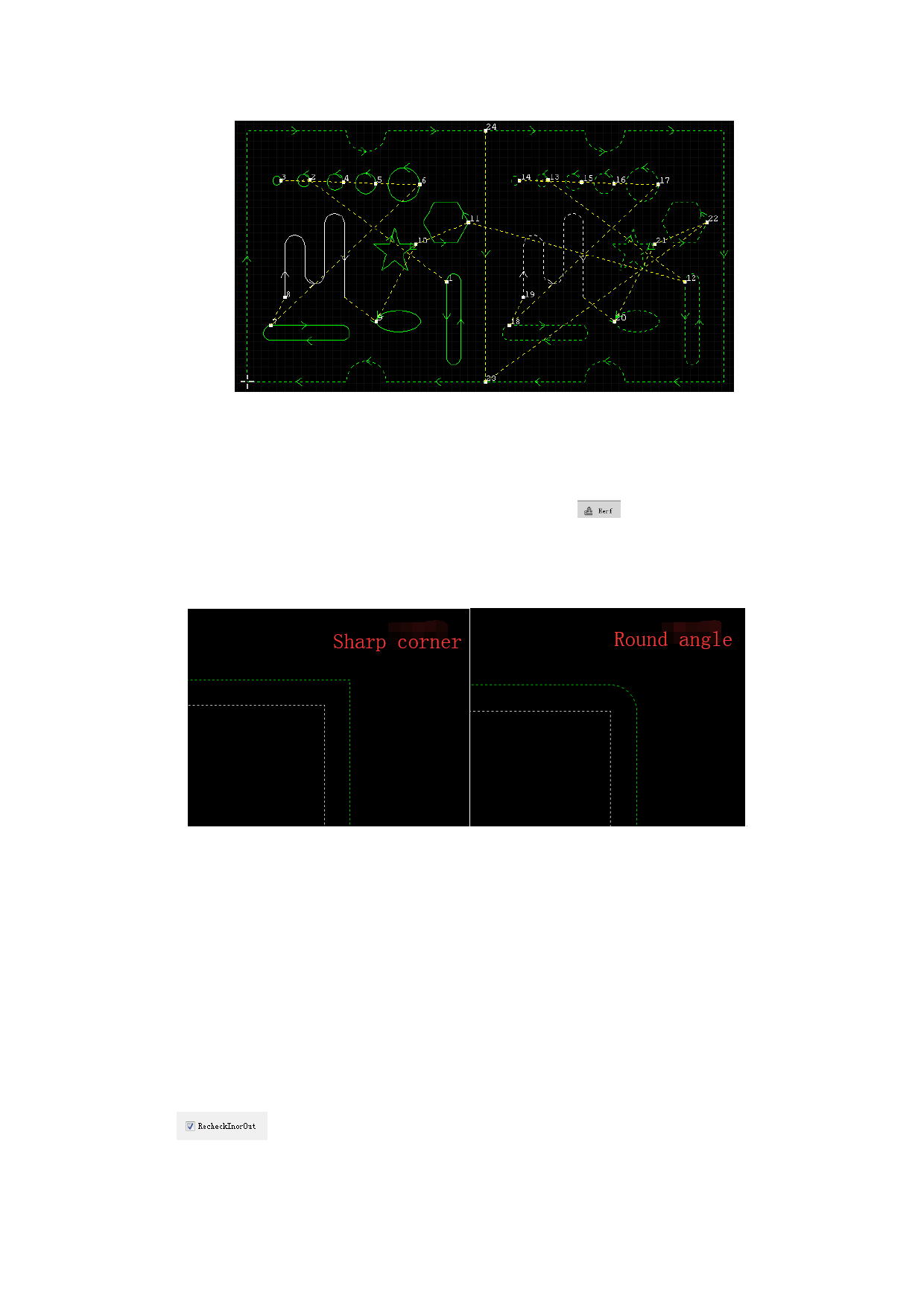
2.1.5 Kerf Compensation
Kerf Compensation is set up to prevent from kerf resulting from laser or flame
during cutting. There is a “Kerf Compensation” button
under common
toolbar. Width of kerf shall be measured based on actual cutting result. Compensated
path is displayed in green,and the original contour is in white , and during
processing it will cutting follow the compensated path.
Kerf compensation in the software is conducted in two ways, one is to direct
compensation in graph, and the other is compensation in code. Code compensation
will be set to conduct in G code according to code compensation code of system
parameter, see the chapter “System”.
Compensation in graph includes 3 modes: Inner mode shrink & outer mode
expand、all expand、all shrink. Compensation needs to display distance and mode
of compensation in popped up compensation interface, attention shall be paid to:
1.Unclosed contour cannot be compensated.
2. If compensation value of smaller contour is set too large, unexpected result
may be resulted.
3. If it is necessary to re-discriminate inner contour and outer contour, please
tick
, after ticking, information about previously set inner and outer
cutting will lose.
38






































































































