






Shanghai Fangling Computer Software co., Ltd
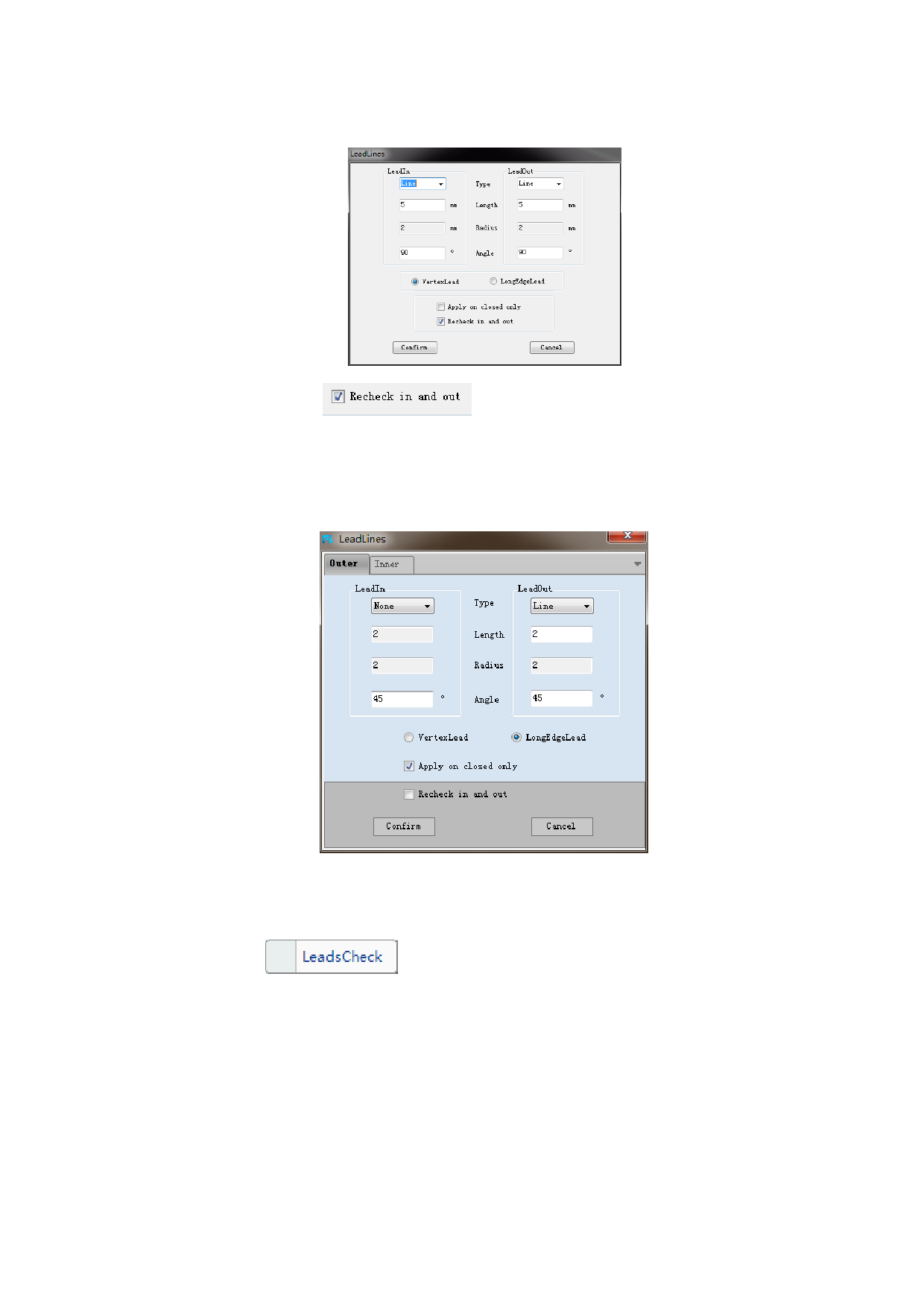
Set the parameter as needed, shown as below:
Note: after ticking
, inner and outer contour will be
discriminated according to actual graph, and information about previously inner and
outer cutting will be lost.
The professional edition supports advanced leads. Outer and inner leads can be
set separately as needed.
2.1.10.2 Leads Check
After adding leads, if there are leads intersection in graph, click “Leads
check” button
under “Leads” button to eliminate, and leads will
shorten automatically.
The picture 1 shows the leads are too long which exceed the closed curve. The
picture 2 shows the leads check and leads shorten automatically.
43






































































































