






Shanghai Fangling Computer Software co., Ltd
During drawing process you can press A, L to switch arc or line, press C to
close current poly line and end drawing, or press ESC to end the current drawing.
3.1.4 Circle
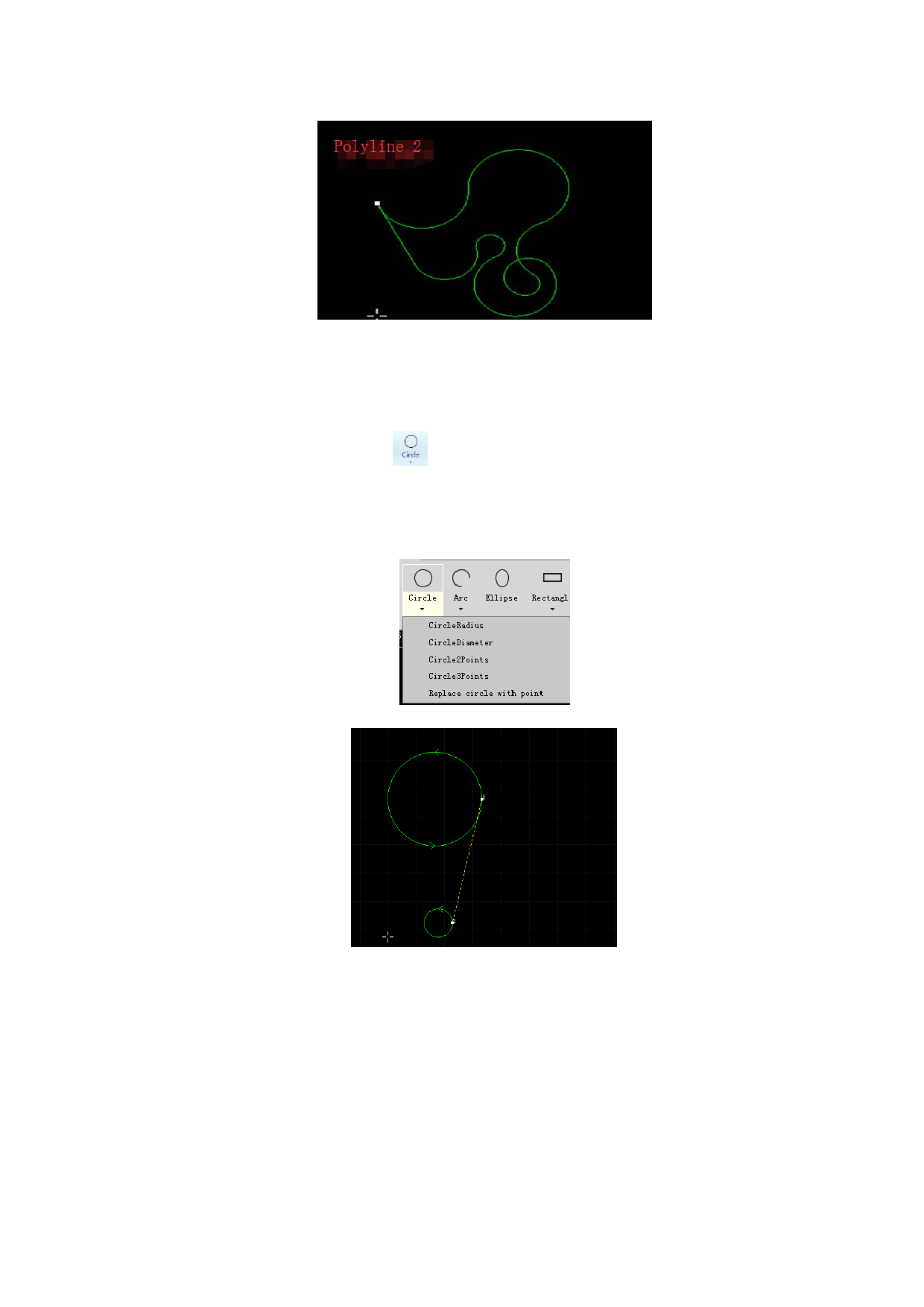
There is a “Circle” button in drawing toolbar, you can click it. Drawing
circle has four modes, including center of circle and diameter, center of circle and
radius, circle through two points, circle through three points, you can finish drawing
by operating according to prompt box.
Replace circle with point: this function can replace circle with isolated points.
Please input the size of the replaced circle (diameter or radius). Users can tick
“Replace all smaller circles” or “Apply on selected only” as needed.
60






































































































