






Shanghai Fangling Computer Software co., Ltd
file again.
1.6.2 Import part
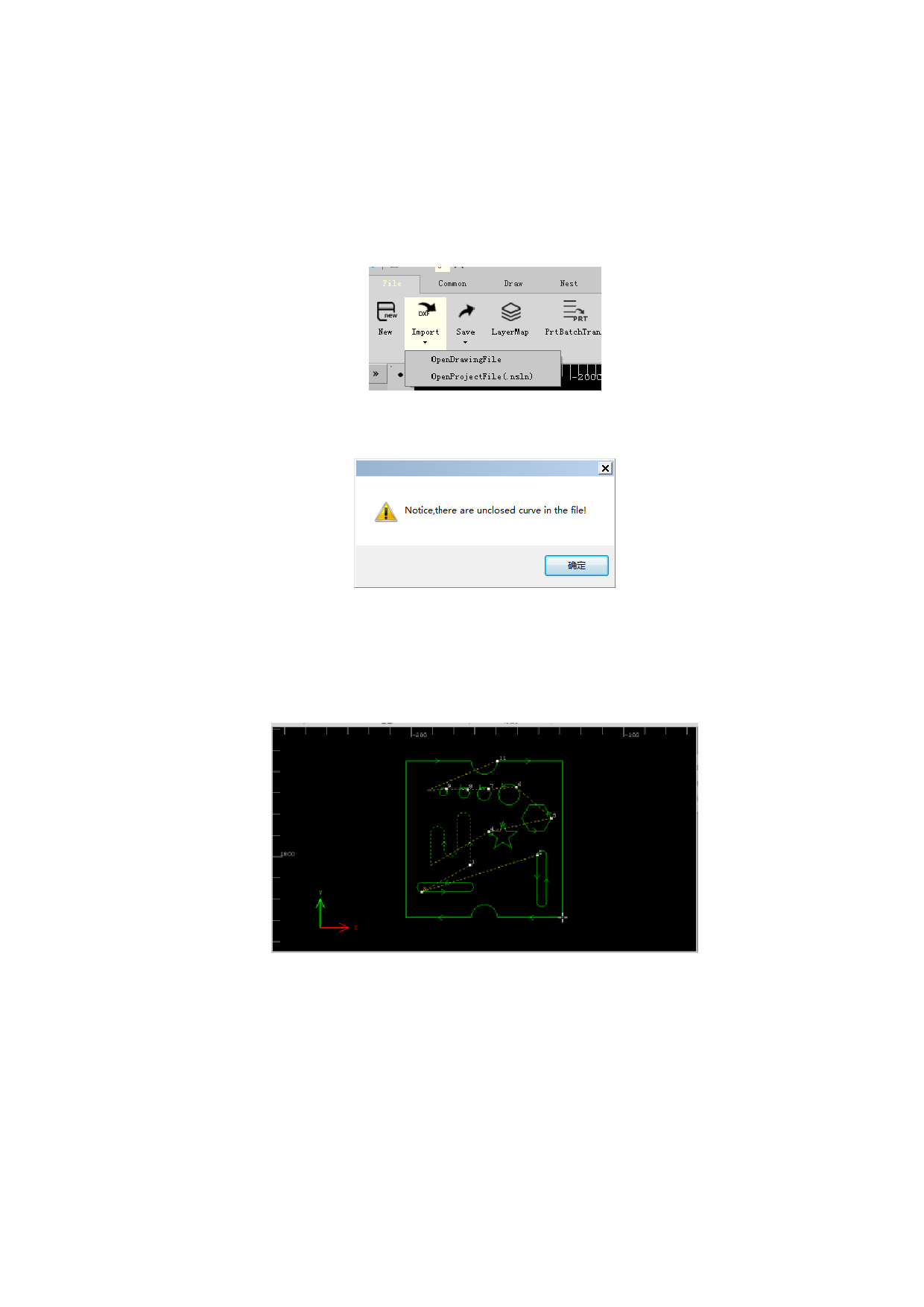
The software supports to import files of dwg、 dxf、itf format (format of file
saved by the software)、and nc、cnc、txt、plt、nc1、prt、plate、cam (file format
of FASTCAM) and project file(nsln).
After selecting the imported document, and if the imported graph has unclosed
graphic contour, the following prompt will be shown:
Click “Confirm” to continue the import, and it needs to assign an insertion
point of the imported graph. It can be assigned by left-clicking or inputting
coordinate of insertion point (format of import point is x coordinate, y coordinate).
After assigning, the graph will be inserted to assigned point. After successfully
imported, the interface will be as shown below:
The professional edition supports “Recognize text contained part
information”, which means part properties will be set by text contained
information.
14






































































































