






Shanghai Fangling Computer Software co., Ltd
1.7.1.3 Select same part
Choose the button
, select all other files with the same
name based on the selected part which are shown as dotted lines.
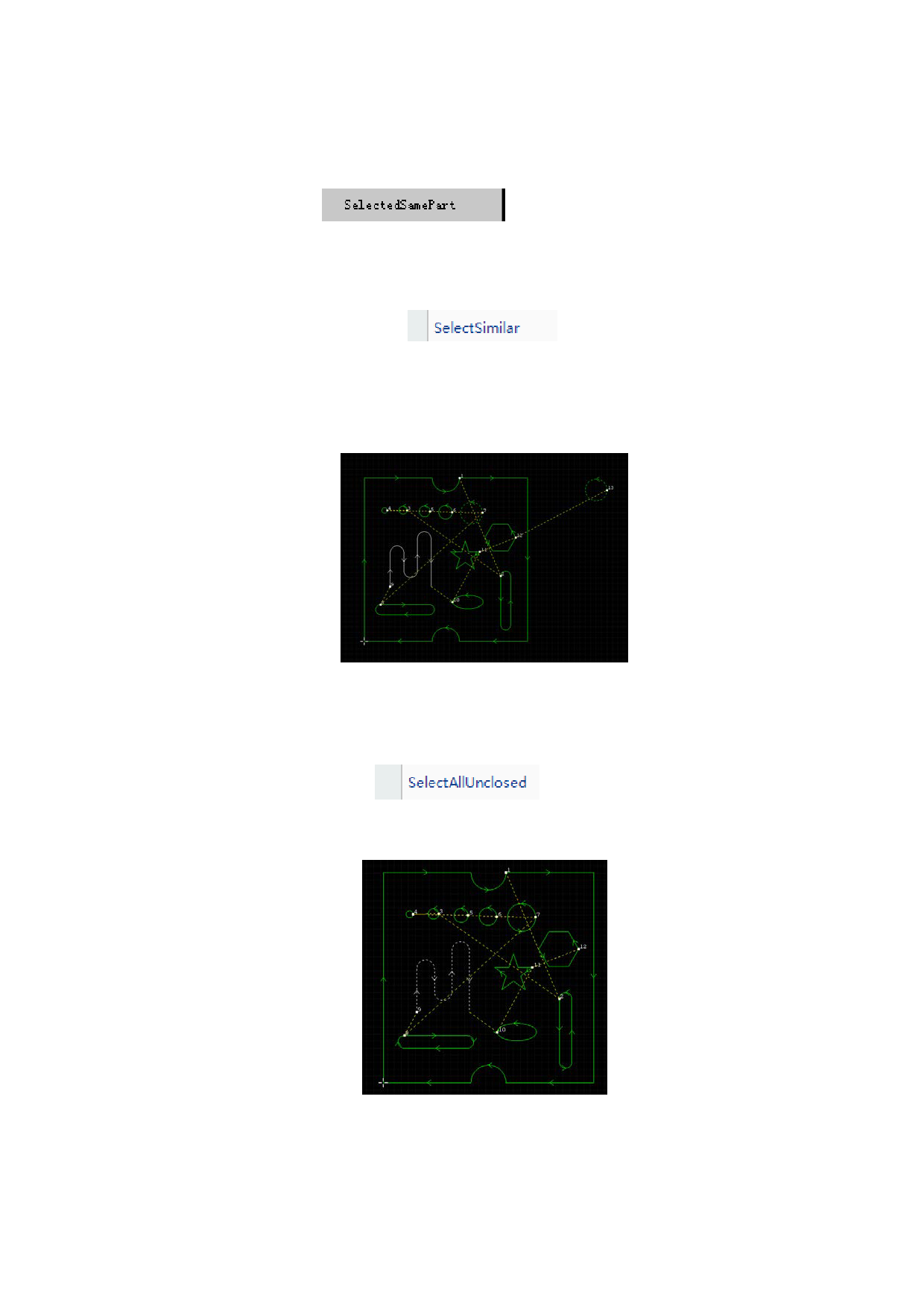
1.7.1.4 Select similar
The select similar contour
is to select graphs of same
shape. When clicking a closed graph in drawing field, click “select similar ” button,
graphs same as the selected graph in drawing field will be displayed, display mode
(in the form of dotted line). As shown in the following figure, two circles displayed
in dotted line are obtained through selecting similar contour.
1.7.1.5 Select all unclosed
The select all unclosed
is to display segments that are
unclosed in drawing field, display mode (in the form of dotted line). As shown in
following figure, the unclosed is displayed in dotted line.
27






































































































