






Shanghai Fangling Computer Software co., Ltd
3.1.7.1 Normal rectangle
There is typical rectangle option under “Normal rectangle” button, it can be
clicked. First input a corner point through mouse or input box, finish rectangle
drawing by inputting another corner point through mouse or input box.
3.1.7.2 Rounded rectangle
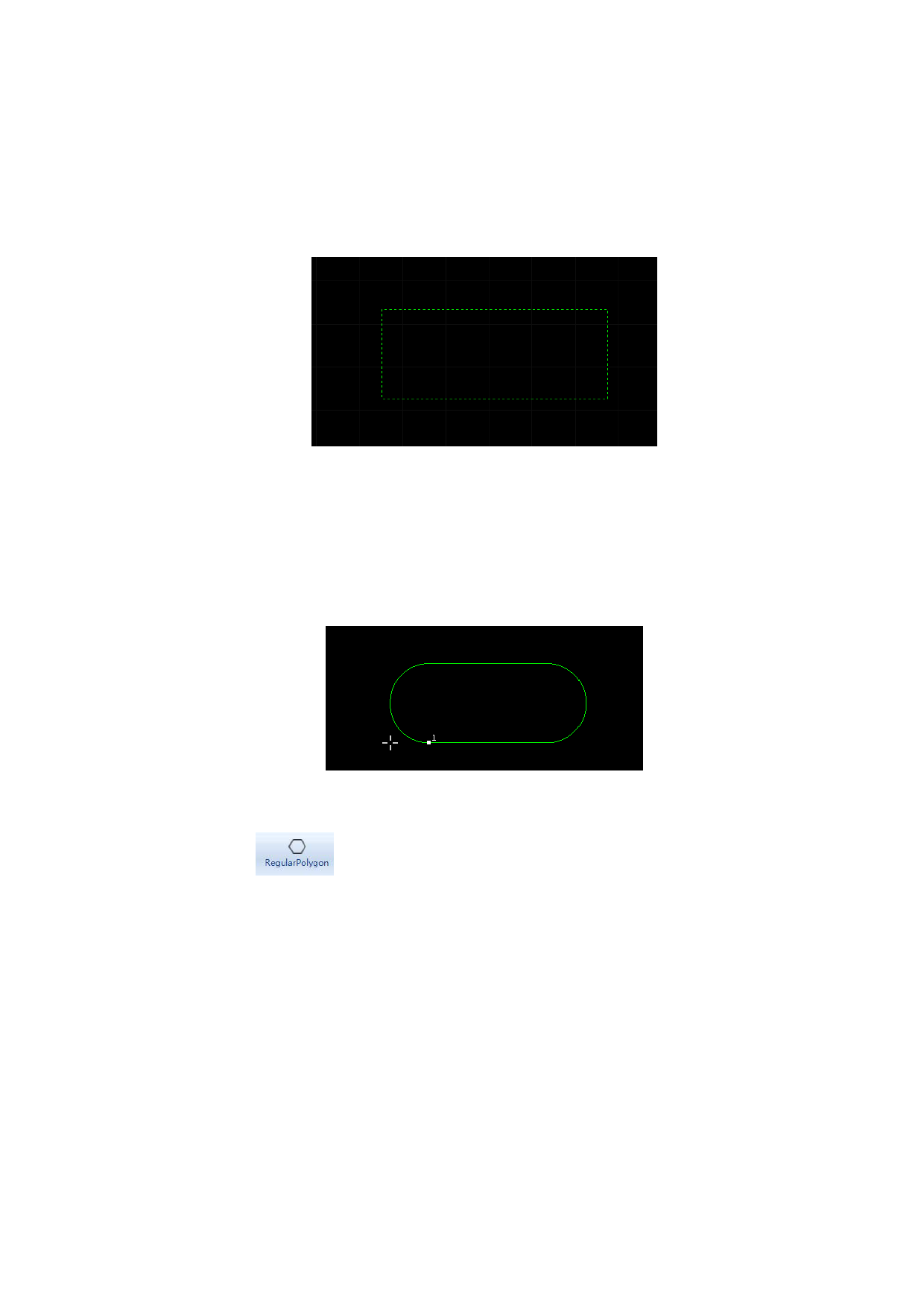
There is a rounded rectangle option under “Rectangle” button, it can be clicked
to select. Drawing method of rounded rectangle is same as typical rectangle. Users
can fill the radius of fillet by sliding mouse or through input box.
3.1.8 Polygon
There is
under “Poly line” toolbar, it can be clicked. First click
“Regular polygon” button, input number of edge of polygon, default is 6, you can
select default by press space key. You also need to assign position of center of
polygon, mode of polygon (inscribed to circle I, circumscribed to circle C) and
radius of circle in sequence to finish drawing.
63






































































































