






Shanghai Fangling Computer Software co., Ltd
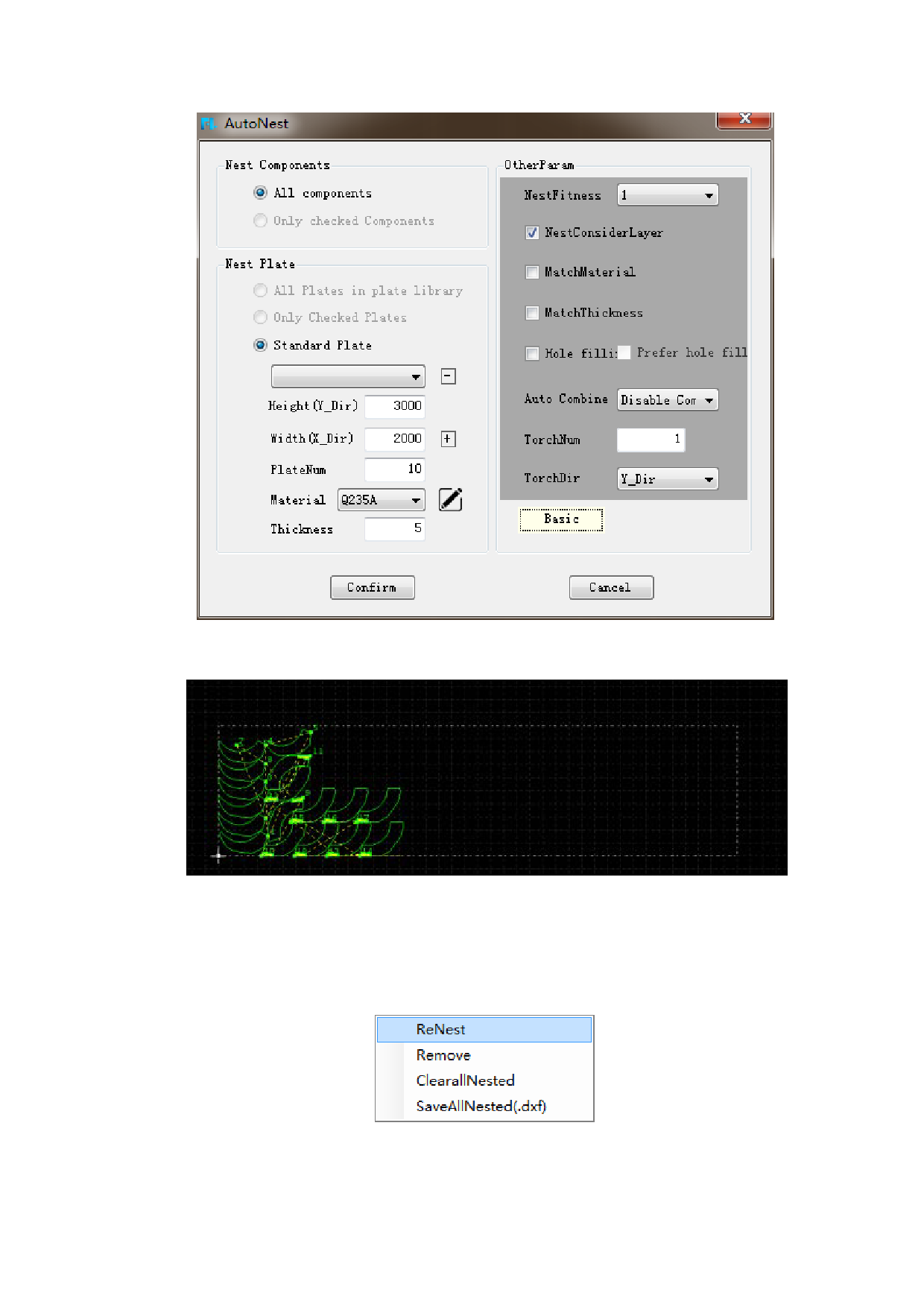
After setting the value of nesting, click“Confirm”to start automatic nesting.
After automatic nesting, the result is as shown below:
If you are not satisfied with the above automatic nesting, you can delete the
nesting result in "nesting". Reset the parameters, and then automatically nesting
again, or manually modify the nesting result.
The “Renest” function of the nested sheet can nest the current nested sheet
again by right-clicking and selecting the covered sheet in the "nested" browser.
If you want to re-nest, you can choose to clear all nested. Parts in the parts
library will restore the quantity of nesting, modify the parameters, and re-nest.
76






































































































