






Shanghai Fangling Computer Software co., Ltd
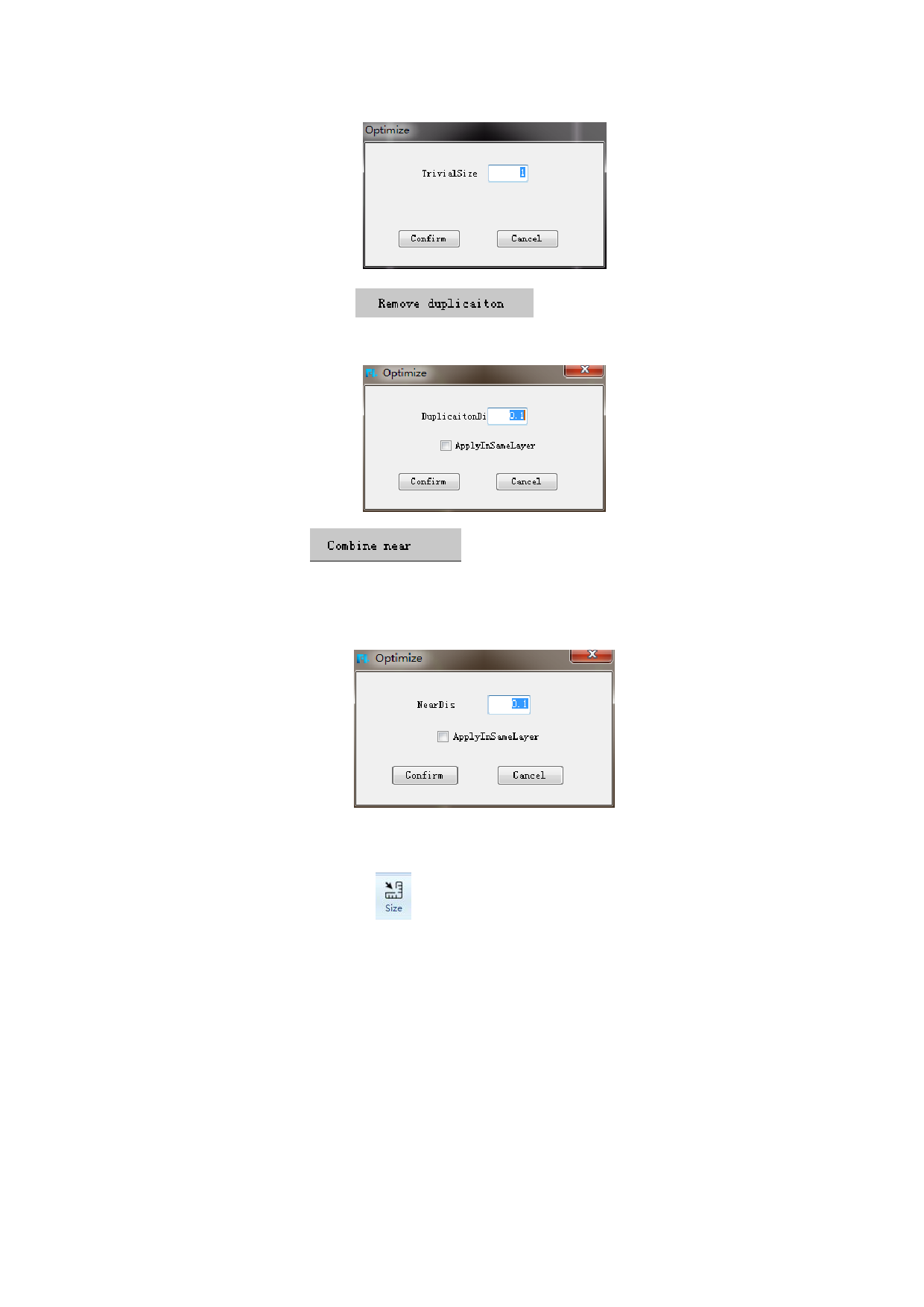
2. Remove duplication
. Fill in duplication distance
(default is 0.1mm), then the duplication will be deleted.
3. Combine near
. Fill in near distance, default is 0.1mm,
then two segments will be merged into a segment. Near distance between end points
of the two segments decides whether they can be merged. Select two segments to be
merged, click optimization button, input near distance and click confirm.
2.2.4Size
The function of “Size” could change the size of selected graph according
to the needs which can also choose to change the base point. As following:
50






































































































