






Shanghai Fangling Computer Software co., Ltd
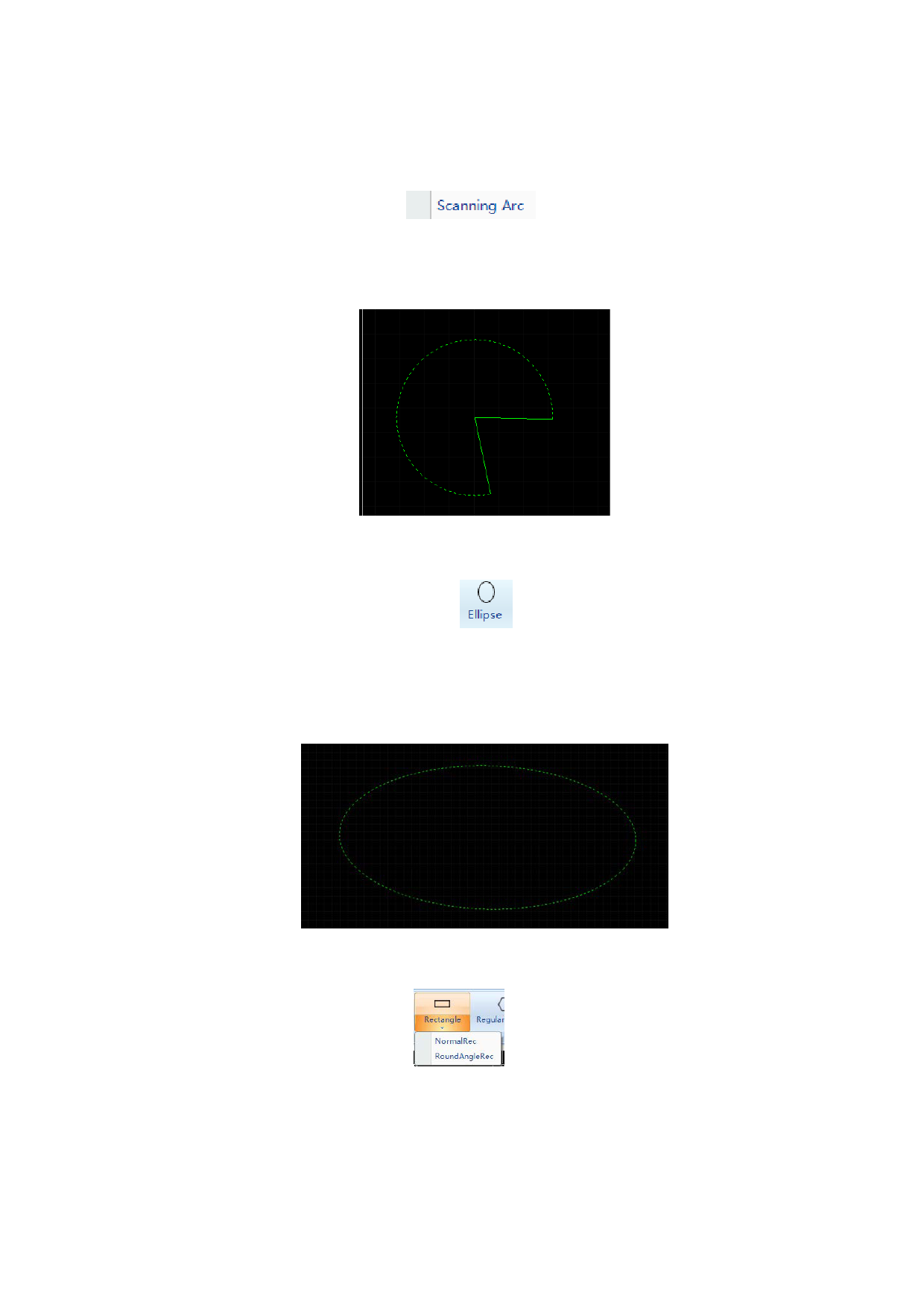
3.1.5.2 Scanning arc
Click “Scanning arc” button
under arc button, draw an arc in
scanning approach, the first point is center point of the arc, then slide mouse to select
the second point, use the distance between two points as radius of the arc to decide
radius, slide mouse to decide contour of arc.
3.1.6 Ellipse
There is an “Ellipse” button option
under “Circle”, you can draw an
ellipse by clicking it. First assign position of center of ellipse by inputting through
mouse or input box, then input an end point of major semi-axis through mouse or
input box, at last input position of an end point of minor semi-axis through mouse or
input box.
3.1.7 Rectangle
There is a “Rectangle” button
draw normal and rounded rectangle.
under drawing toolbar, click it to
62






































































































