






Shanghai Fangling Computer Software co., Ltd
3. Add the part to the part library, and the part properties will be recognized
automatically.
1.6.2.1 Add parts from drawing
In the nesting module, the parts that need to be nested should be imported and
set the number of parts in advance. And the imported parts will be displayed in the
part browser.
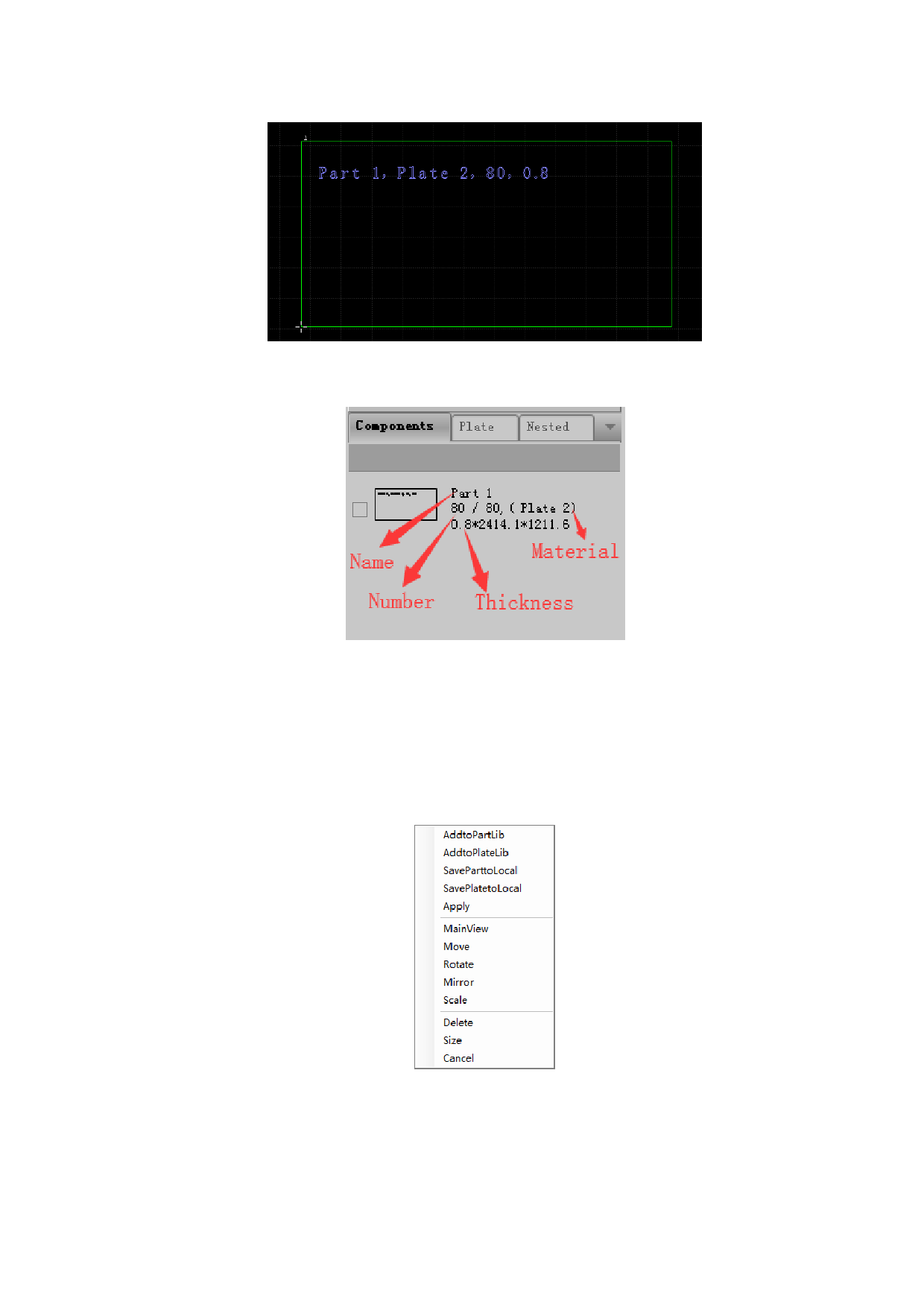
Select the part to be imported in the drawing area, and right click and the
following dialog box will pop up:
After clicking the “Add to part lib”, the part quantity setup dialogue box will
pop up. After setting the quantity of parts that need nesting. Click “Confirm” and
parts will be displayed in part browser. As shown below:
16






































































































