






Shanghai Fangling Computer Software co., Ltd
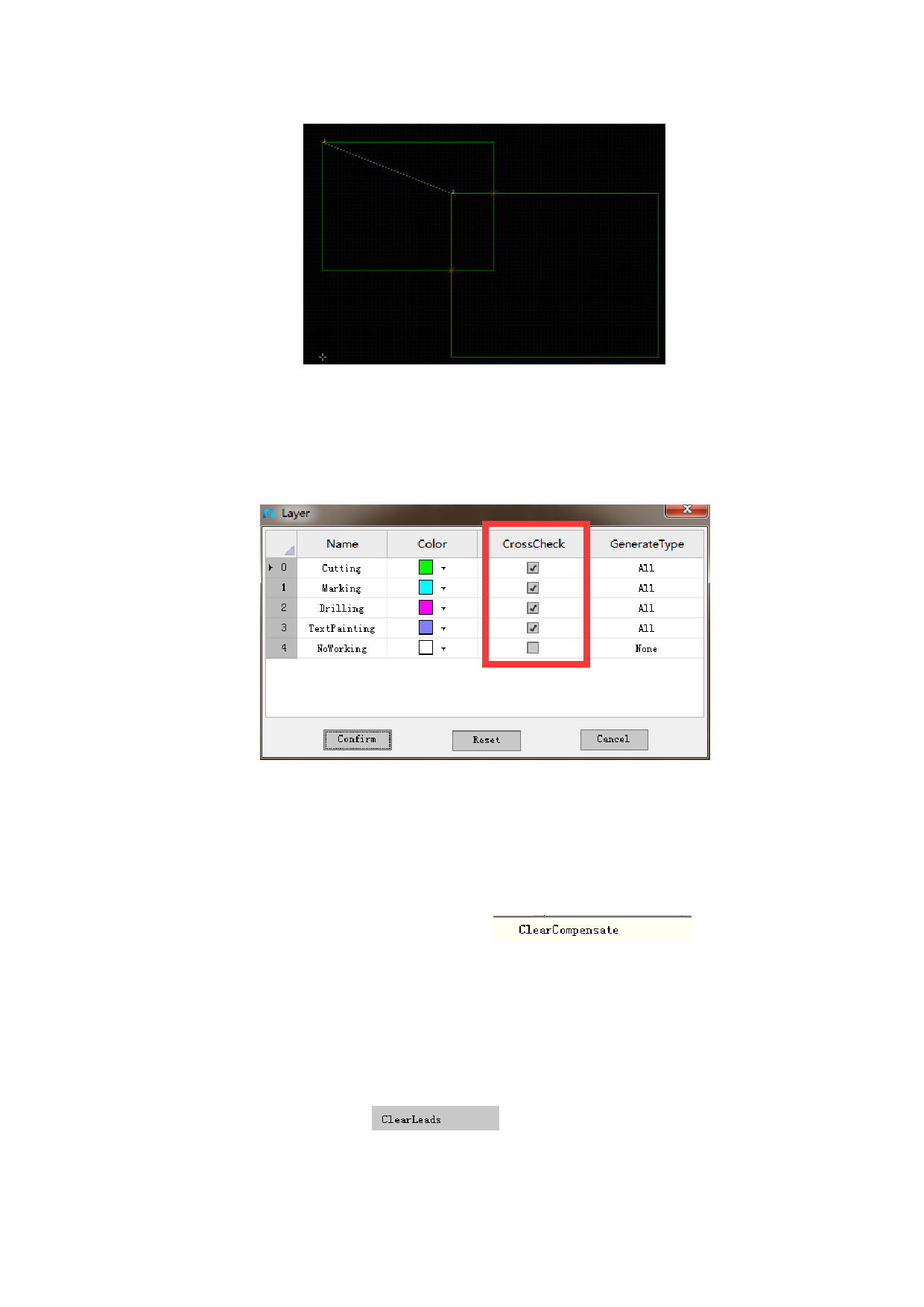
Note: The software will conduct “Check cross” operation automatically before
exporting the G code. If there is s an intervention prompt, please manually handle
the place where there is graphic intervention.
The software supports to check layer cross. Users can tick the layer which need
cross check.
2.1.9 Clear
2.1.9.1 Clear compensation
There is a “Clear compensation” button
under
“Clear” button. Clear compensation is to remove cutting compensation. It just needs
to click to select graph and click clear compensate.
2.1.9.2 Clear leads
There is a “Clear leads”
button under “Clear” button. Clear
leader line is to remove leader line. It just needs to click to select graph and click
clear.
41






































































































