






Shanghai Fangling Computer Software co., Ltd
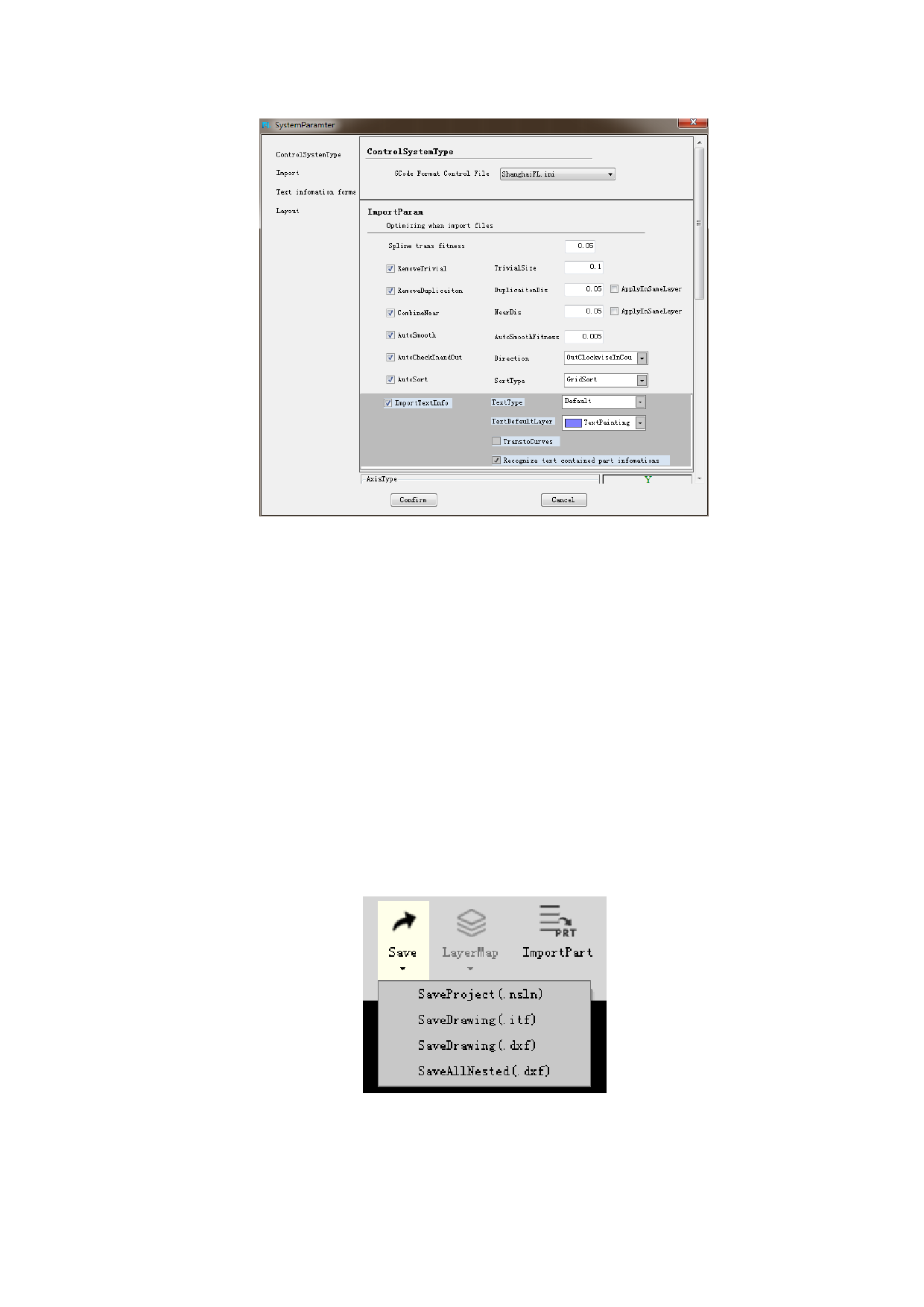
The setting of text import:
1. Whether to import text. Hollow out or single line.
2. Choose the layer of the text.
3. Whether to transform to curves. If transformed to curves, the text will be
shown in curves, which can add leads and micro joint, etc.
4. The text can be transformed to curves. But the curves cannot be transformed
to text.
1.6.4 Save
The file can be saved as project file(nlsn)、drawing(itf 、dxf)、all nested
(dxf).
Among them, the information of the project file saved is the most complete
which is suitable for large file storage. After importing the project file, the software
can resume the previous operations directly ( the quantity of the part、nesting result、
sheet information, etc.)
The designed parts can be saved to local for future use. Select the parts in the
drawing zone and right-click to “Save part to local”.
19






































































































