






Shanghai Fangling Computer Software co., Ltd
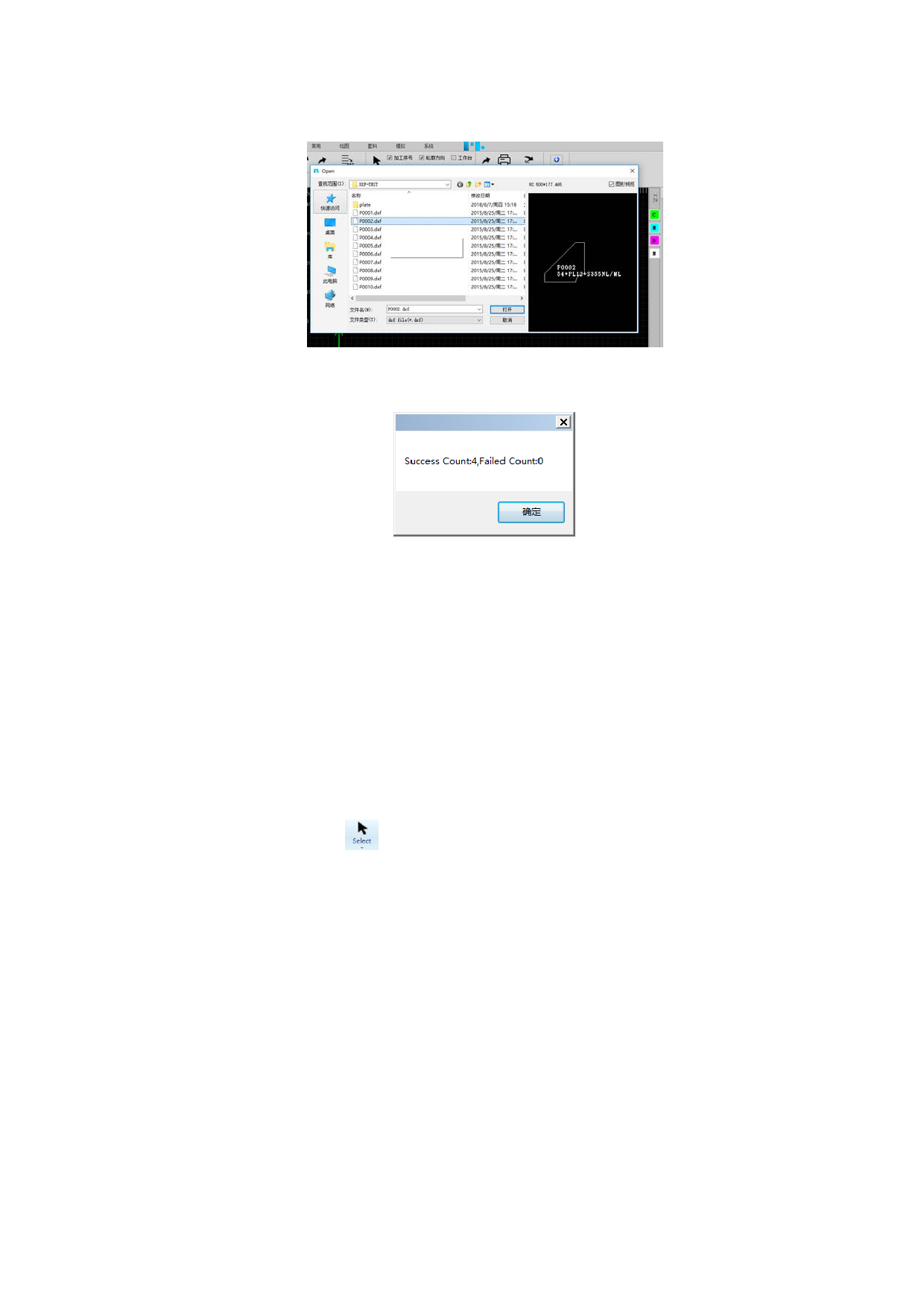
need to batch import, as shown below:
Select the dxf files need to batch import and click “Open”, the following box
will pop up:
After clicking “Confirm”, the parts will be added to part library directly.
The software supports to batch import of multiple parts files. It will
automatically recognize multiple parts in one file.
Dwg&nc1 files batch import is the same operation as dxf files batch
import.
1.7 View module
View module provides abundant graph selection functions, seven display option
switches.
1.7.1 Select
Click “select” button under “File”. Select includes Select all、Reverse
selection、Select same part、Select similar contour、Select all unclosed、Select
all outer、Select all inner、Select all Texts、Select by layer. Selected graphics will
be displayed in the form of dotted lines.
25






































































































