






Shanghai Fangling Computer Software co., Ltd
V simulate
5.1Simulation
Automatic simulation can help to detect if current cutting meets the
requirement.
Note: current simulation in software is simple simulation, unable to completely
reflecting real situation during cutting.
It can modify current simulation speed in simulation “Speed”, click
“Simulate” to begin automatic simulation, now “simulate” button changes to
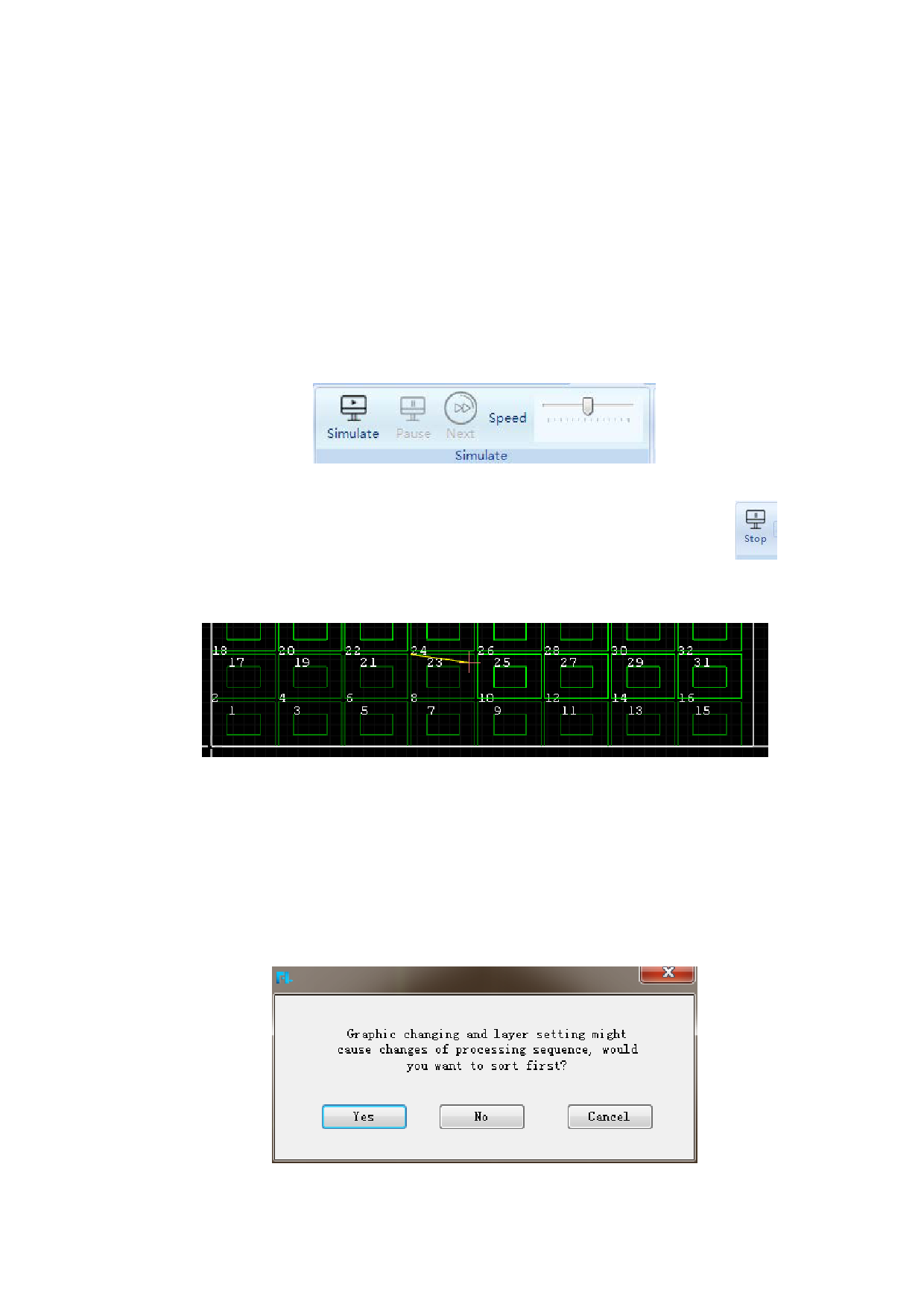
button. After simulation beginning, already cut parts will change color, as shown in
below figure:
Click “Stop” button to stop current simulation.
During the simulation you can press the space key or “Pause” button to pause
and click the “Next” button to entering the step-by-step process. During this process,
you can also select any line of G code in the GCODE browser on the left to view the
graph.
When click “Simulate”, it will pop up the prompt to remind users need to sort
first or not because graphic changing and layer setting might cause changes of
processing sequence.
84






































































































