






Shanghai Fangling Computer Software co., Ltd
2.2Modify
Inner cut
2.2.1 Direction
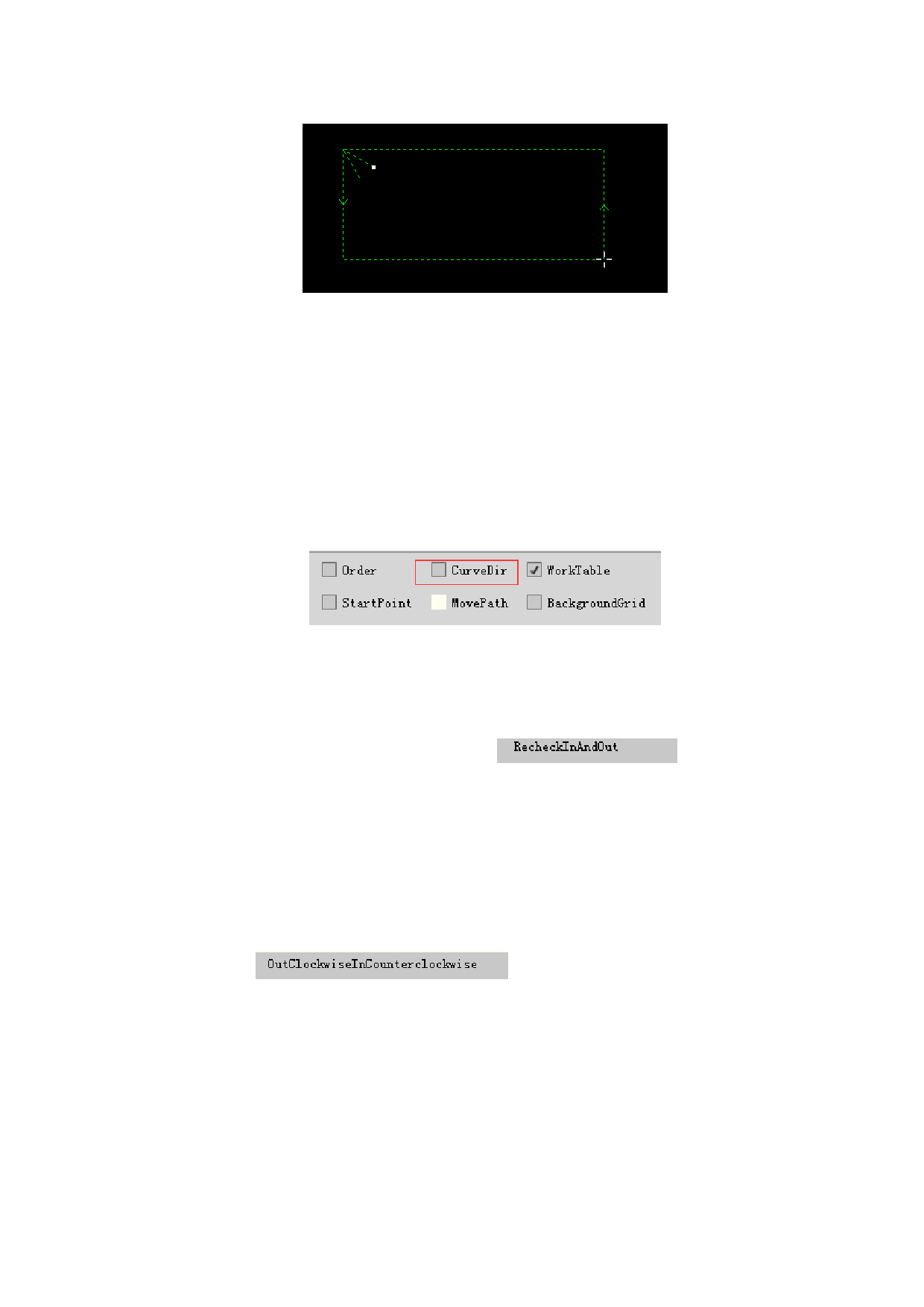
The software marks cutting direction of current contour in the form of arrow on
drawn component, if you cannot see the direction arrow, please tick “Curve
direction” in “File - View”.
2.2.1.1 Recheck inner and outer
There is a “Recheck in and out” button
under
“Direction” button. The software will automatically divide internal module and
external module of graph after clicking which will make previously setting
information about inner and outer cutting lost.
2.2.1.2 External clockwise & internal counterclockwise
There is
under “Direction” button. Only
need to click, namely external contour is displayed clockwise, internal contour is
displayed counterclockwise, as shown below.
45






































































































